Astria Workshops
Follow the same examples and sequence as the Astria Academy workshop videos. Each guide pairs the instructions with recorded screen captures so you can see the control, make the change and check the result.
Start with Series 1 to build your first lookbook, then use Series 2 to carry its creative direction into reusable templates. You can also open an individual lesson when you need a specific step.
Series 1: Your first AI lookbook
Build a lookbook from your brand’s visual brief, then refine the lighting, styling and product views before saving the direction.
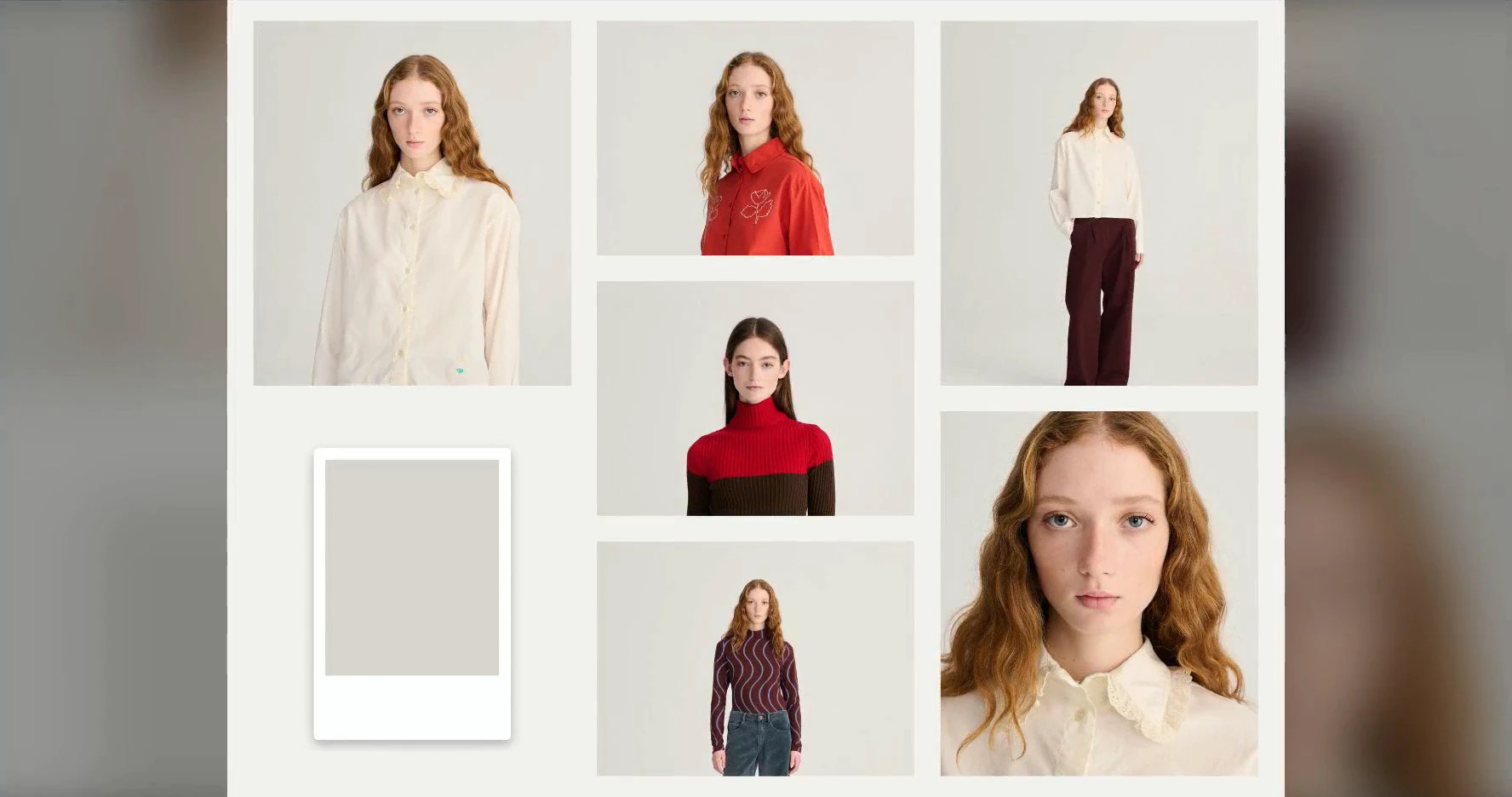
1.1: How to Define Your Brand’s Visual Direction for an AI Lookbook
Turn a brand’s existing photography into a visual brief for backgrounds, casting, styling and product views.
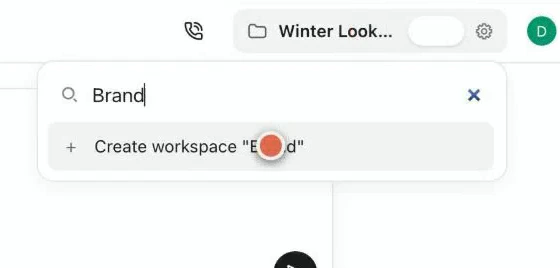
1.2: How to Create a Brand Workspace and Invite Your Team in Astria
Set up a dedicated brand workspace, bring in its logo and invite a collaborator to work with you.
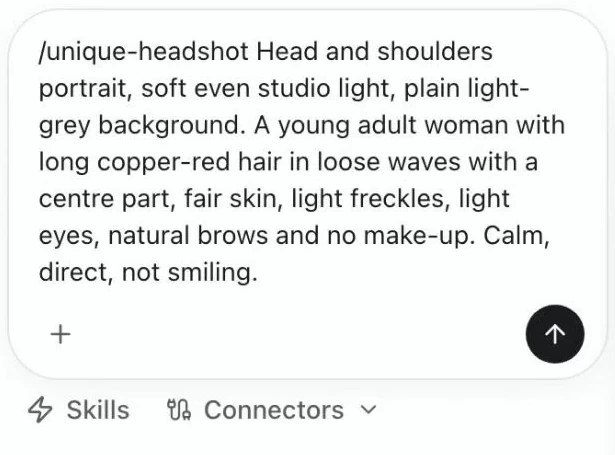
1.3: How to Cast an AI Fashion Model with Astria’s Agent
Use the Agent’s unique-headshot skill to describe the face, hair and expression for your lookbook model.
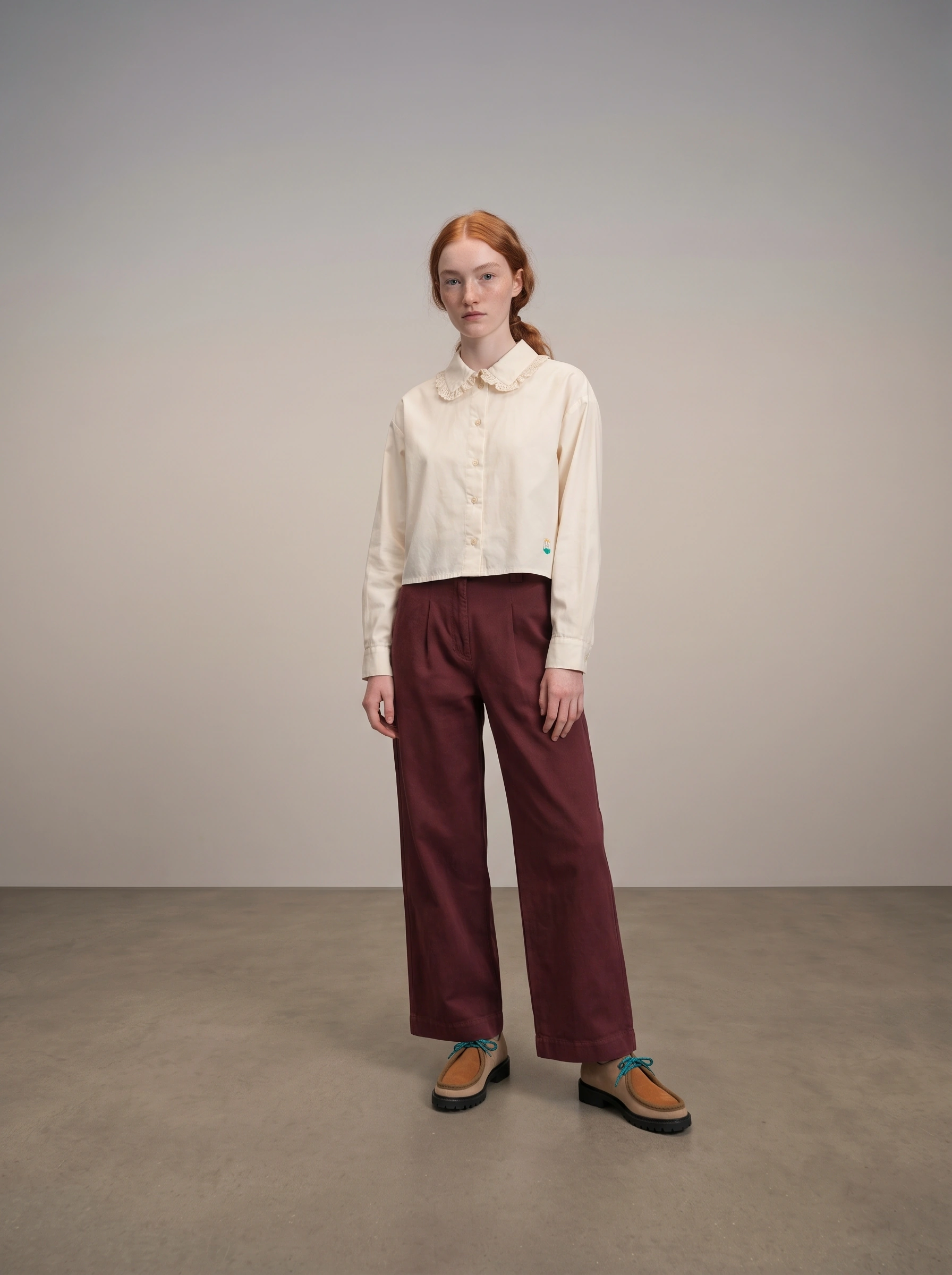
1.4: How to Create Your First AI Lookbook Image in Astria
Combine garment, model, pose and background references to generate your first full-length lookbook image.
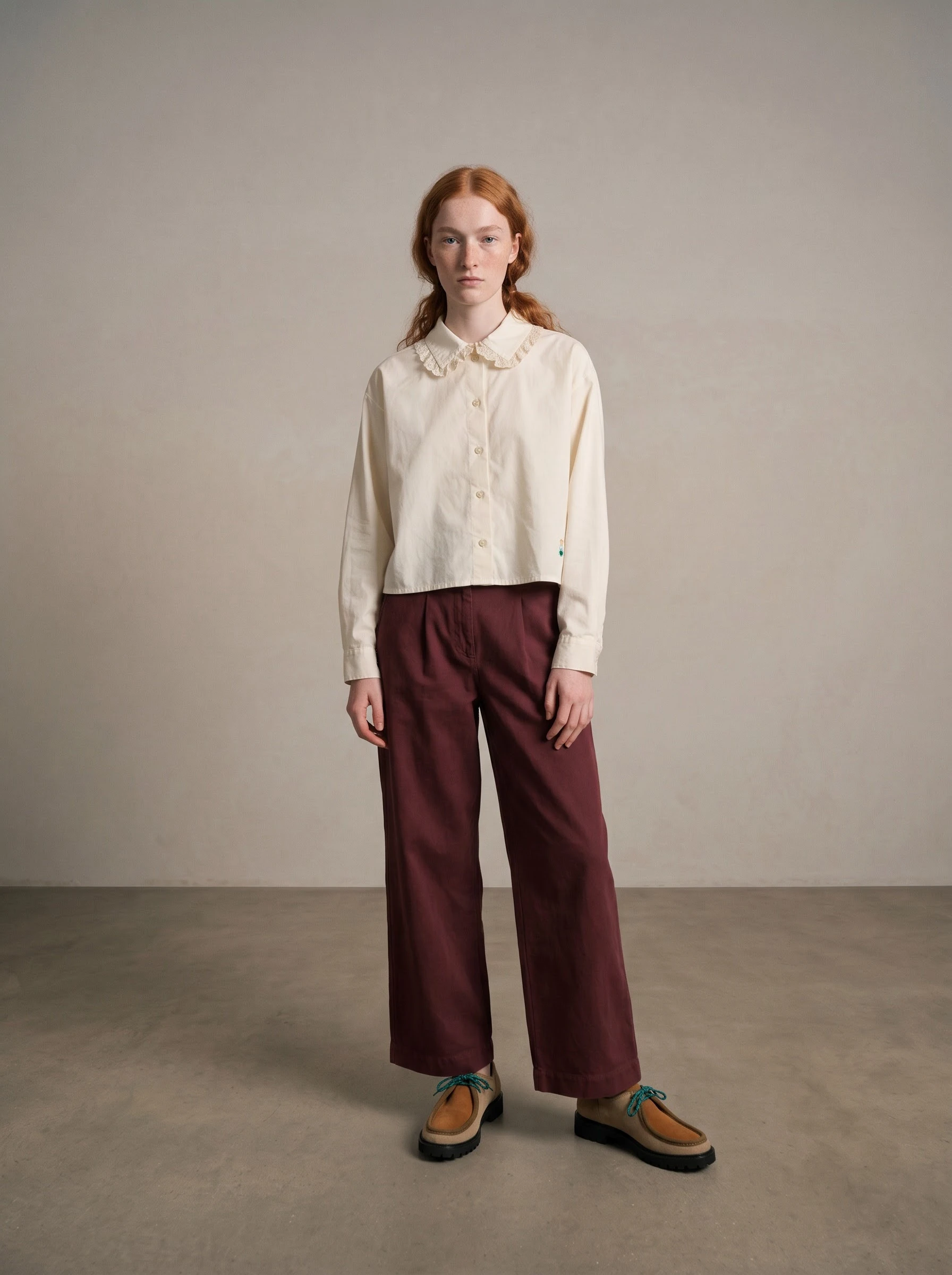
1.5: How to Control Backgrounds and Lighting in an AI Lookbook
Choose a background color or reference, then compare soft lighting with a more defined flash look.
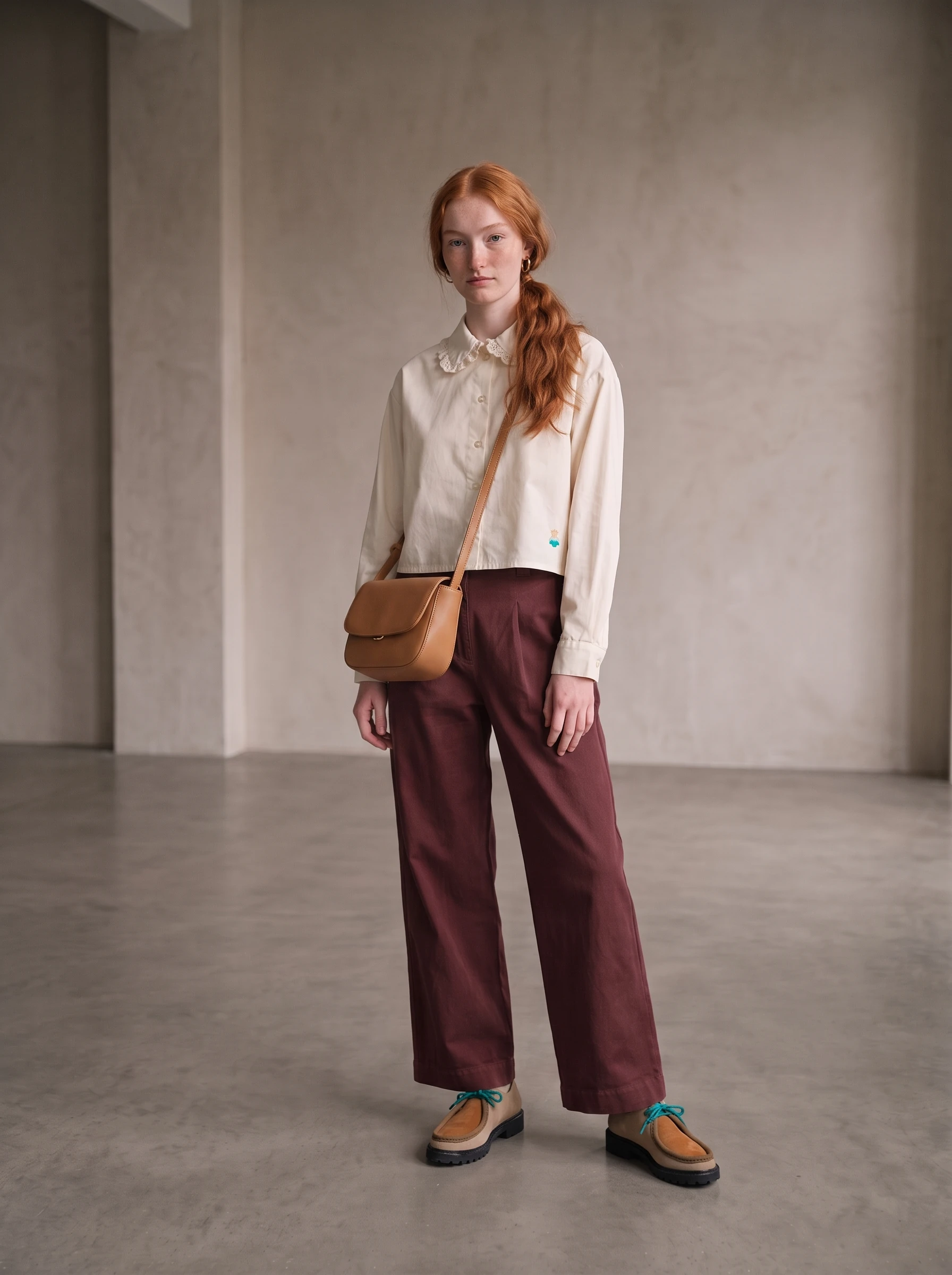
1.6: How to Style an AI Lookbook with Hair, Makeup and Accessories
Direct hair, makeup and accessories while checking that the original garments remain recognizable.
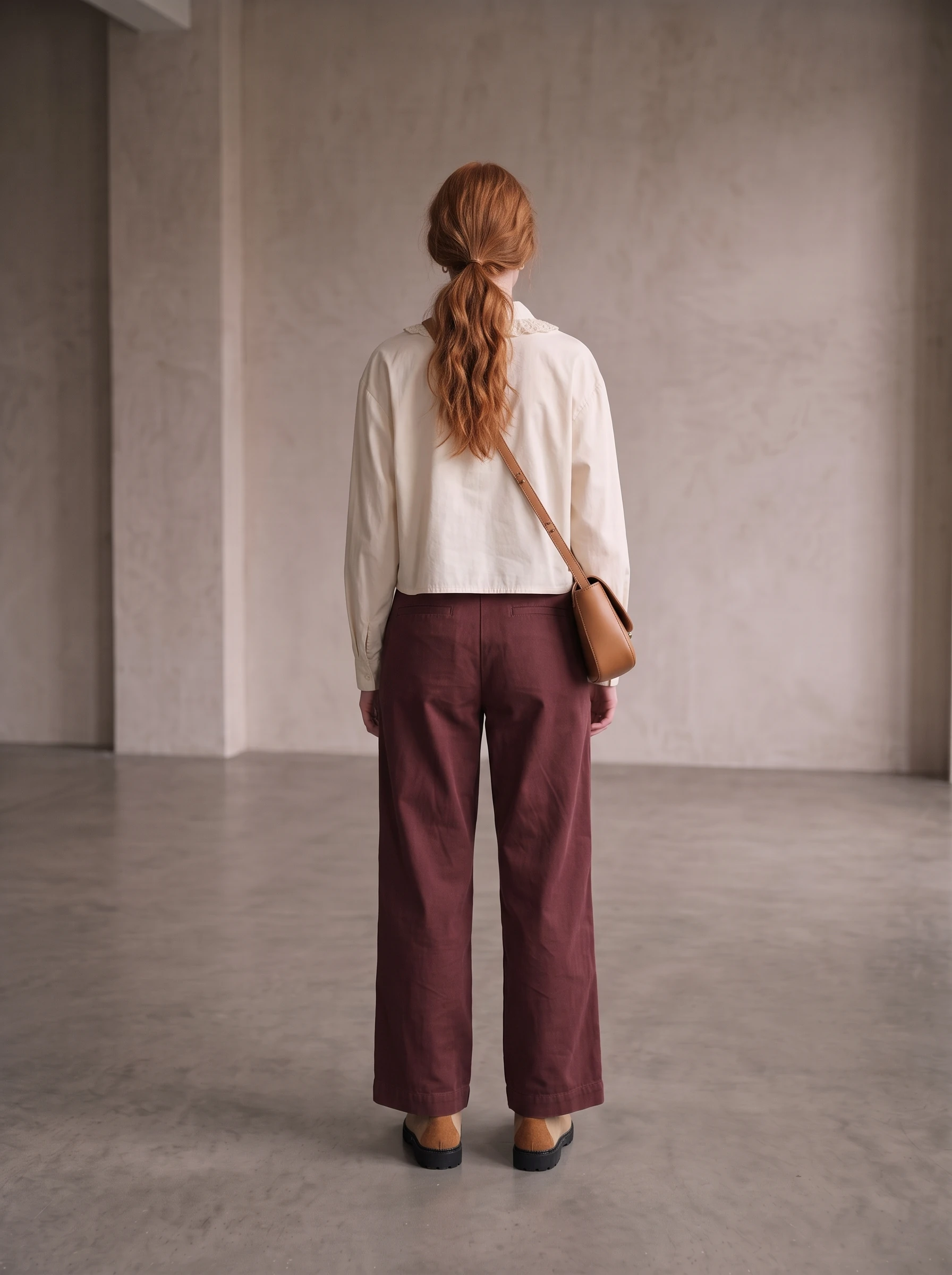
1.7: How to Choose Poses and Framing for AI Product Photos
Build a useful shot list with front, back, angled and detail views that explain the clothes.
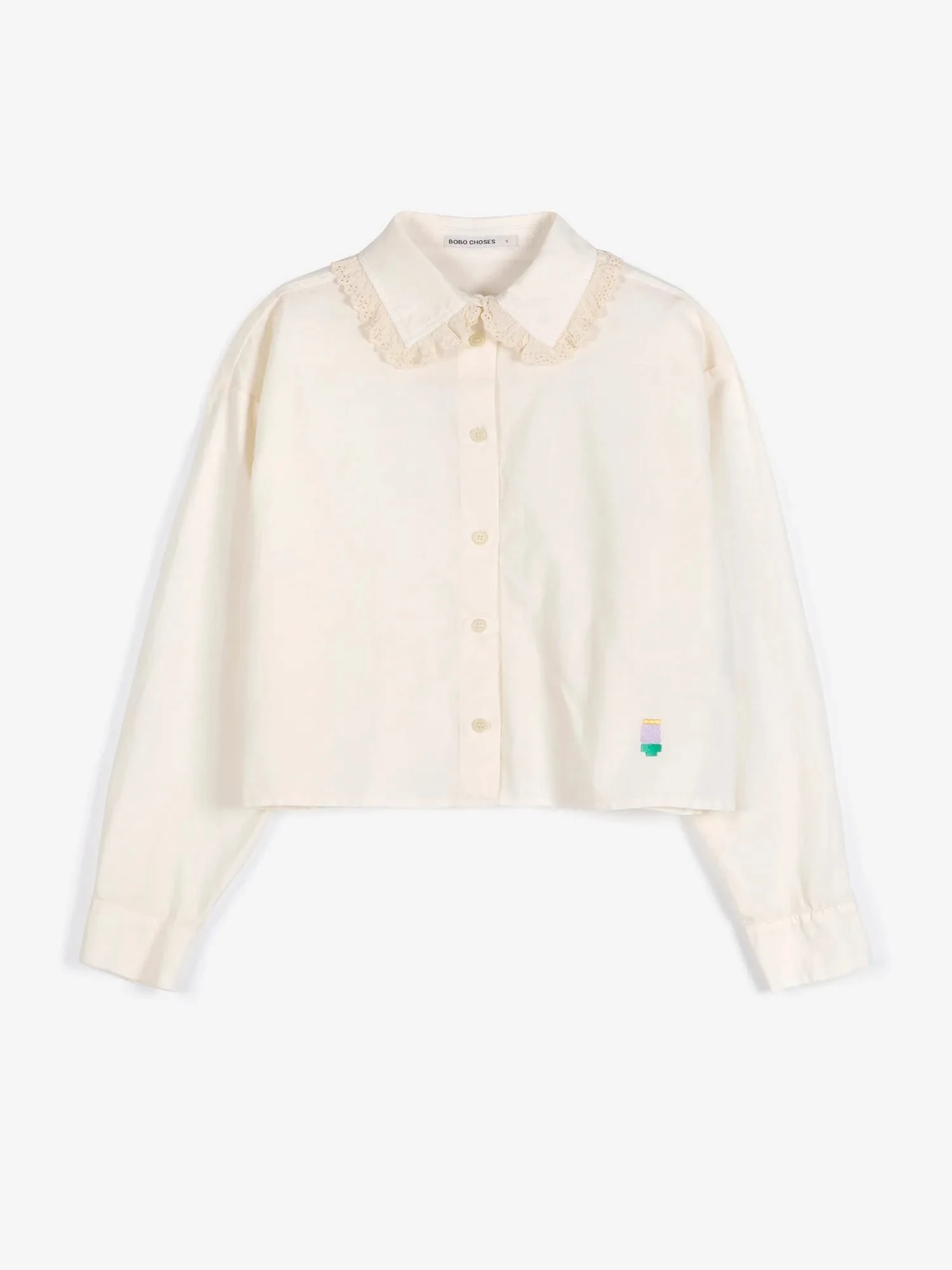
1.8: How to Choose Product Reference Photos for AI Fashion Images
Choose reference photos that show the product’s shape, details and fit, with extra views where they matter.
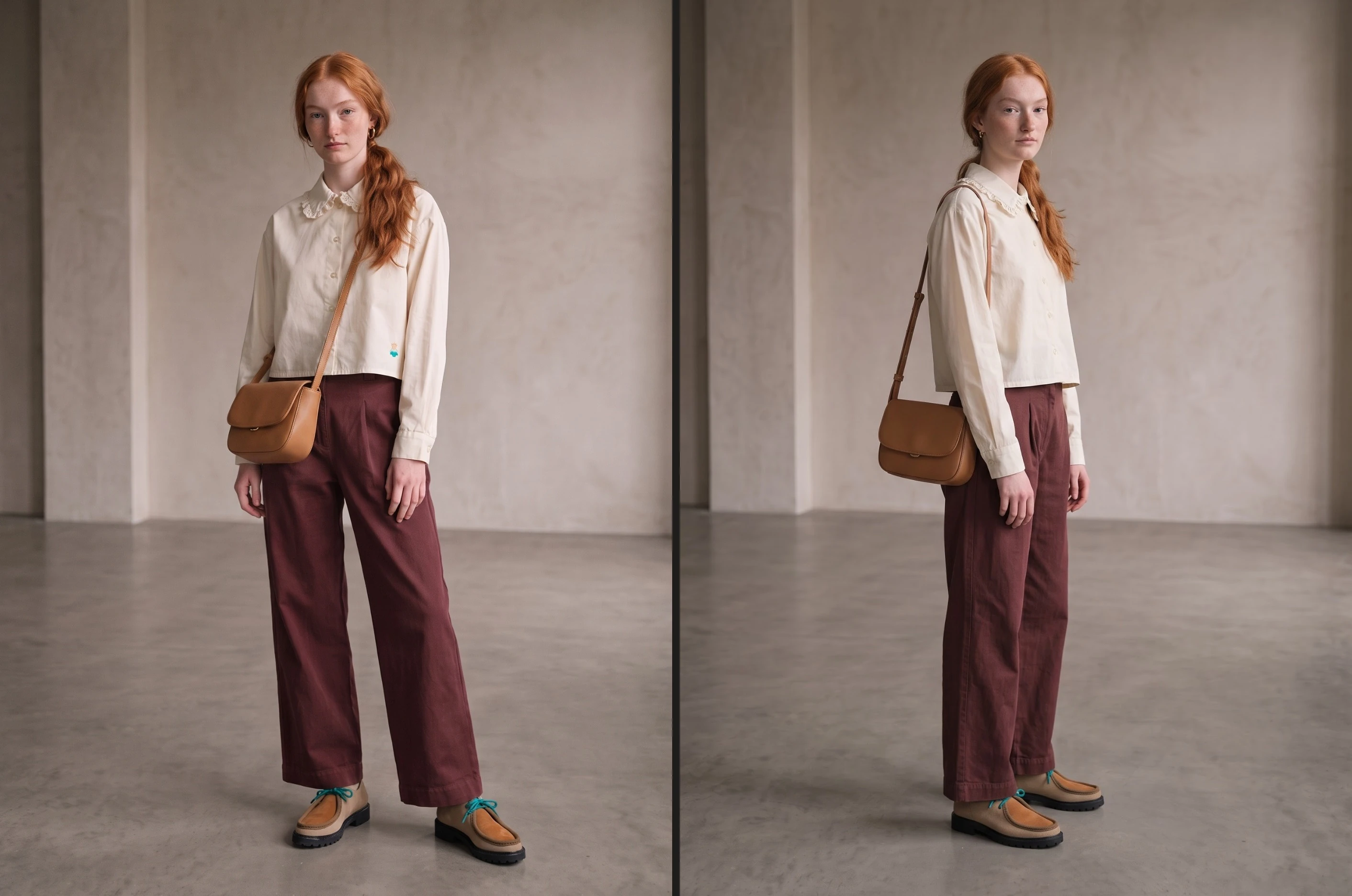
1.9: How to Review Your AI Lookbook Before Creating a Template
Review the finished images together for garment fidelity, styling and a consistent visual direction.
Series 2: Reusable lookbook templates
Turn the chosen shot set into a template, apply it to new products and prepare several styled looks for your collection.
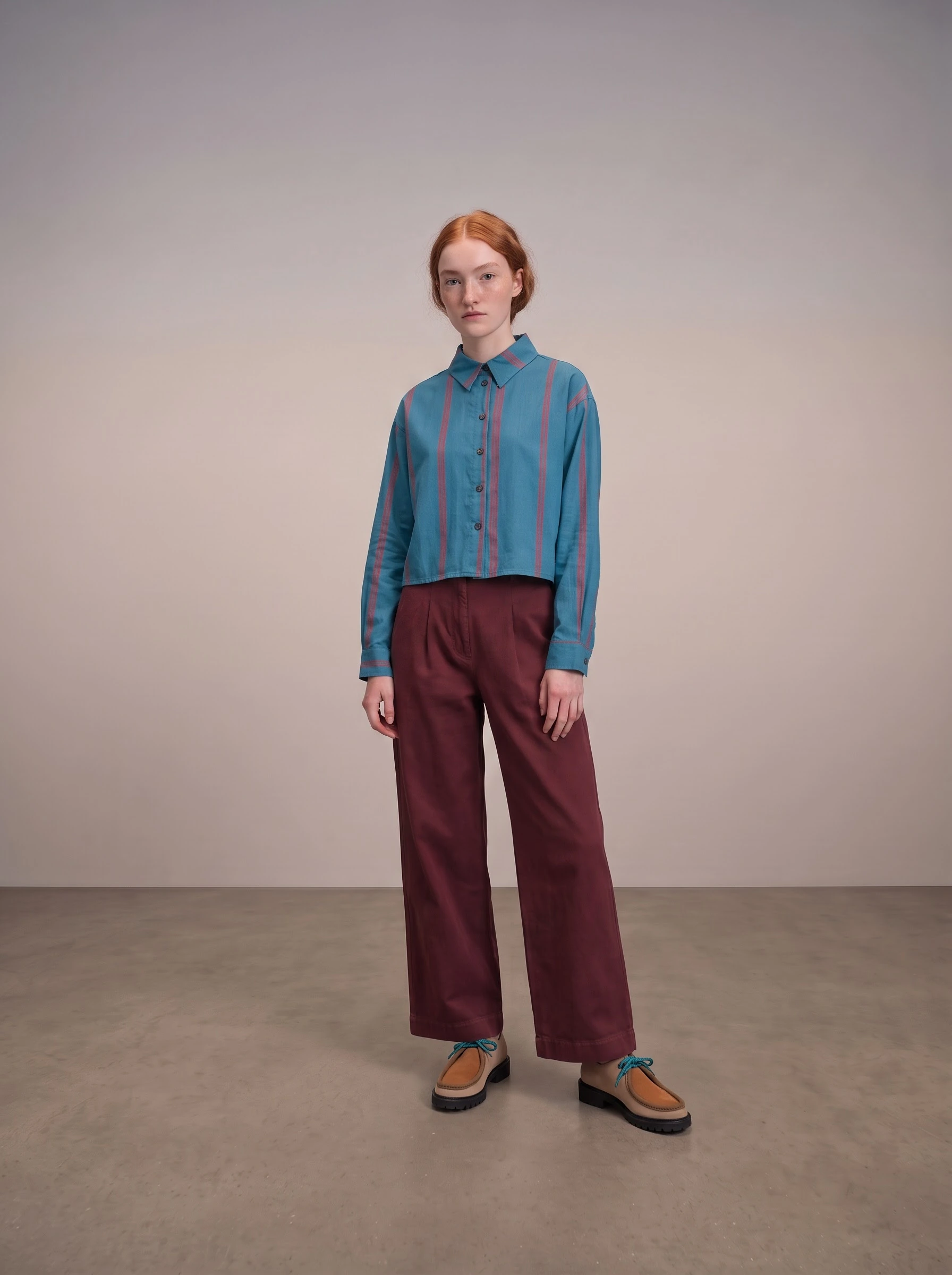
2.1: How Astria Templates Reuse Your Lookbook’s Creative Direction
See how a saved template carries the same poses, setting and lighting onto a different product.
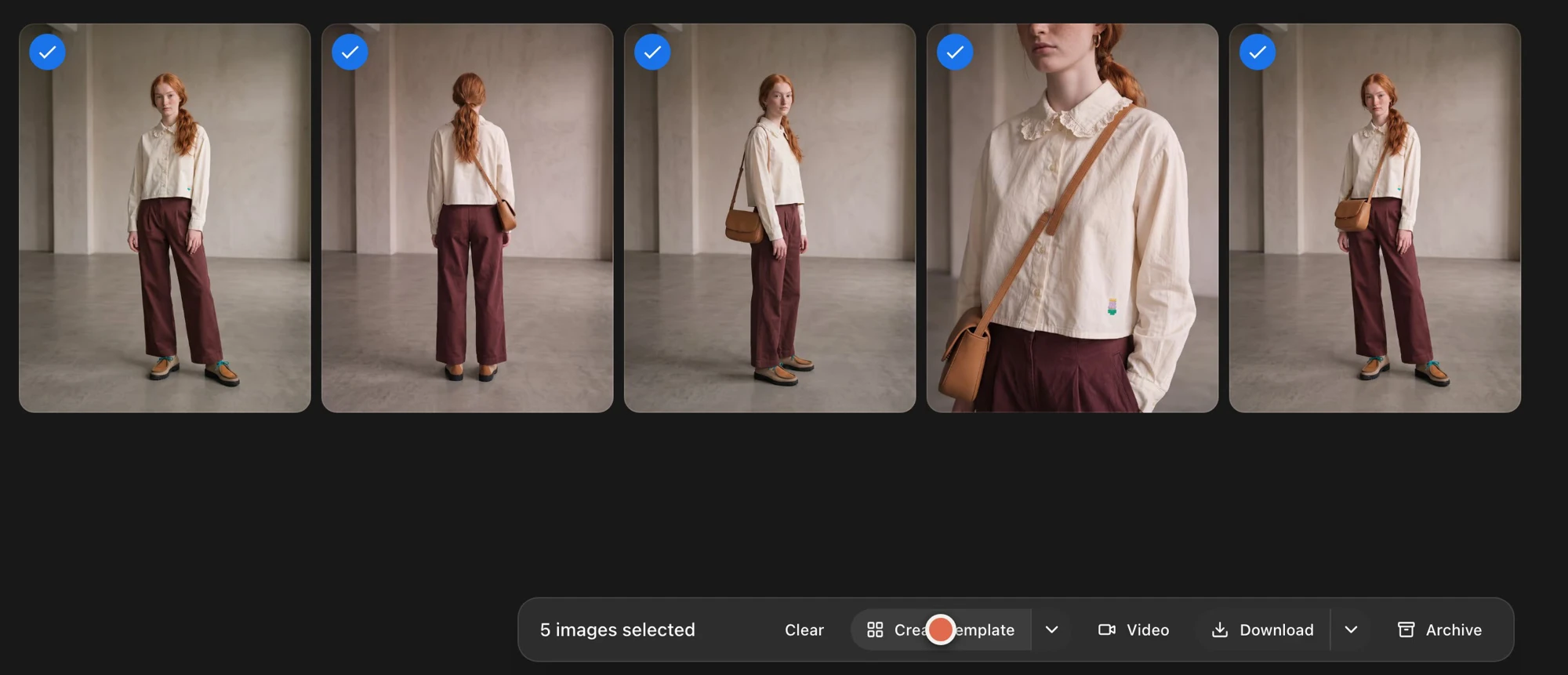
2.2: How to Create an Astria Template from Your Lookbook Prompts
Select your chosen prompts, save them as a template and check that the complete shot set is included.
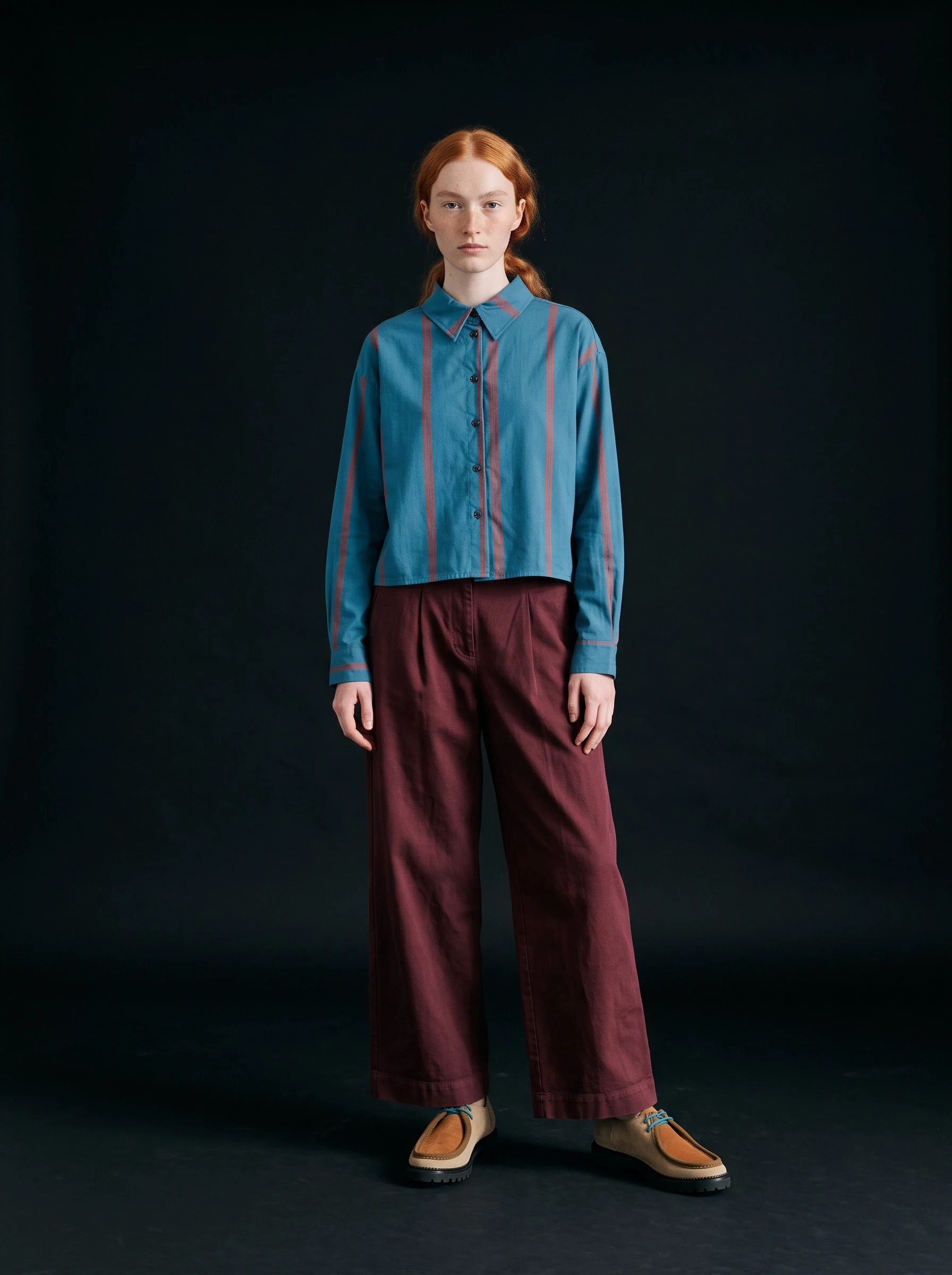
2.3: How to Run an Astria Template on a New Product
Replace a product reference, review the settings and try a brief to change the background or pose.
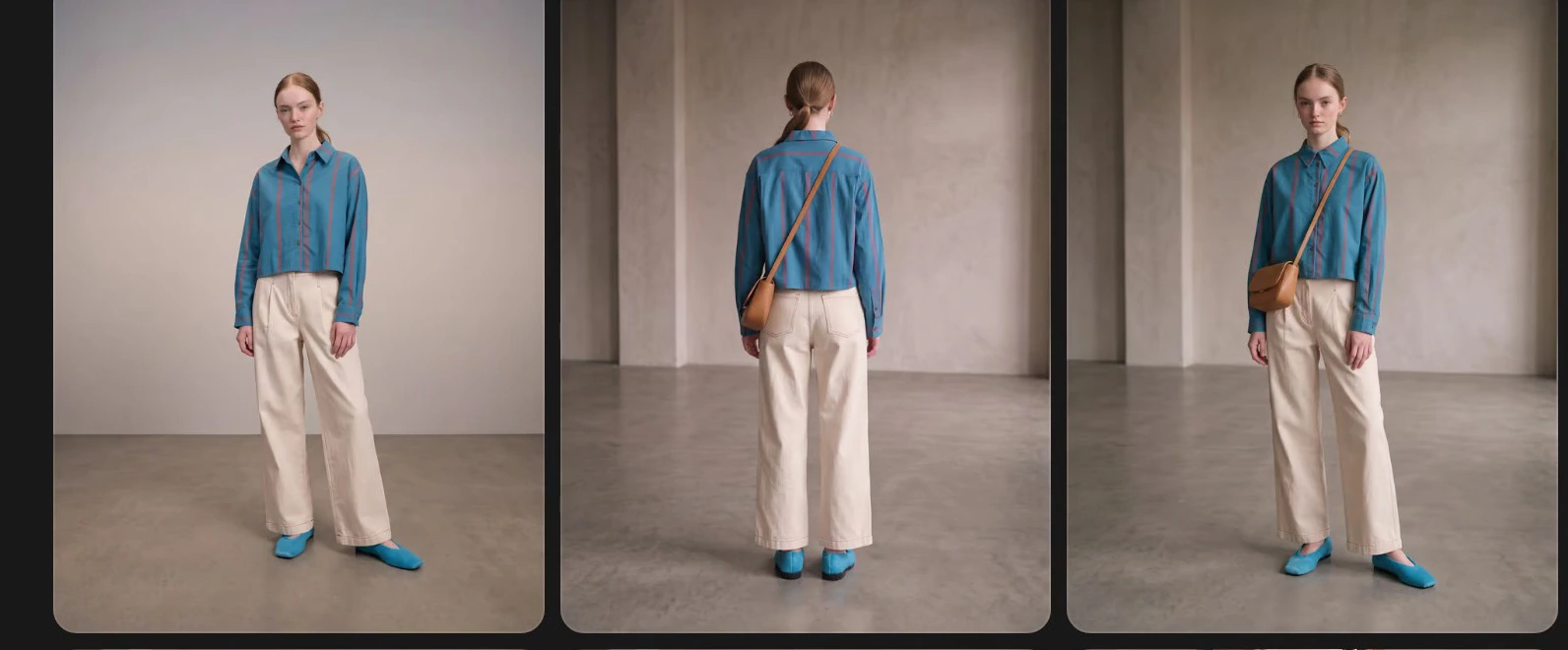
2.4: How to Generate Multiple Styled Looks with Astria Templates
Prepare separate outfit rows, run them together and review the resulting views for each look.
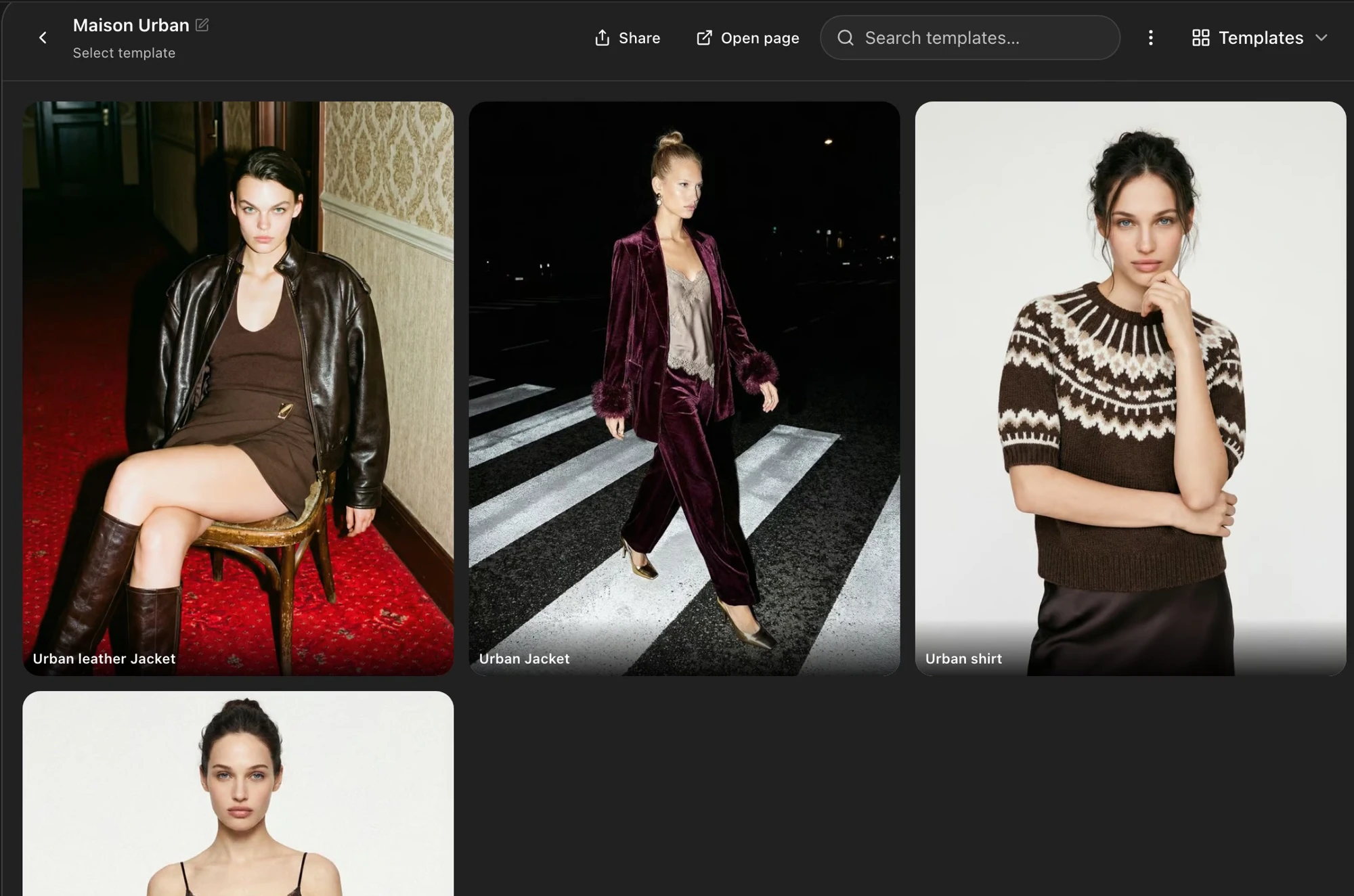
2.5: How to Choose and Organize Templates by Garment Category
Browse category templates and inspect their shot sets to find a suitable starting point for each garment.
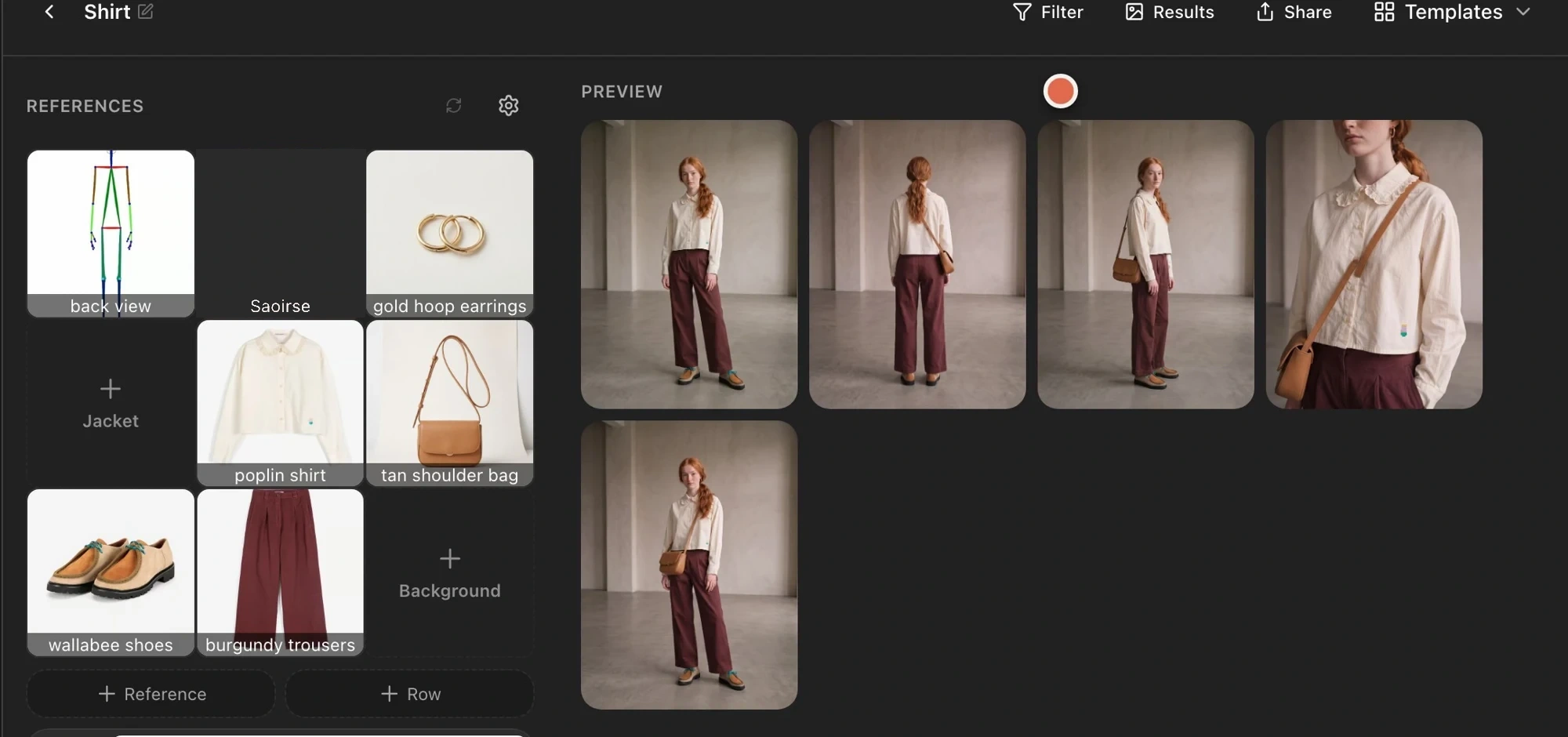
2.6: How to Review Your Reusable AI Lookbook Workflow
Check the complete workflow, from the saved shot set to outfit references and category templates.