Course3 min read
2.6: How to Review Your Reusable AI Lookbook Workflow
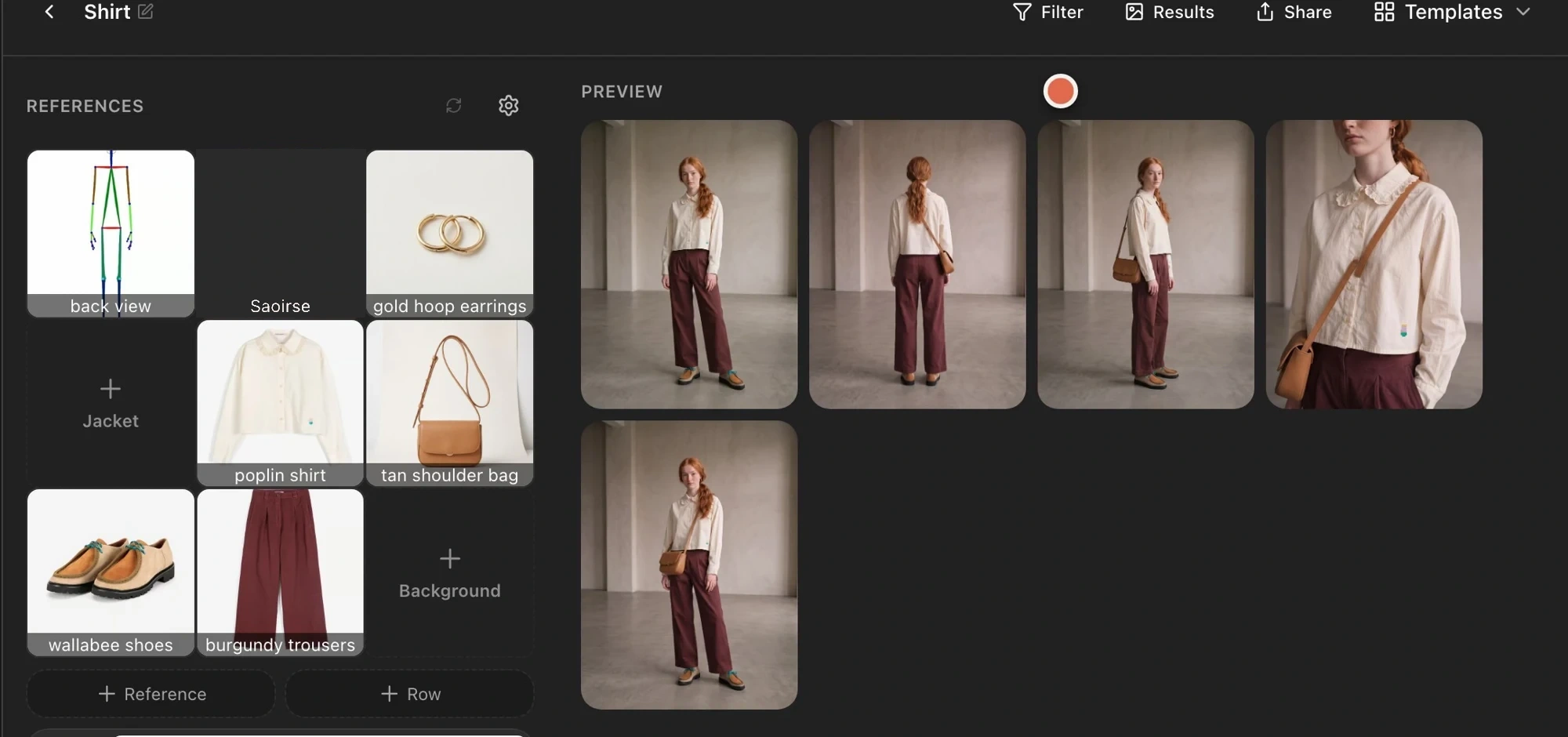
Review your Astria template workflow: save prompts, replace product references, adjust one run, style multiple rows, and check garment accuracy.

The Astria blog
Follow the Astria course, from your first AI lookbook to reusable templates for a collection.
Review your Astria template workflow: save prompts, replace product references, adjust one run, style multiple rows, and check garment accuracy.
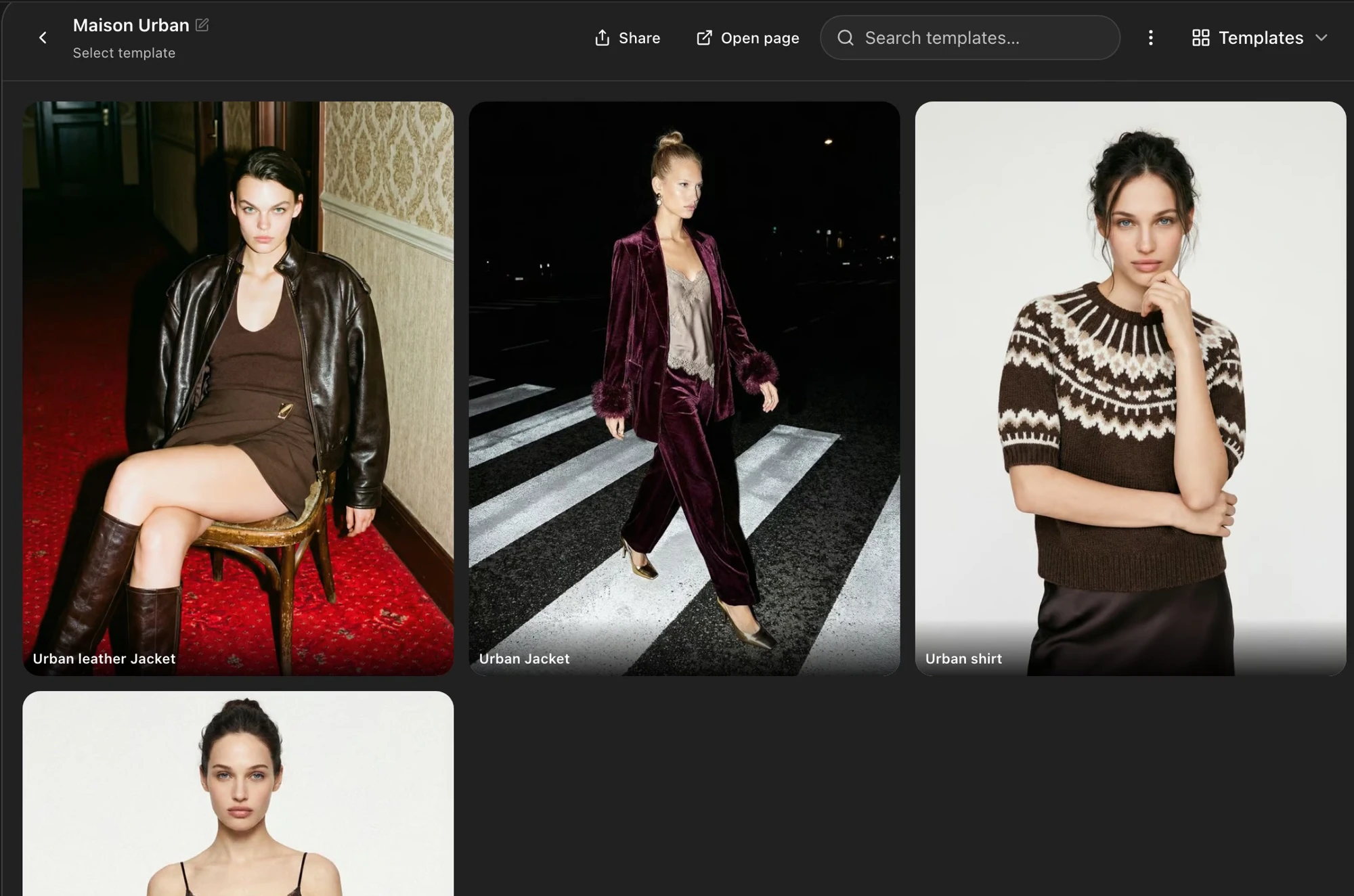
Choose Astria templates by garment category, matching the poses, framing and styling instructions to shirts, dresses and jackets.
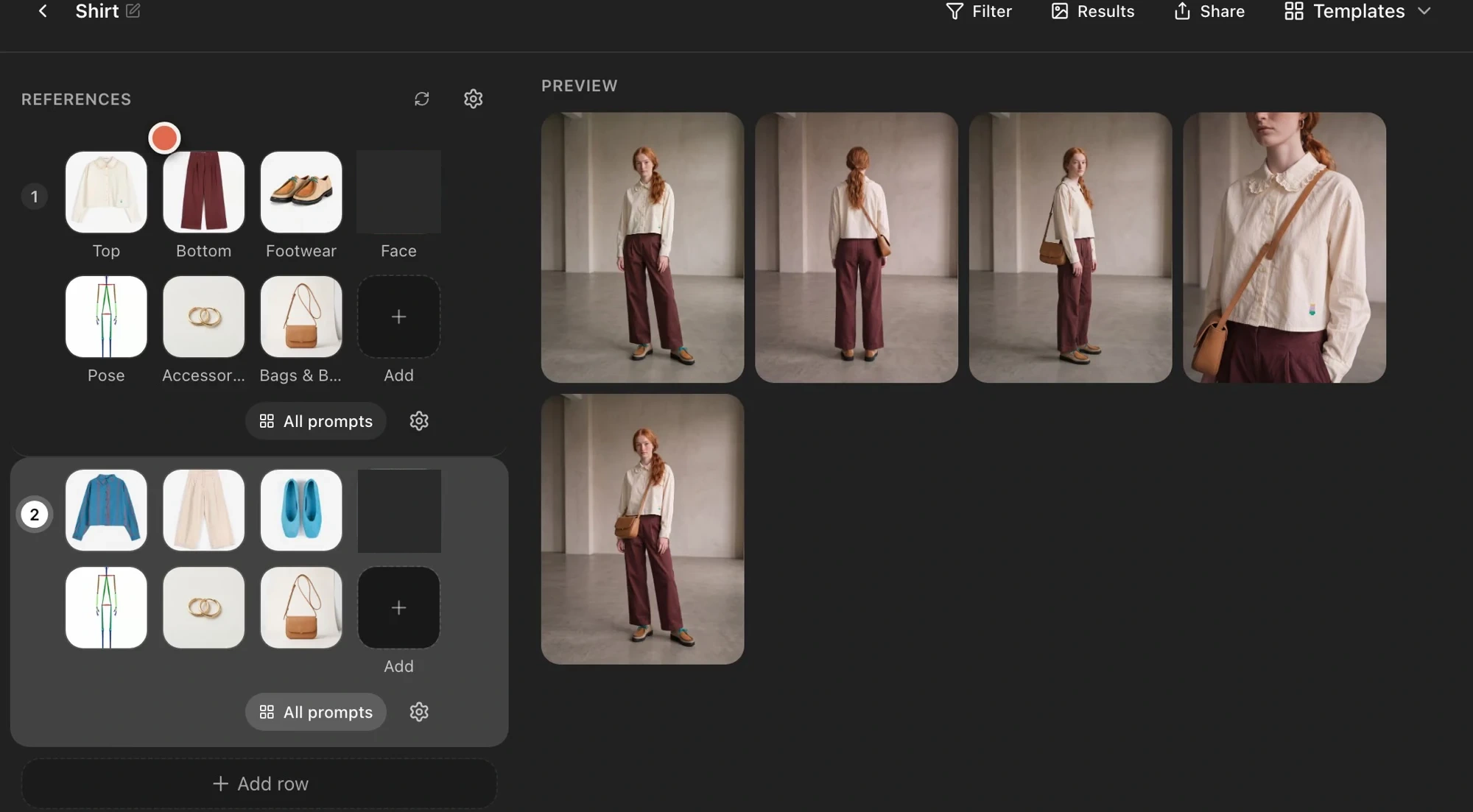
Prepare two styled outfits in separate Astria template rows, choose each look’s clothing and model, generate together, and review against product…
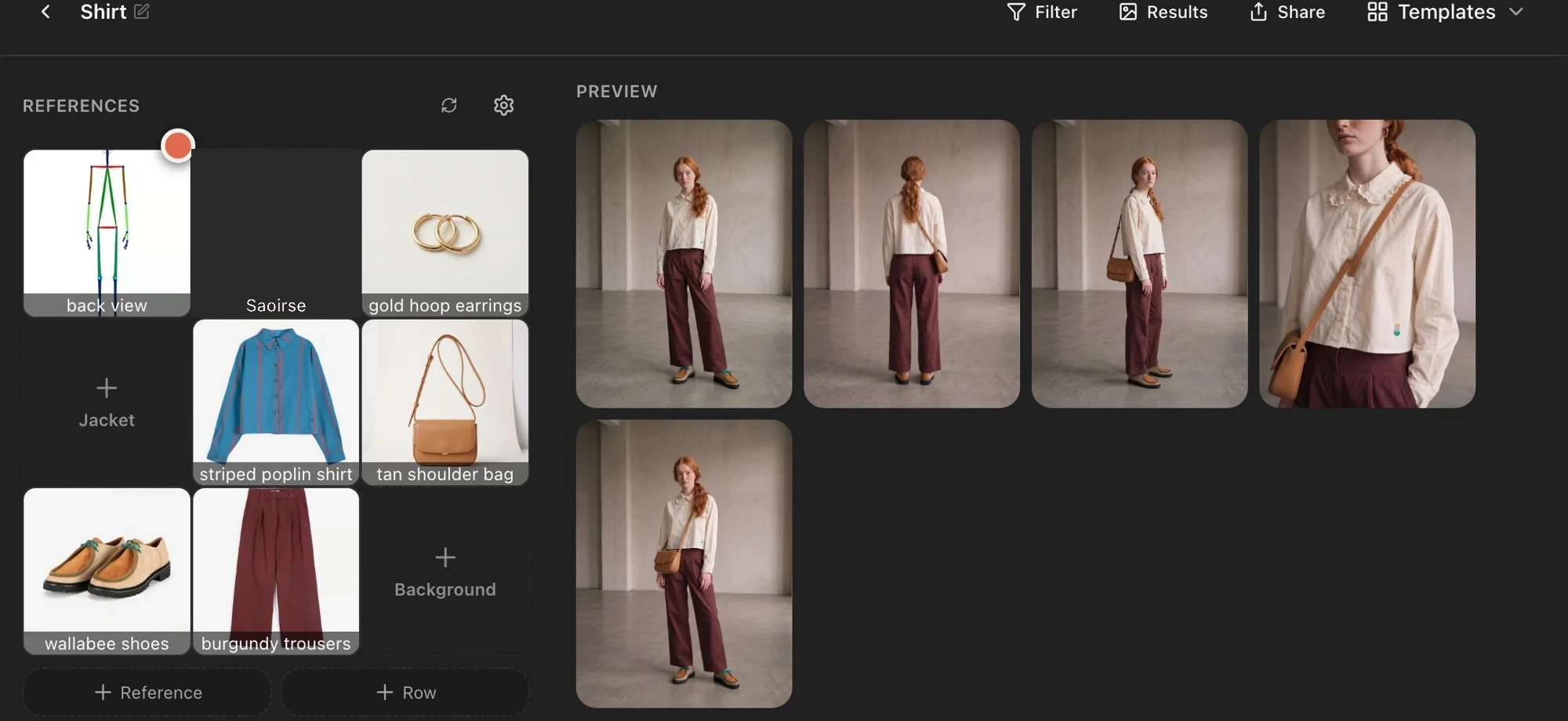
Run an Astria lookbook template with new product photos, adjust settings and the brief for one generation, select shots, and check product accuracy.
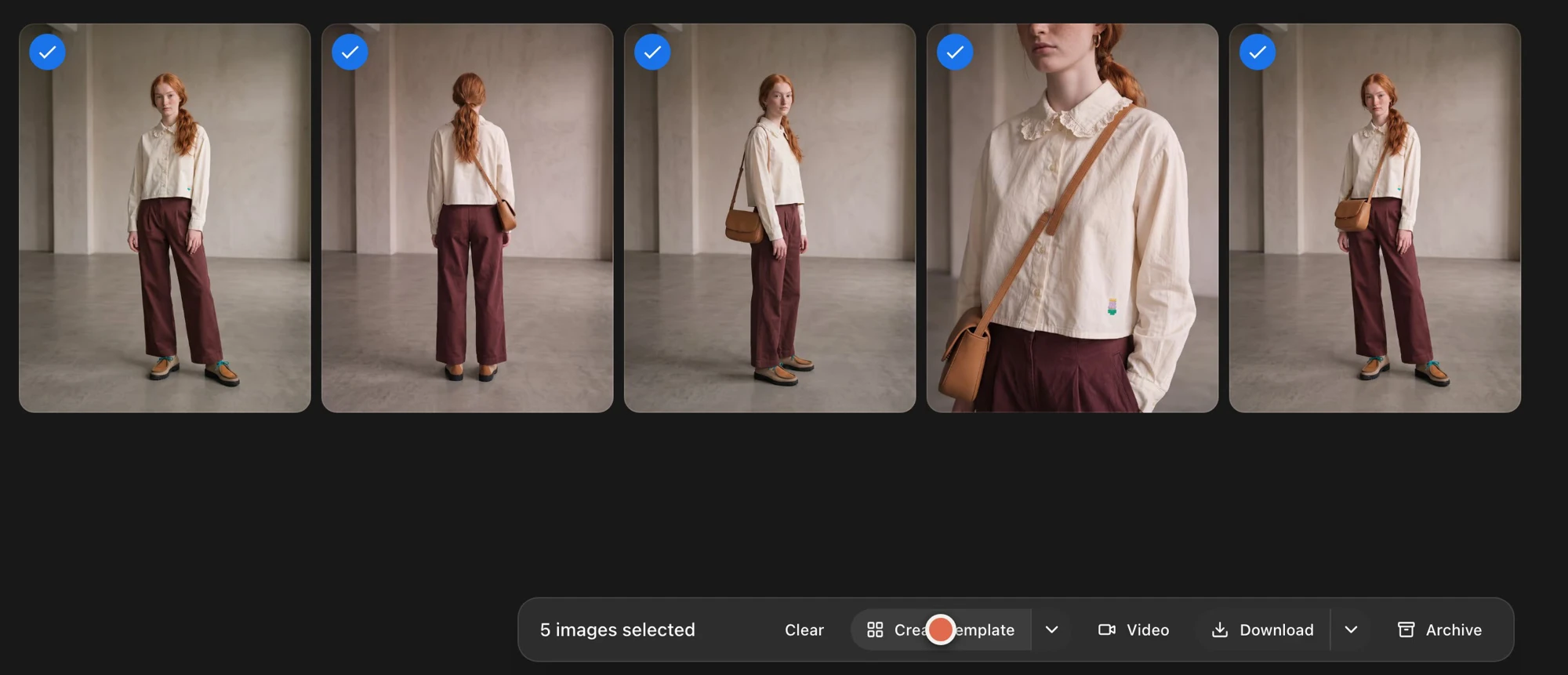
Save five lookbook prompts as an Astria template: select your shots, choose Create template, and name the saved set after its garment category.
Learn how Astria templates save a lookbook’s prompts so you can reuse its poses, backgrounds and lighting with different product photos.
Review your AI lookbook’s styling, lighting, garment accuracy and consistency before turning the selected images into a reusable Astria template.
Choose useful product reference photos for Astria: prepare clear garment images, add distinctive back details, use a shoe angle and explain missing…
Choose poses and framing for AI product photos in Astria. Study garment galleries, build a shot list, use Lookbook Pose and review consistent views.
Style an AI lookbook in Astria: describe hair and makeup, select accessories and shoes, and compare the full outfit while checking garment details.