2.6: How to Review Your Reusable AI Lookbook Workflow
Astria Workshops · Series 2: Reusable lookbook templates · Lesson 6
Review the workflow you built in Series 2: save the prompts behind a chosen look, reuse them for new products, and keep checking that the images represent the real clothes.
Follow workshop 2.6. The screenshots show its recorded steps, cropped to keep the relevant controls readable. Keyframe times are relative to the named scene. Click any image to enlarge it.
Before you begin
Have your saved template, its results and the original product photos open. This is a short review of the series, following the recap video.
Step 1: Confirm what you saved
You turned a chosen lookbook set into a reusable template by saving the prompts behind its images. Those instructions let the team carry the brand’s creative direction into new work.
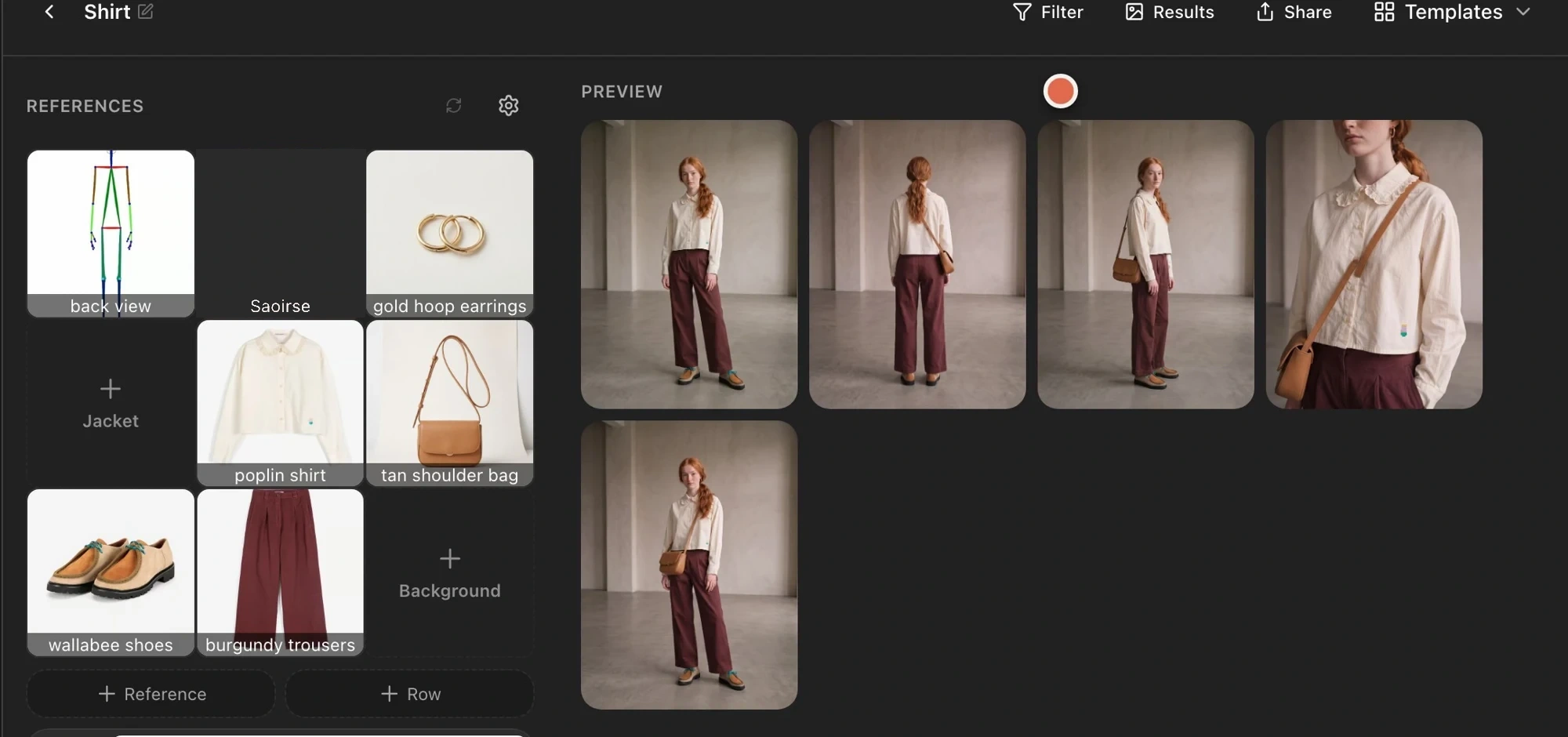
Step 2: Review how you reused it
You replaced the product references with another shirt’s photos, adjusted settings and instructions for one generation, and selected only the shots you needed. The saved template remained available for later runs.
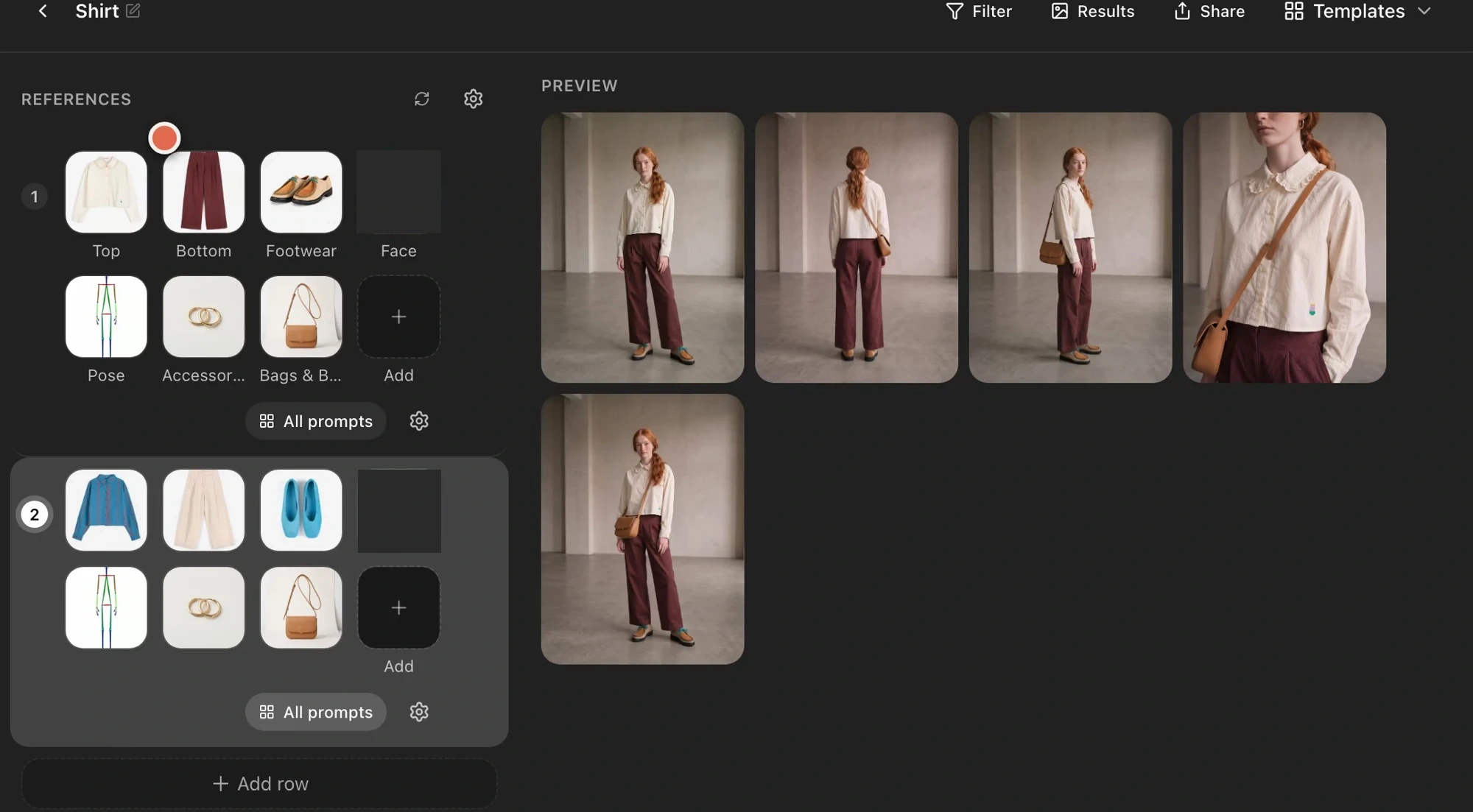
For several looks, you styled two outfits in separate rows and generated them together.
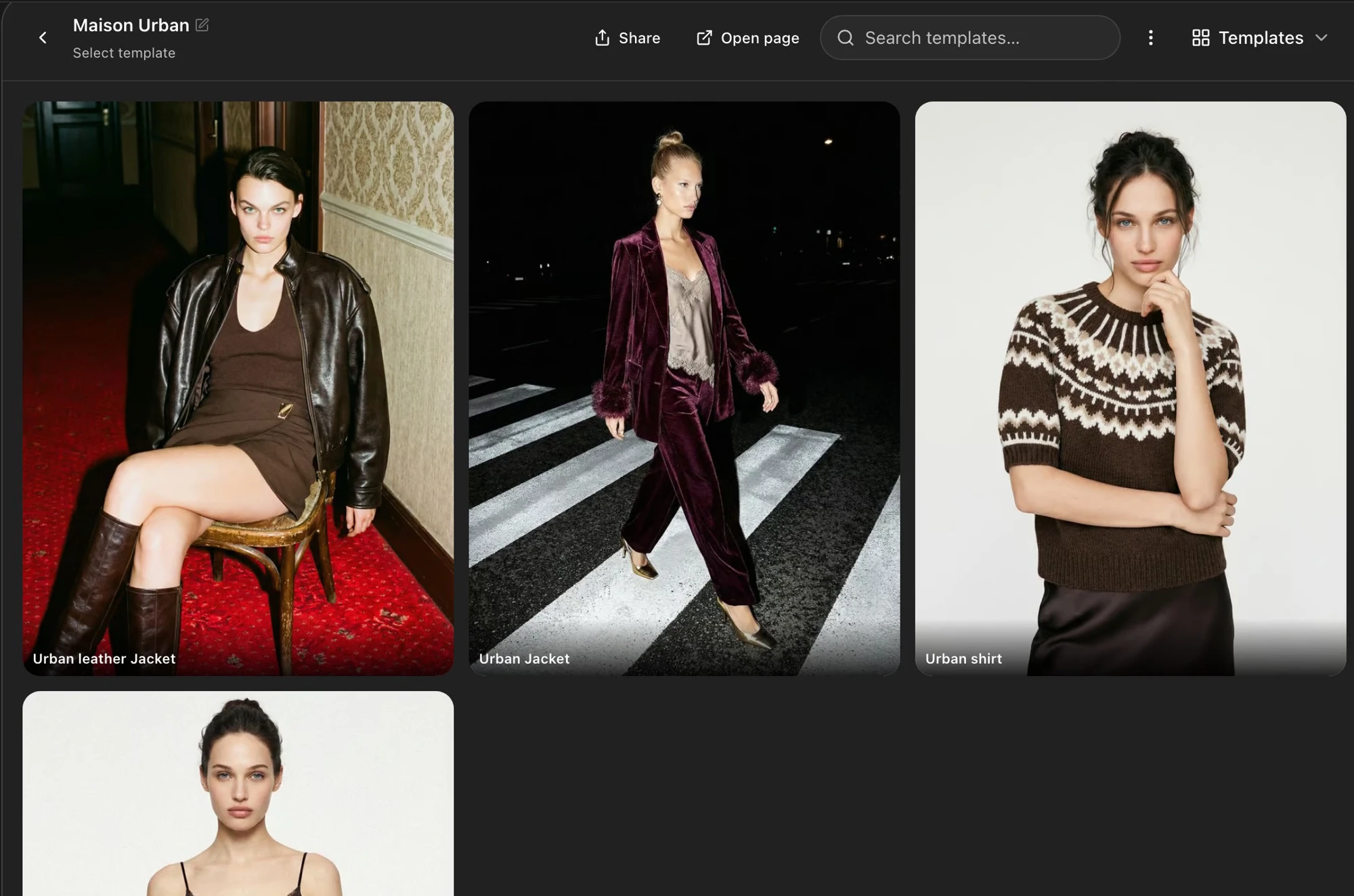
You also created templates by garment category, with poses, framing and prompts suited to each type of clothing.
Step 3: Keep checking the real product
As you use the templates across more products, continue choosing how each outfit is styled. Compare each result with its own product photos, checking garment shape, color, pattern and important details before keeping the image.
Your reusable studio now combines a saved creative direction with individual styling and product review.
Return to creating a template, running it on a new product, preparing multiple looks, or choosing a garment-category template whenever you need the detailed steps.