 Astria
Start with
your craft.Backed by up to $500.
Unlock up to $500 in Astria creator credits: $50 after each monthly publication milestone, up to 10; your completed first brief counts as milestone one.
- Creator fund
- $500 Unlock in Astria creator credits
- First project
- 6–10 / 1 Images / reusable template
- Target
- 30 days From onboarding
- Publication
- 1 guaranteed Completed first brief published on Astria
- Ownership
- 100% Original work remains creator-owned
Make one signature project.
Get it published.
Choose one first assignment: a 6–10-image signature collection or one reusable template. The suggested pace is 30 days from onboarding. Complete the agreed brief and Astria publishes the work under your Astria Creative Partner · Explorer identity. Your original work remains yours.
Invited directly by Astria? Continue from the private onboarding link in your invitation email.
Personal onboarding
A one-to-one working session, an Explorer workspace and starter setup, and creative planning around an agreed first-project brief.
Monthly publication milestones
Earn $50 in Astria credits after each qualifying monthly Astria publication, for up to 10 milestones. Your completed first brief counts as milestone one.
Publishing baseline
Complete the agreed brief and your collection or template is published on Astria under your Creative Partner · Explorer identity.
Quality-based amplification
Astria reviews completed work for social reposts, showcase placement, and editorial features. These additional placements are selected for quality and fit, not guaranteed.
- 01
Accept your place
Confirm your Explorer acceptance by email.
- 02
Onboard
Meet one-to-one, open your Explorer workspace, and agree the project plan.
- 03
Create
Complete a 6–10-image collection or one reusable template, ideally within 30 days.
- 04
Publish
Astria publishes the completed brief under your Creative Partner · Explorer identity, completing your first $50 publication milestone.
- 05
Graduate to Pro
Activate your first paying brand; when it crosses $500, 12% applies to its full eligible spend.
Want an immediate referral path? Explorers can separately join Astria’s existing affiliate program. It pays 20% of template-owner revenue after card-processing and GPU infrastructure costs, or 20% of the Photoshop plugin price. Attribution lasts 30 days; each qualifying purchase earns a one-time commission, not subscription revenue. This is separate from Pro brand-spend rev share.
Best
performing.
Curated collections with unique brand aesthetics, crafted by our creators, powered by Astria.See all templates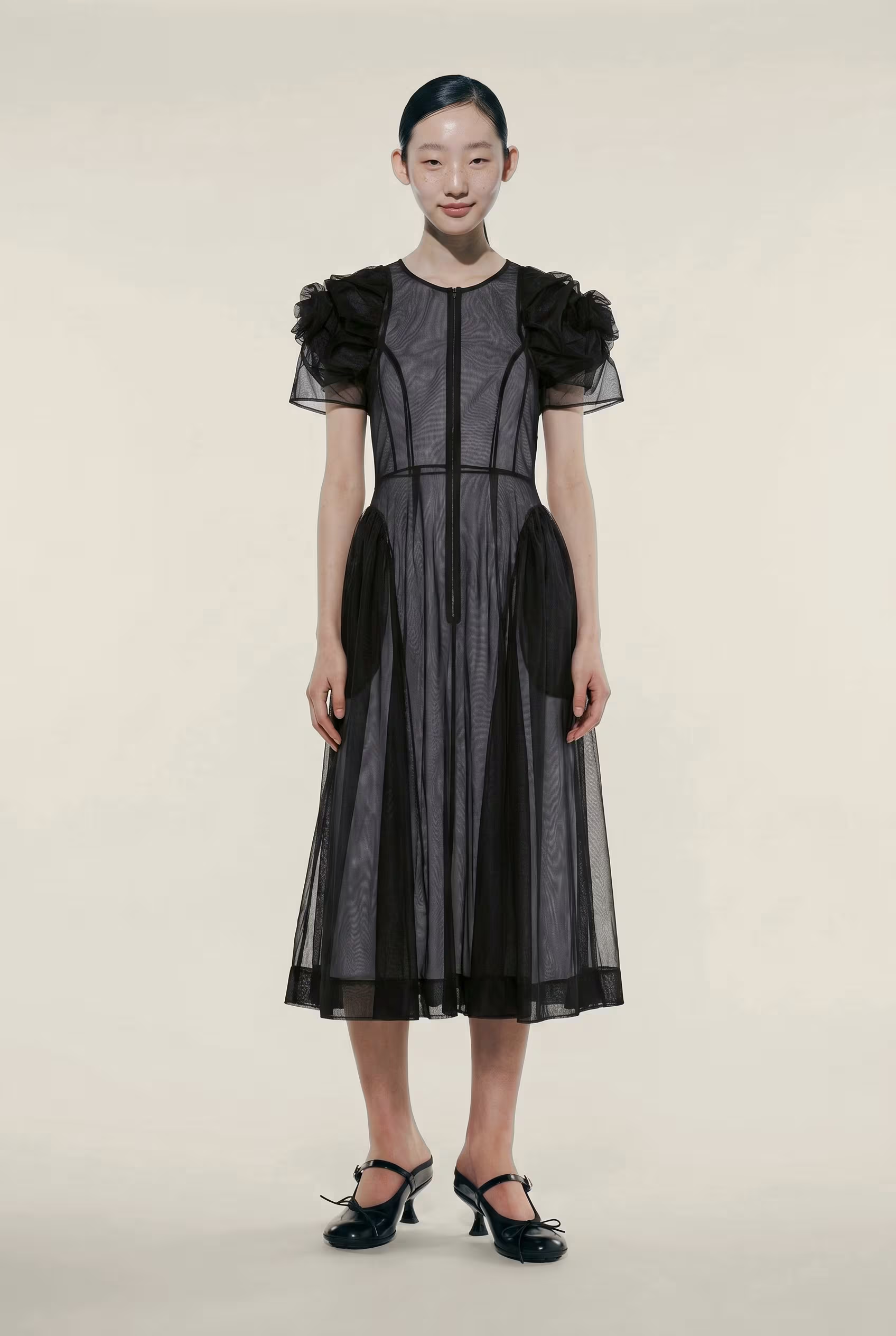
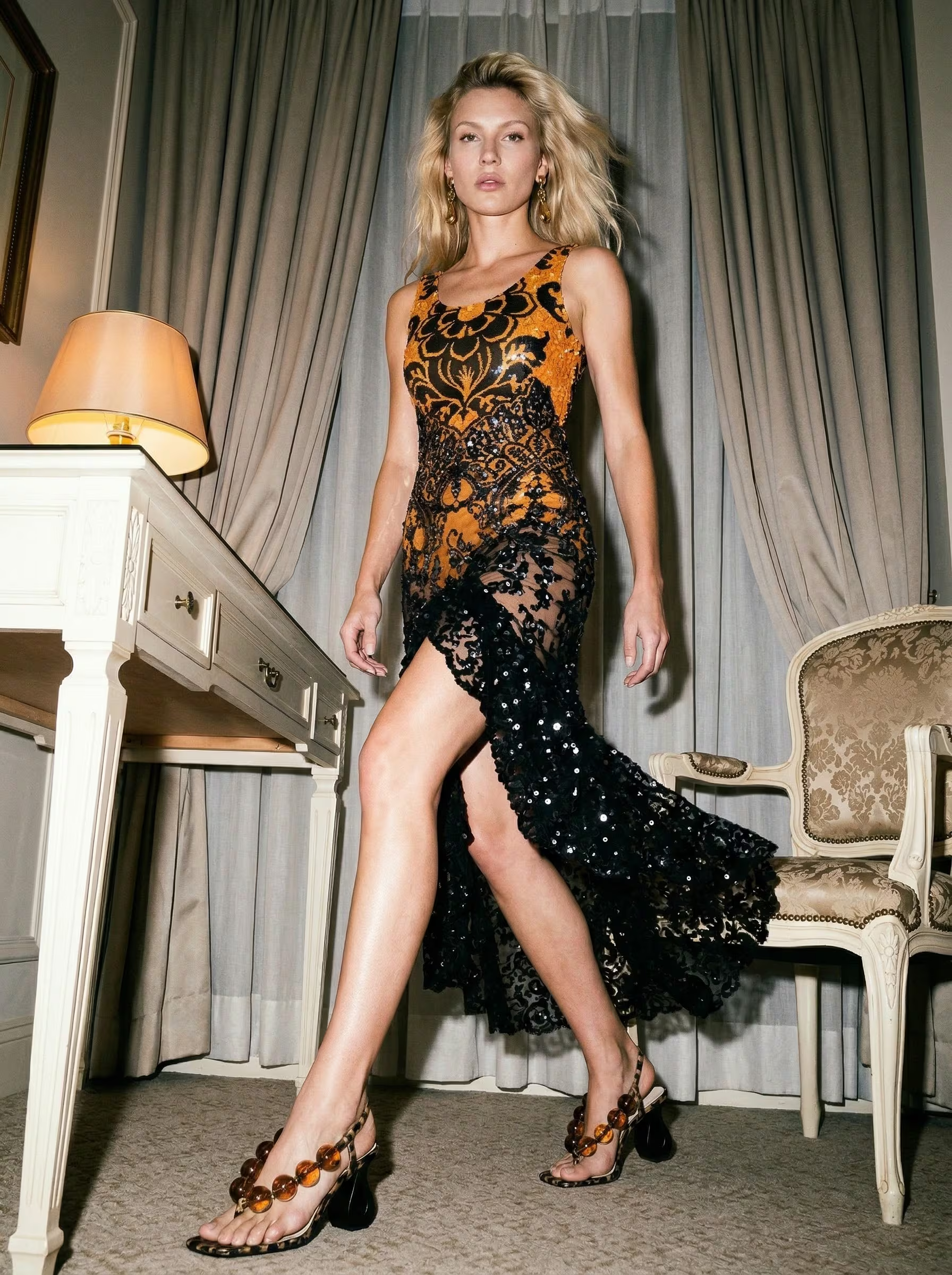

Most Experienced



One path, three stages.
Explorer is the first-project activation tier. Pro begins with a paying brand; Elite remains invite-only for partners building sustained books of business on Astria.
A small group of creators who've built real books of business on Astria. Elite isn't something you apply for — it's how we recognize the partners most invested in the program. If you're doing the work, we'll find you.
Talk to usYour work stays yours. Pro adds revenue.
Astria publishes the completed Explorer brief without taking ownership of your original creative work. Brand-spend rev share begins when you graduate to Pro.
Keep your creative identity
Astria provides the platform, support, and publishing surface. It does not replace your authorship or take ownership of the original collection or template you create.
A share of every eligible dollar
The $500 is an unlock threshold, not a deductible. Once a paying brand crosses it, 12% applies to that brand's full eligible spend from its first dollar, including the first $500, for 24 months measured from that first dollar. Earnings are never clawed back.
Pro payouts land in your Astria account — apply them toward platform usage, or withdraw by sending an invoice to payout@astria.ai.
Questions & answers
Explorer is for promising AI-fashion photographers, stylists, art directors, and visual creators with a strong point of view. You do not need an existing brand network. We evaluate your portfolio and the collection or reusable template you want to make.
Submit your portfolio and first-project idea. Highlight links, brand experience, and contacts are optional. We review applications within five business days.
You can earn up to $500 in Astria account credits: $50 after each month in which one qualifying Explorer collection, reusable template, or agreed creative drop is published on Astria, for up to 10 qualifying months. Your completed first brief counts as month one. A month without a qualifying publication earns no credit and does not roll over.
Complete the first-project brief agreed during onboarding and Astria publishes the collection or template under your Astria Creative Partner · Explorer identity. Social reposts, showcase placement, and editorial features receive a separate quality and fit review, so those additional placements are not guaranteed.
It pays 20% of template-owner revenue after card-processing and GPU infrastructure costs for qualifying headshot or template purchases, and 20% of the Photoshop plugin price. Attribution lasts 30 days from referral. Each qualifying purchase earns a one-time commission; it does not continue after that purchase.
The $500 is an unlock threshold, not a deductible. Once a paying brand crosses it, you earn 12% of that brand’s full eligible spend from its first dollar, including the first $500, for 24 months measured from that first dollar. Earnings are never clawed back.
Your Explorer identity appears with the work you publish. When you graduate to Pro, your full creator page goes live with your portfolio, published templates, tier badge, and a "Work with me" CTA for custom work.
Yes. You retain full ownership of your original work. Your page, your portfolio, and your creative identity stay yours. Astria is the infrastructure underneath, not a replacement for your brand.
Tell us about your practice.
We review every application within five business days. We lead with craft, point of view, and what you want to publish — brand contacts are not required.
Sign up to apply
Create an Astria account first. Your account name and email will be used for the application.