 Astria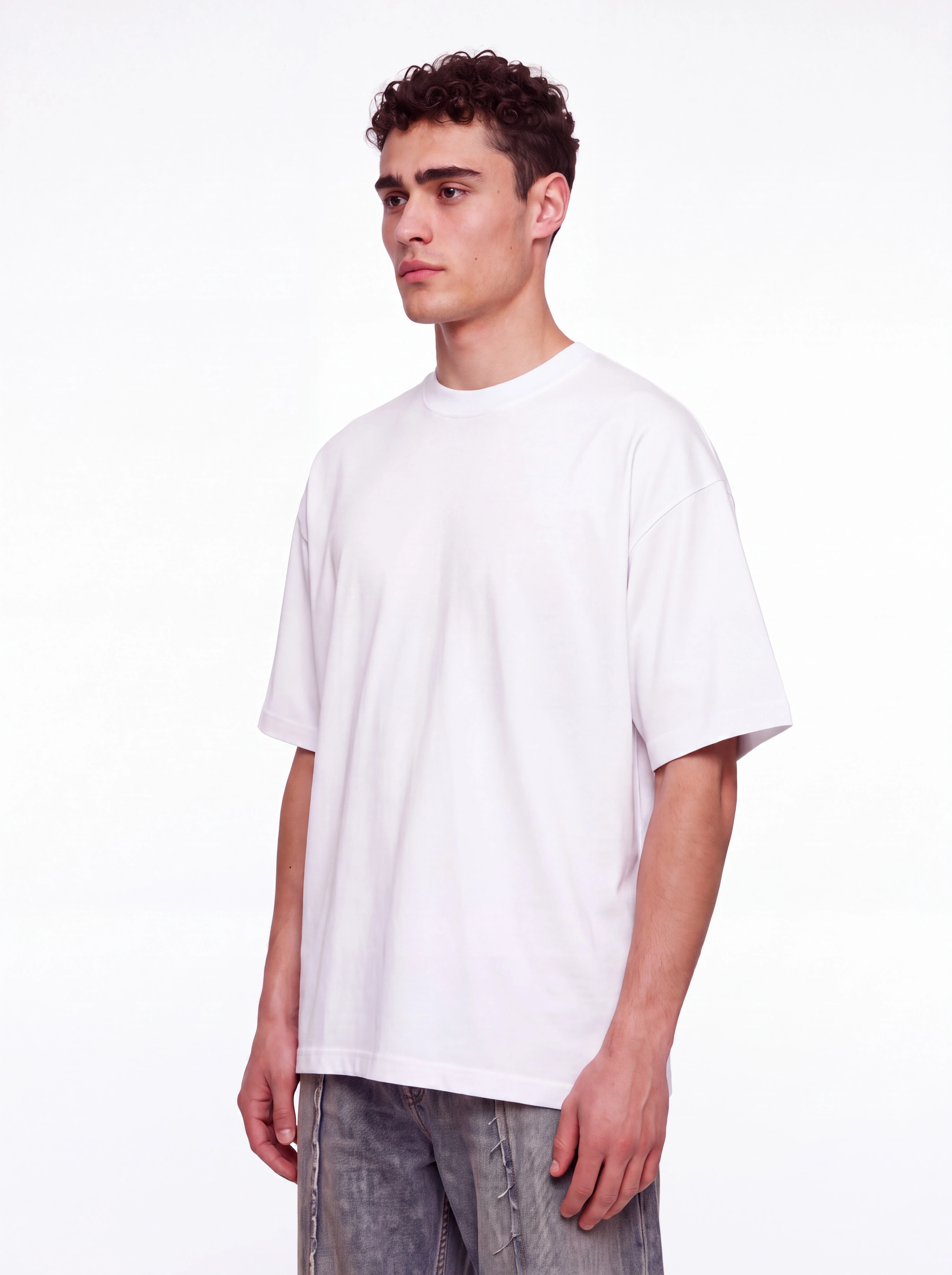
Mockup Lab: shirt and bedding mockups for ecommerce
A FIELD STUDIES shirt graphic and a matching duvet set, from plain surface to printed composite. ASTRIA ECOMMERCE / MOCKUP LAB APPAREL & HOME TEXTILES Your...
Astria updates
Product announcements, creative workflows, and ideas from the Astria team.
A FIELD STUDIES shirt graphic and a matching duvet set, from plain surface to printed composite. ASTRIA ECOMMERCE / MOCKUP LAB APPAREL & HOME TEXTILES Your...
Turn on Lynx in the cog wheel. Product details are refined automatically as you generate. ASTRIA Introducing Lynx Enable before you generate Cog wheel → Lynx...
Identity face inpainting, precise drawn edits, original music, and film grain in motion. ASTRIA WHAT’S NEW · 21 OCT 2026 FROM THE PERSON TO THE FINISHED FILM...

15 short lessons: from your first lookbook to reusable templates. ASTRIA Academy / Course Series 1+2 E-commerce & fashion with AI Astria Course — Parts 1 & 2...
New Darkroom tools, collaborative review, better exports, and Astria in your AI assistant. ASTRIA WHAT’S NEW · 11 OCT 2026 FROM REFERENCE TO FINISHED IMAGE A...
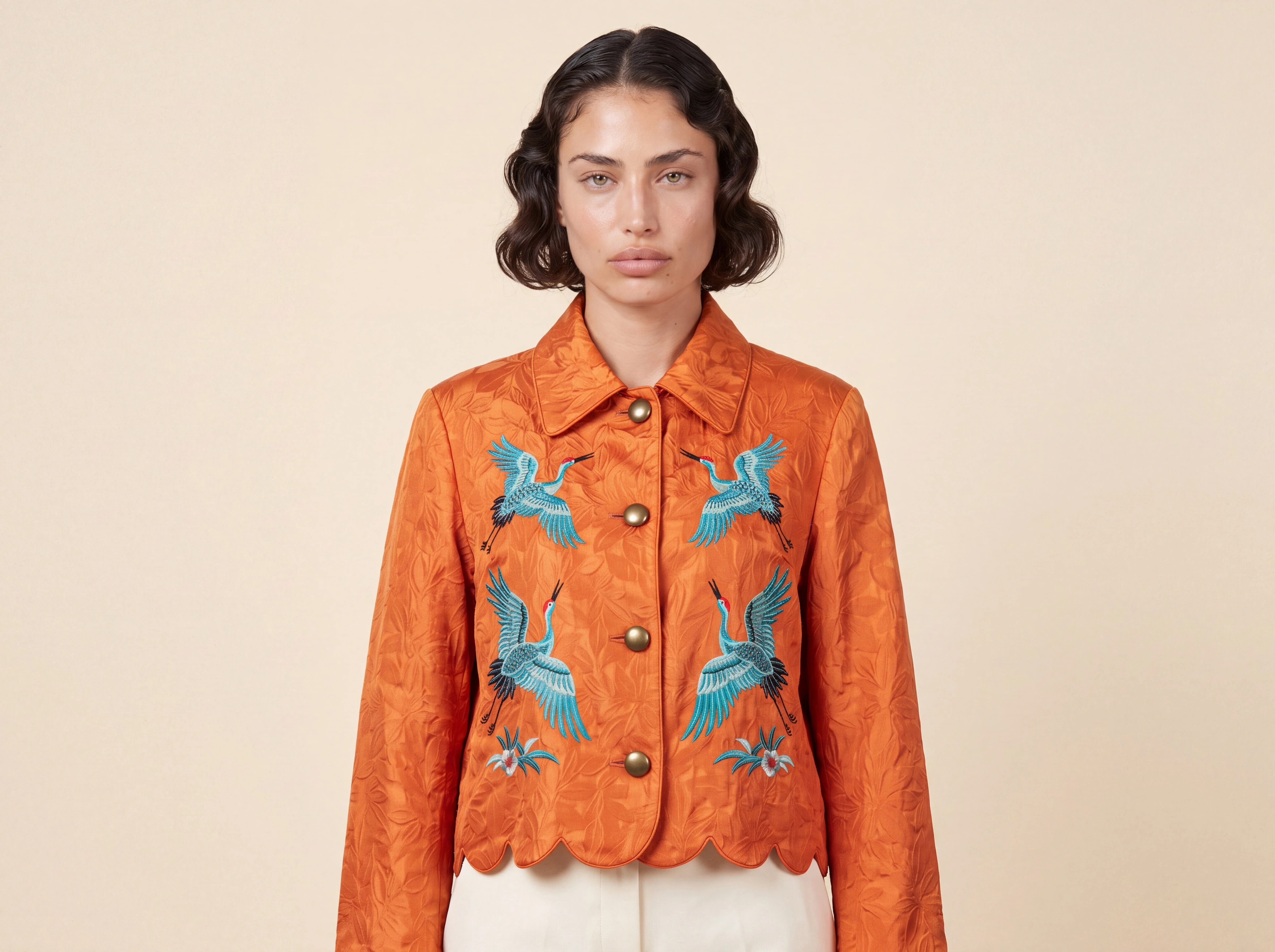
Try your next reference-led portrait, product scene, or marketing brief. ASTRIA MODEL RELEASE · OCTOBER 2026 NOW AVAILABLE Meet Nano Banana 2.1. Nano Banana...
FLUX 3 IMAGE / NOW IN ASTRIA Don’t restart the image to make a late art-direction change. FLUX 3 is now available in Astria. It combines up to ten...
Your latest Photoshop request came from a pre-v2 plugin. Update to the current stable build. ASTRIA Hi, We detected that your latest request from Photoshop...
Pay with stablecoins at Stripe Checkout, plus WooCommerce, better mockups, relighting, private Agent chats, Compare, and Photoshop v2. ASTRIA WEEKLY UPDATE ·...
One public template, four shirt colors, twelve consistent looks—run from one Drive folder. ASTRIA AGENT WORKFLOW · BULK LOOKBOOK ONE TEMPLATE · MANY SKUS Run...
Add a pattern, click the surface, and export a wrapped PNG—without leaving the image. ASTRIA PRODUCT NOTE · MOCKUP LAB NOW IN ASTRIA Your artwork, on...
A new panel, steadier placement, closer color, better references, and editable layer separation. ASTRIA PHOTOSHOP PLUGIN / VERSION 2 A complete rebuild Nano...
Shopify import and export, image comparison, range selection, multi-user chats, live cursors, and voice chat. ASTRIA September 2026 Astria updates Changes...

Choose Sunburst for precision or Flare for speed. Both generate and edit at up to 4K with as many as 16 references. ASTRIA Model launch / 09.26 Two OpenAI...

Muse brings agentic image generation and editing; MAI Flash brings a lower-latency path for fast production. Both are live now. ASTRIA Model launch / 09.26...

Generate, templates and workspaces on one page. Google Drive imports. Multi-user Agent chats. Cinematic ads from one reference. Darkroom. One-click website...
Did you know pet collections are becoming a thing? 🐾 Pet fashion was a 4.3 billion dollar industry in 2024, and it is still growing. Matching sets, seasonal...

Seedance 2.5 just landed on Astria 🎬 Seedance 2.5 is now on Astria. It extends how long a single take can run and improves the parts that tend to degrade...
What's new on Astria Your creative workflow just got smarter ✨ Prompt Assist, faster reuse, searchable results, and two new Academy guides — all shipped in...
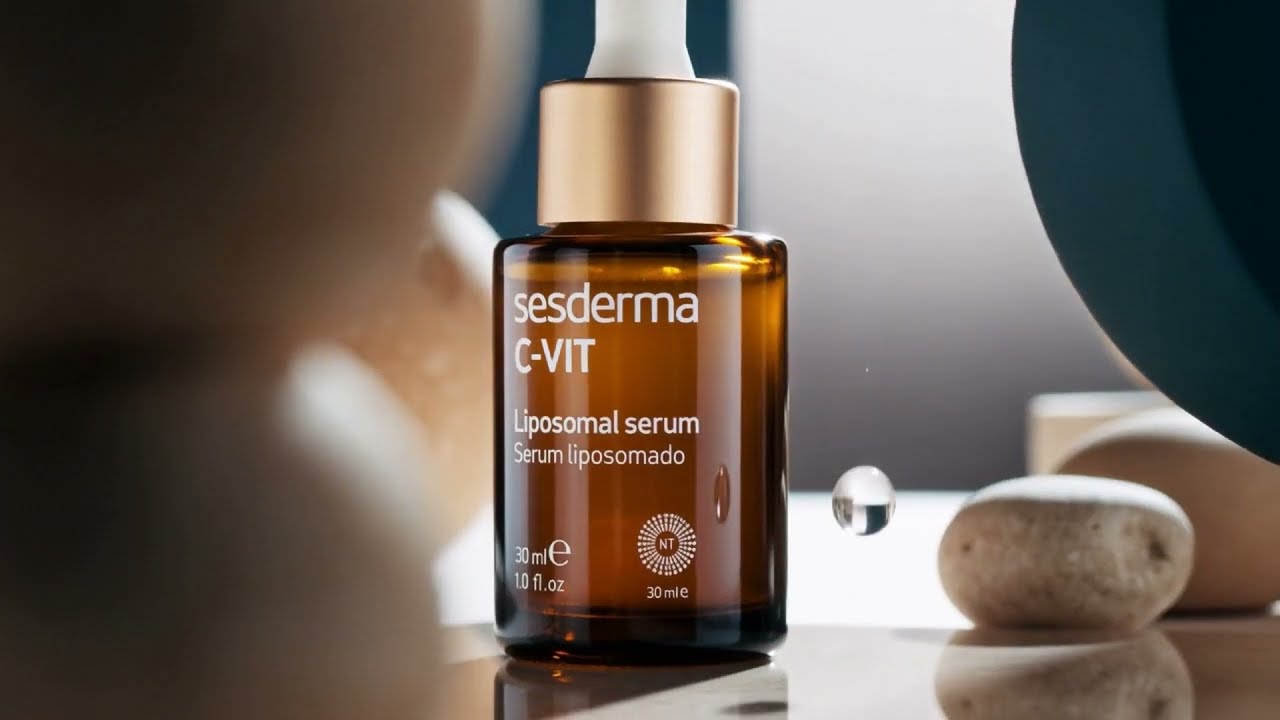
MiniMax H3 is now live on Astria 🎬 MiniMax H3 is officially available on Astria. It brings structural updates to text rendering, product retention, and...
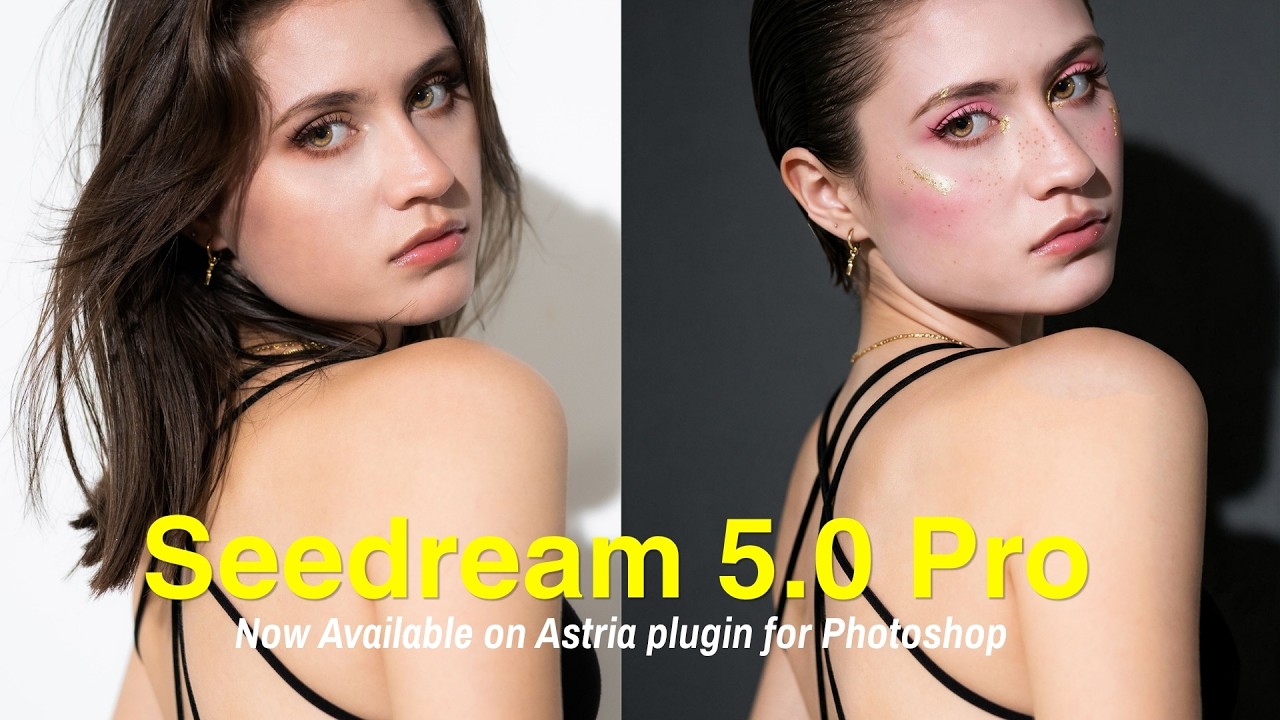
Your Photoshop plugin just got Seedream 5.0 Pro 🎨 Seedream 5.0 Pro is now live inside the Astria plugin for Photoshop. It changes exactly what you point at...
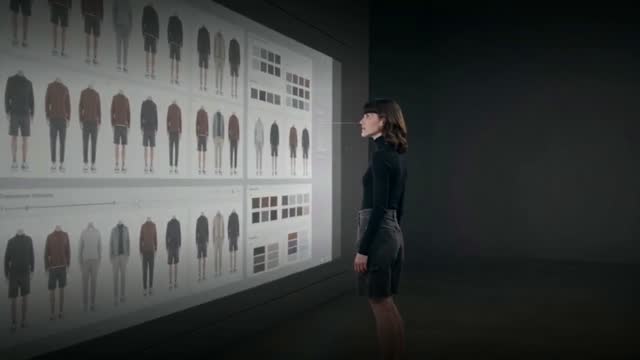
Meet the new Astria Board canvas Astria's new Board canvas gives your image production a visual command center: one place to plan, generate, compare, rerun,...
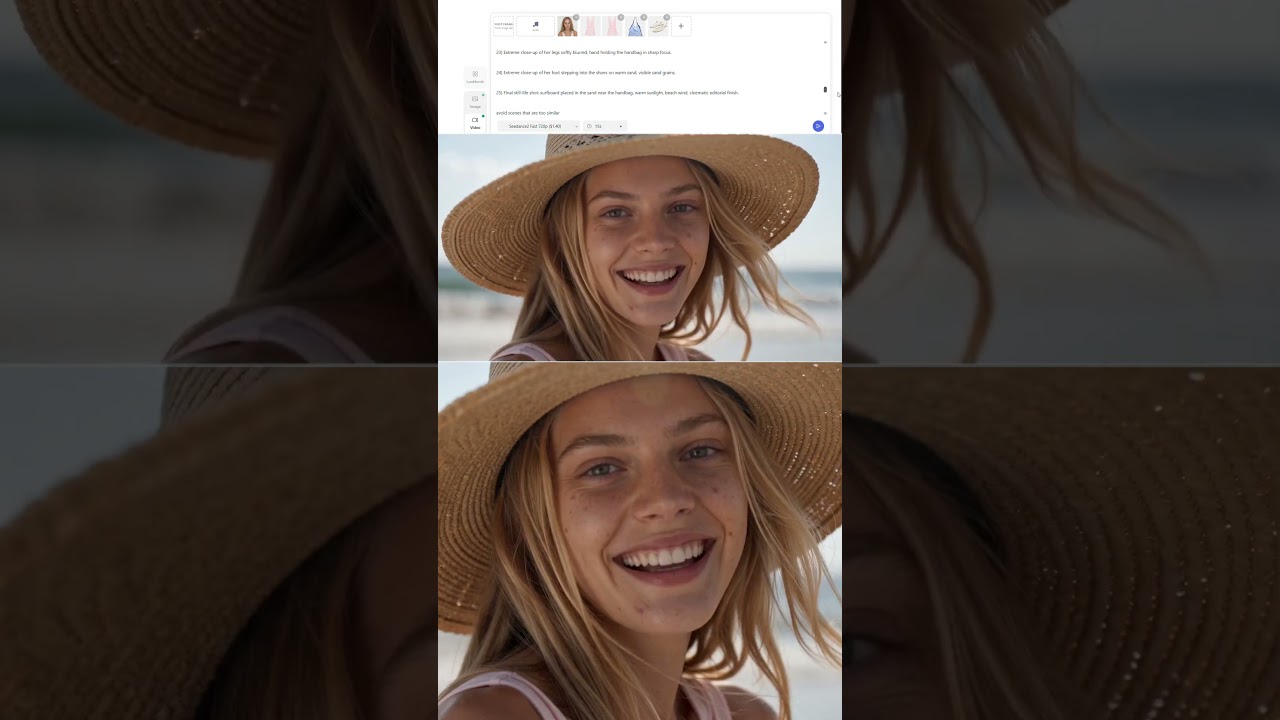
One prompt. One storyboard. One consistent fashion video 🎬 Create a full 15-second fashion video from one detailed prompt on Astria, with the garment staying...
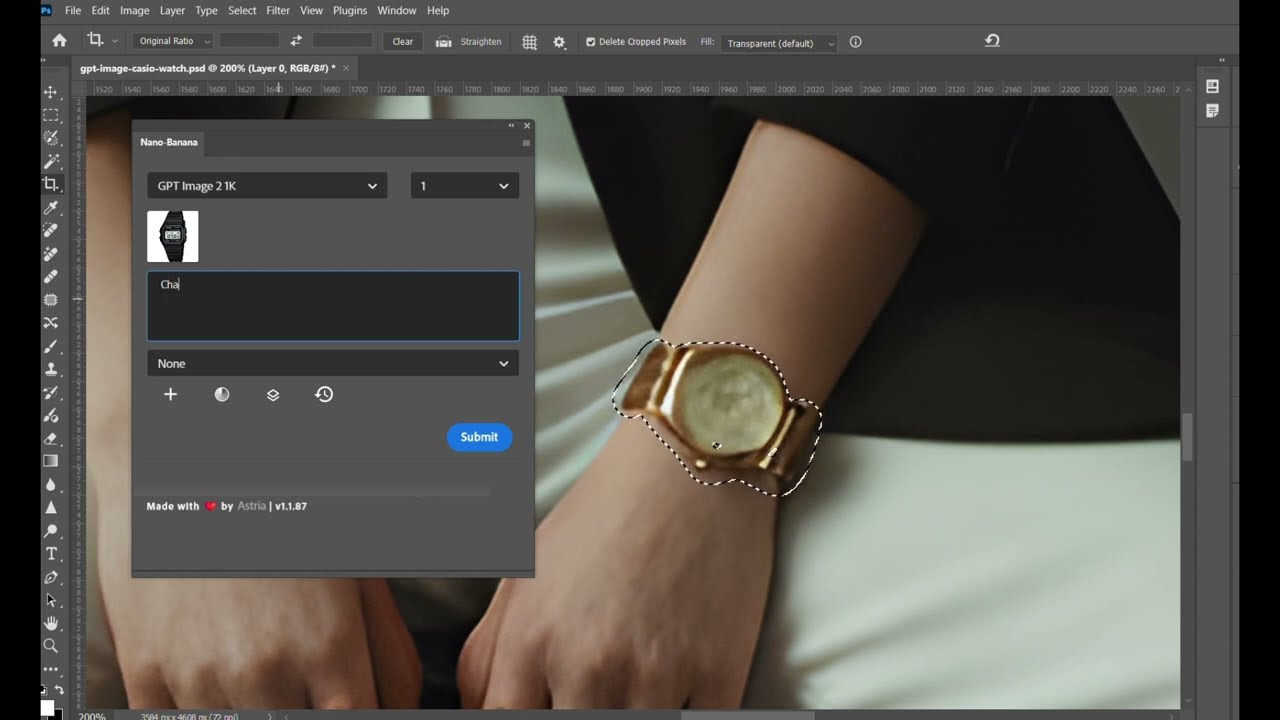
GPT Image-2 just moved into your Photoshop toolbar 🎨 GPT Image-2 is now live inside the Astria plugin for Photoshop. The model runs directly on your active...

Sharper photorealism, true 4K video, faster 1080p, fewer guardrails. Everything feels faster and more predictable. The biggest update wave of the month is...
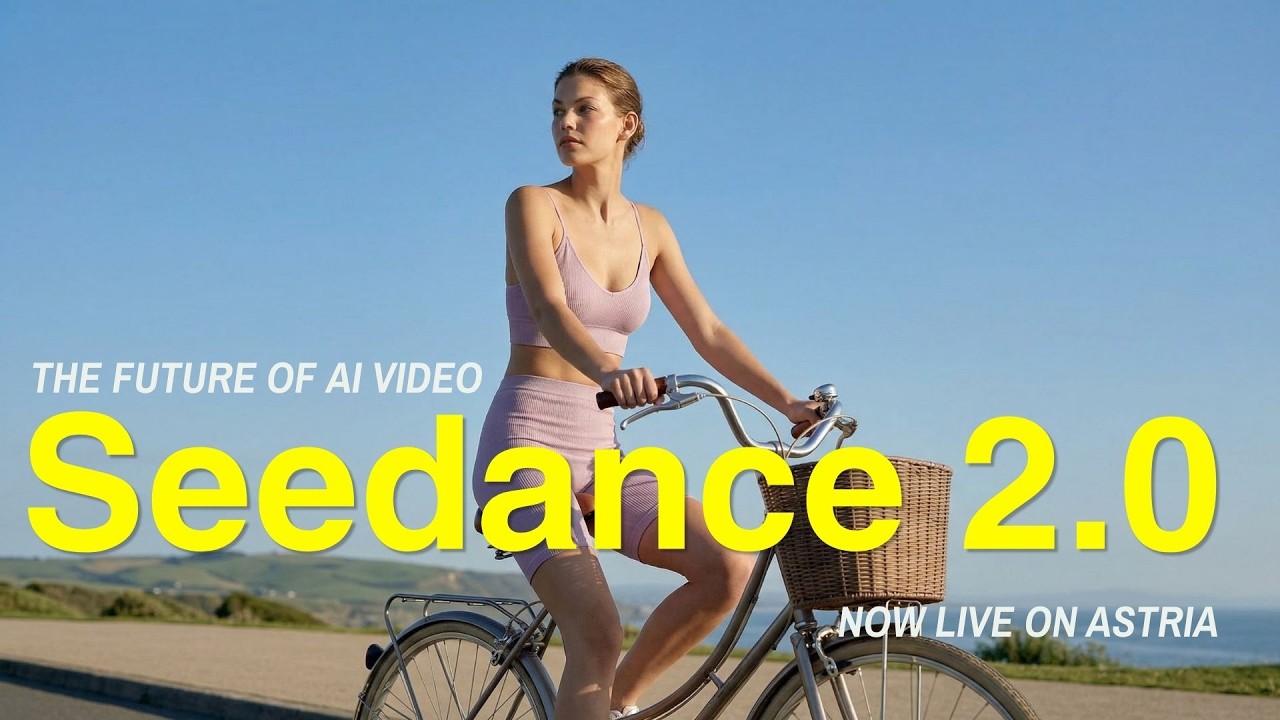
Seedance 2.0 has landed on Astria! 🚀 Transform your custom AI models into high-end fashion videos in seconds. No film sets, no production overhead — just...
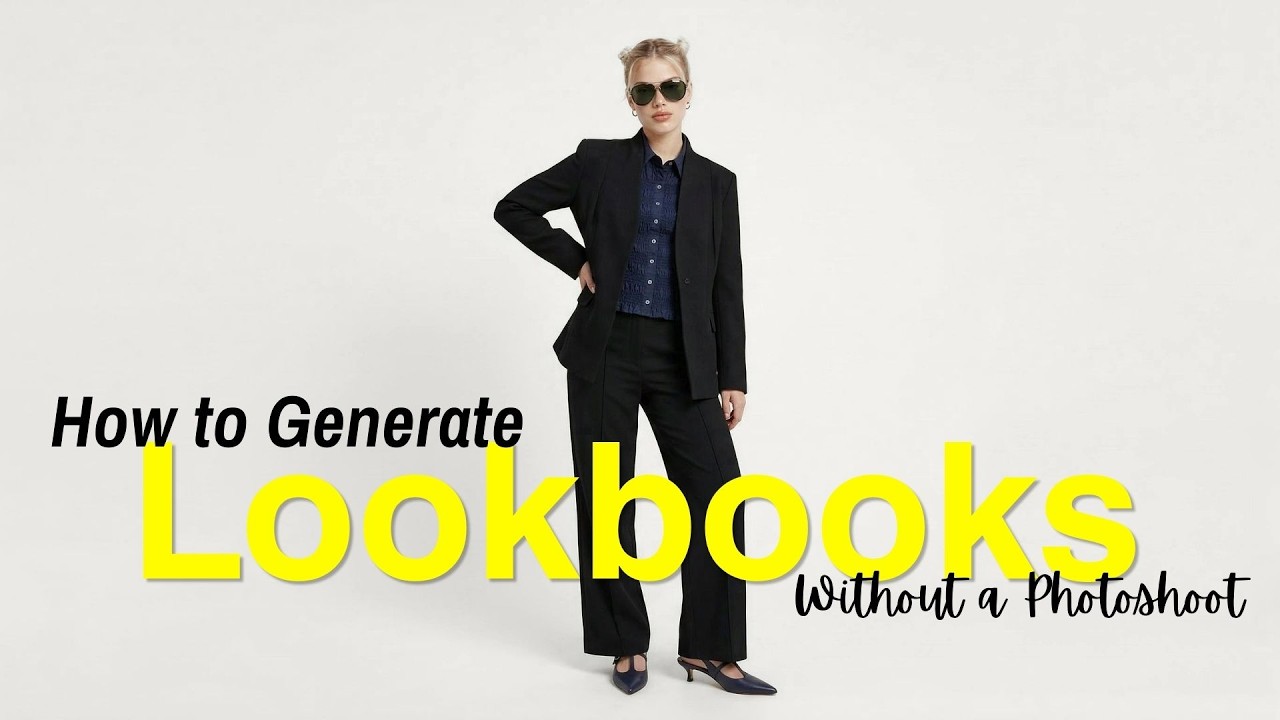
This week at Astria: Lookbook, Edit Area, Outpainting & more 🚀 The future of AI creation is moving fast, and we're here to make sure you're leading the pack....
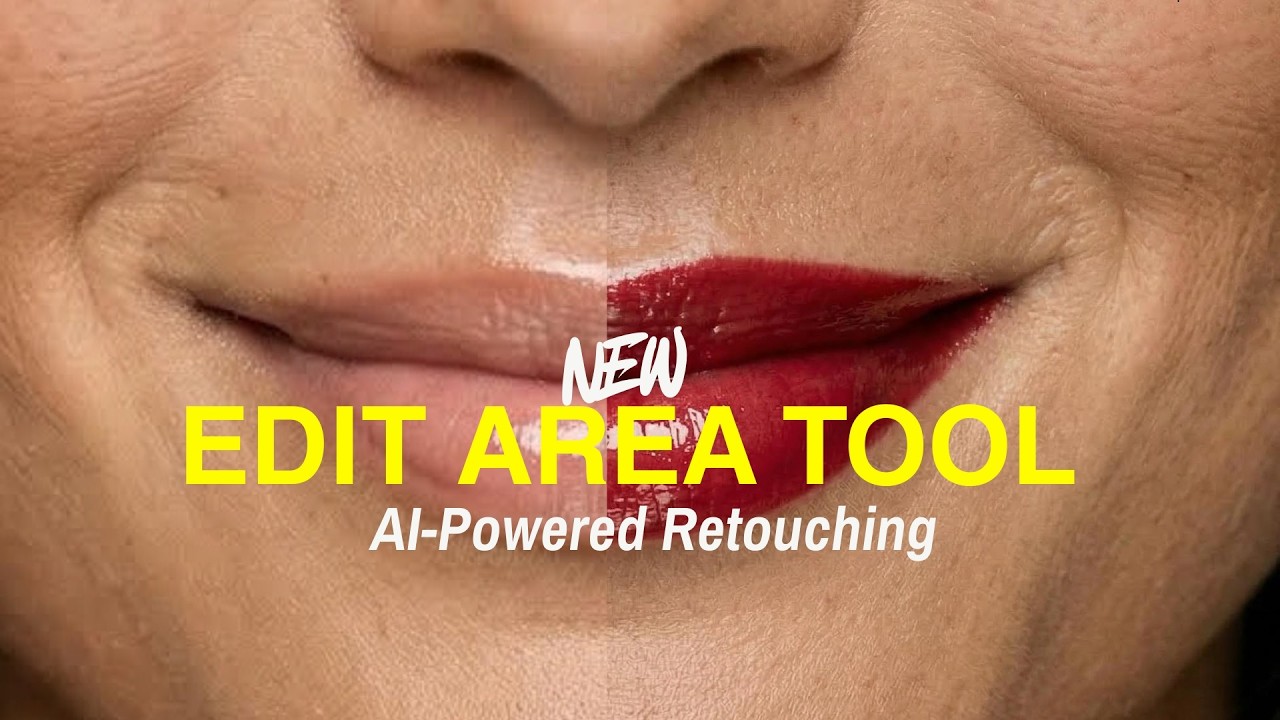
Small edits, big difference! 🖌️ Meet Edit Area — a new tool on the platform for those time-consuming small adjustments. Fix skin texture, change colors, or...
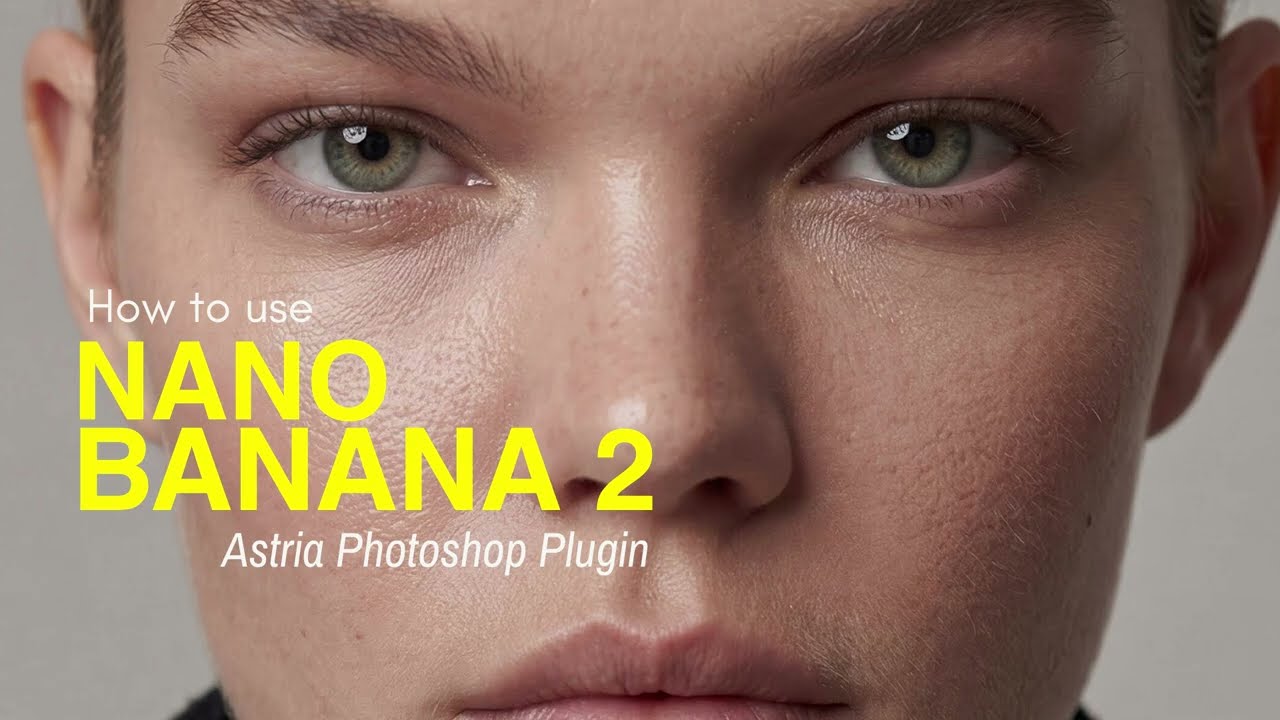
Photoshop just got a major personality transplant! 🚀 Nano Banana Pro 2 plugin for Photoshop is officially live, and it's here to turn your workflow from a...