 Astria
Geautomatiseerde formats - Claude-skills
Automatiseer Day in a Life, Match Cut, Song en Music Duo met Astria in Claude. Hetzelfde format, nieuwe referenties, je volgende film. ASTRIA ASTRIA × CLAUDE...
Astria-updates
Productaankondigingen, creatieve workflows en ideeën van het Astria-team.
Automatiseer Day in a Life, Match Cut, Song en Music Duo met Astria in Claude. Hetzelfde format, nieuwe referenties, je volgende film. ASTRIA ASTRIA × CLAUDE...
Bepaal de look één keer. Laat Claude met Astria de volgende producten voorbereiden. ASTRIA CLAUDE CODE × ASTRIA JE VOLGENDE PRODUCTIEWORKFLOW GPT Image 2.6...
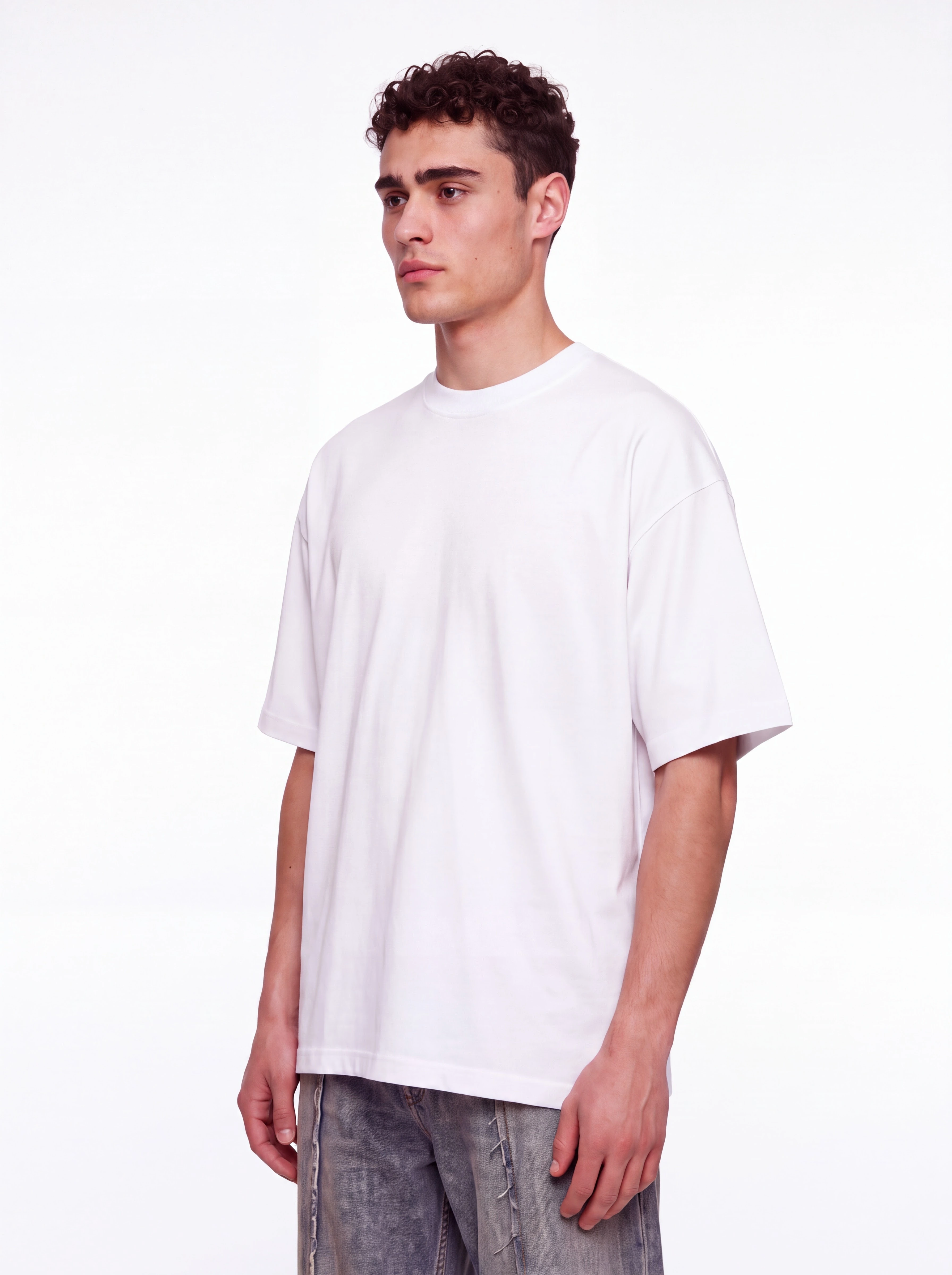
Een FIELD STUDIES-print en bijpassend beddengoed: van effen oppervlak naar bedrukte compositie. ASTRIA WEBSHOP / MOCKUP LAB KLEDING EN WONINGTEXTIEL Jouw...
Zet Lynx aan via het tandwiel. Productdetails worden tijdens het genereren automatisch verfijnd. ASTRIA Maak kennis met Lynx Aanzetten vóór het genereren...
Identity voor gezichten, precieze getekende edits, eigen muziek en filmkorrel in beweging. ASTRIA NIEUW BIJ ASTRIA · 21 OKT 2026 VAN PERSOON TOT AFGEWERKTE...

15 korte lessen: van je eerste lookbook naar herbruikbare templates. ASTRIA Academy / Cursusreeks 1+2 E-commerce & mode met AI Maak het lookbook. Hergebruik...
Nieuwe Darkroom-tools, gezamenlijke beeldreview, betere exports en Astria in je AI-assistent. ASTRIA WAT IS NIEUW · 11 OKT 2026 VAN REFERENTIE NAAR AFGEWERKT...
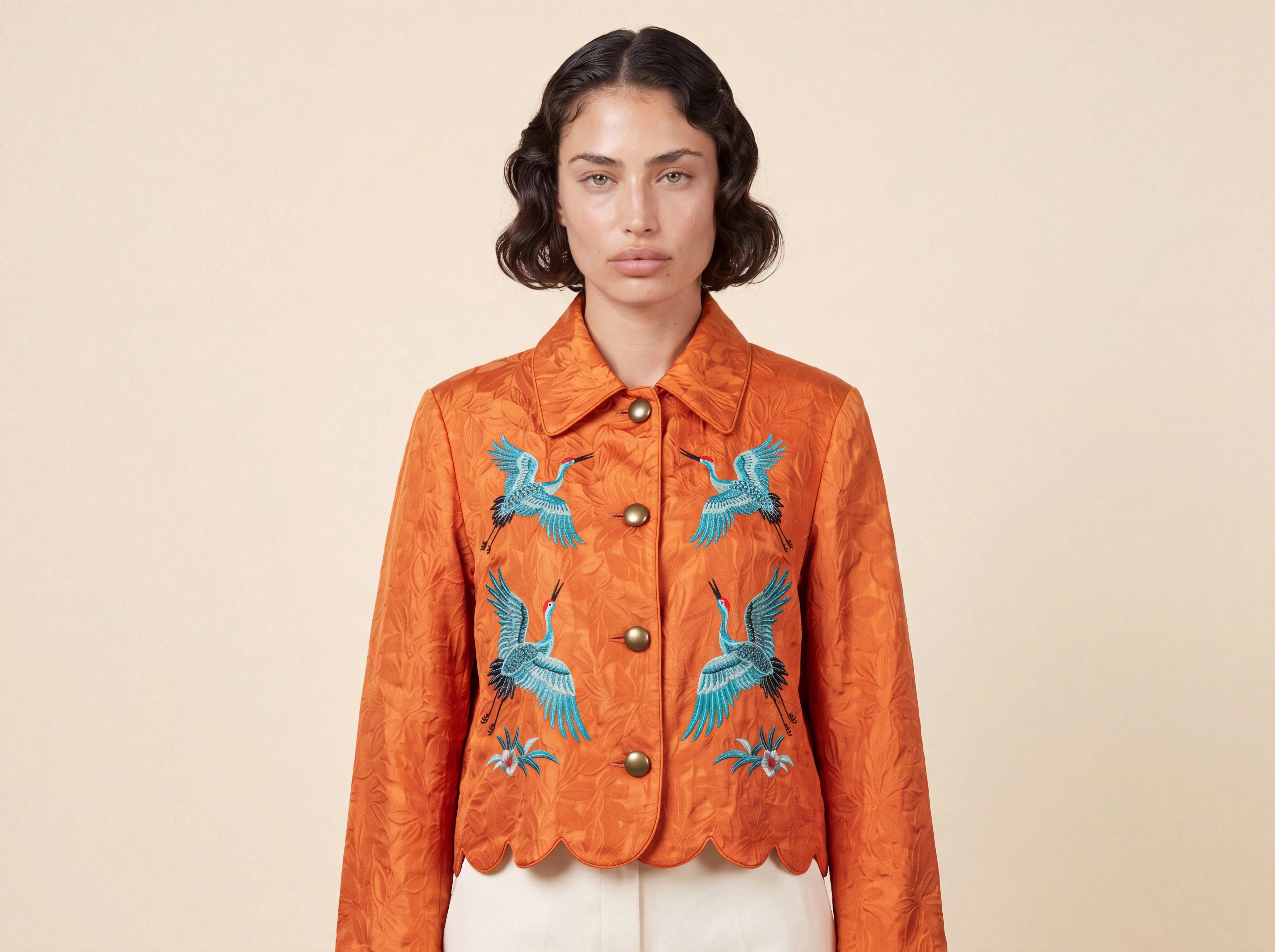
Probeer je volgende portret, productscène of marketingidee met referentiebeelden. ASTRIA NIEUW MODEL · OKTOBER 2026 NU BESCHIKBAAR Ontdek Nano Banana 2.1....
FLUX 3 IMAGE / NU IN ASTRIA Begin niet opnieuw omdat er laat in het proces iets in de art direction verandert. FLUX 3 is nu beschikbaar in Astria. Het...
Je laatste Photoshop-verzoek kwam van een pluginversie van vóór v2. Werk bij naar de huidige stabiele versie. ASTRIA Hallo, We hebben vastgesteld dat je...
Betaal met stablecoins in Stripe Checkout, plus WooCommerce, betere mockups, relighting, privéchats, Compare en Photoshop v2. ASTRIA WEEKUPDATE · 19 SEP 2026...
Voeg een patroon toe, klik op het oppervlak en exporteer een gewrapte PNG — zonder de afbeelding te verlaten. ASTRIA PRODUCTNIEUWS · MOCKUP LAB NU IN ASTRIA...
Een nieuw paneel, stabielere plaatsing, betere kleurmatch, sterkere referenties en bewerkbare laagscheiding. ASTRIA PHOTOSHOP-PLUGIN / VERSIE 2 Volledig...
Shopify importeren en exporteren, afbeeldingen vergelijken, bereik selecteren, chats met meerdere gebruikers, live cursors en voicechat. ASTRIA September...

Kies Sunburst voor precisie of Flare voor snelheid. Beide genereren en bewerken tot 4K met maximaal 16 referenties. ASTRIA Modellancering / 09.26 Twee...

Muse brengt beeldgeneratie en -bewerking met redenering; MAI Flash biedt een snellere productieroute met lagere latency. Beide zijn nu live. ASTRIA...

Generate, templates en workspaces op één pagina. Google Drive-import. Agent-chats voor het hele team. Cinematische ads uit één referentie. Darkroom....