 Astria
🍌 Lookbook Tool, Edit area (fix logos), Outpainting & More: This Week’s Game-Changers!
This week at Astria: Lookbook, Edit Area, Outpainting & more 🚀
The future of AI creation is moving fast, and we're here to make sure you're leading the pack. This week we've released some of our most requested features — from a complete Lookbook overhaul to advanced character consistency.
Here's everything you need to know:
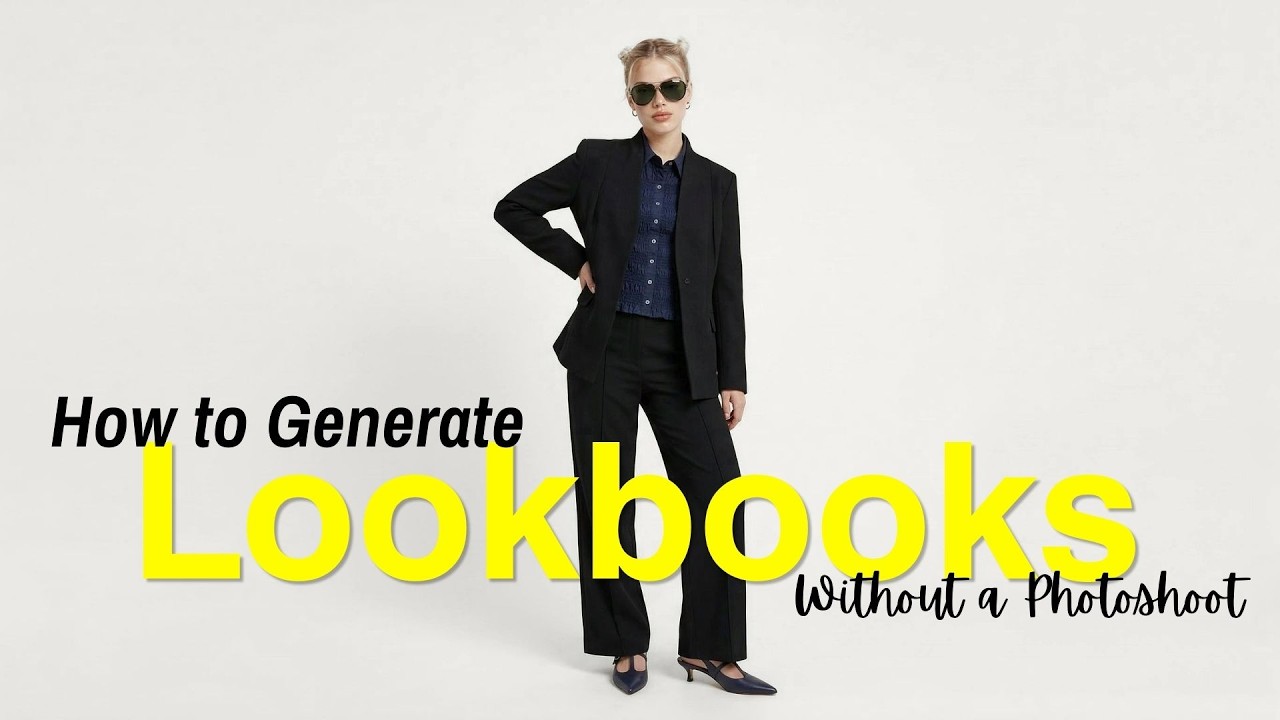
1. 👗 Meet the New Lookbook Tool
Building a fashion collection or character sheet has never been this intuitive. Our new Lookbook interface lets you control every layer of your subject:
|
Pose Control — Set front, back, and side views. |
|
Full Wardrobe — Mix and match Tops, Bottoms, Jackets, and Footwear. |
|
Accessories & Backgrounds — Fine-tune the details, from glasses to specific background colors. |
It's the ultimate shortcut for cohesive brand aesthetics.
2. 🖌️ Precision Editing with 'Edit Area'
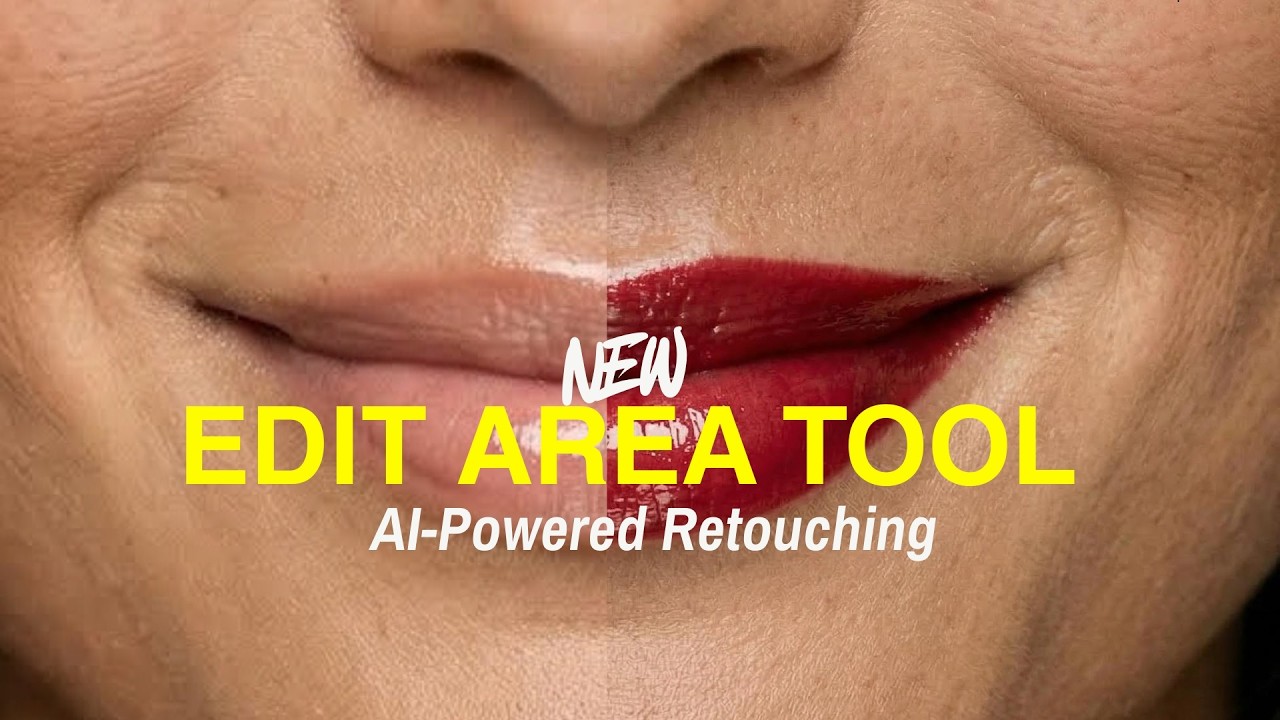
Forget hours of manual retouching. Our Edit Area tool gives you surgical control:
|
Skin Texture — Natural smoothing in seconds. |
|
Color Swaps — Change the vibe of any object with a simple text prompt. |
|
Fixes — Easily adjust fingers, artifacts, or small glitches. |
3. 🖼️ Outpainting: Think Outside the Box
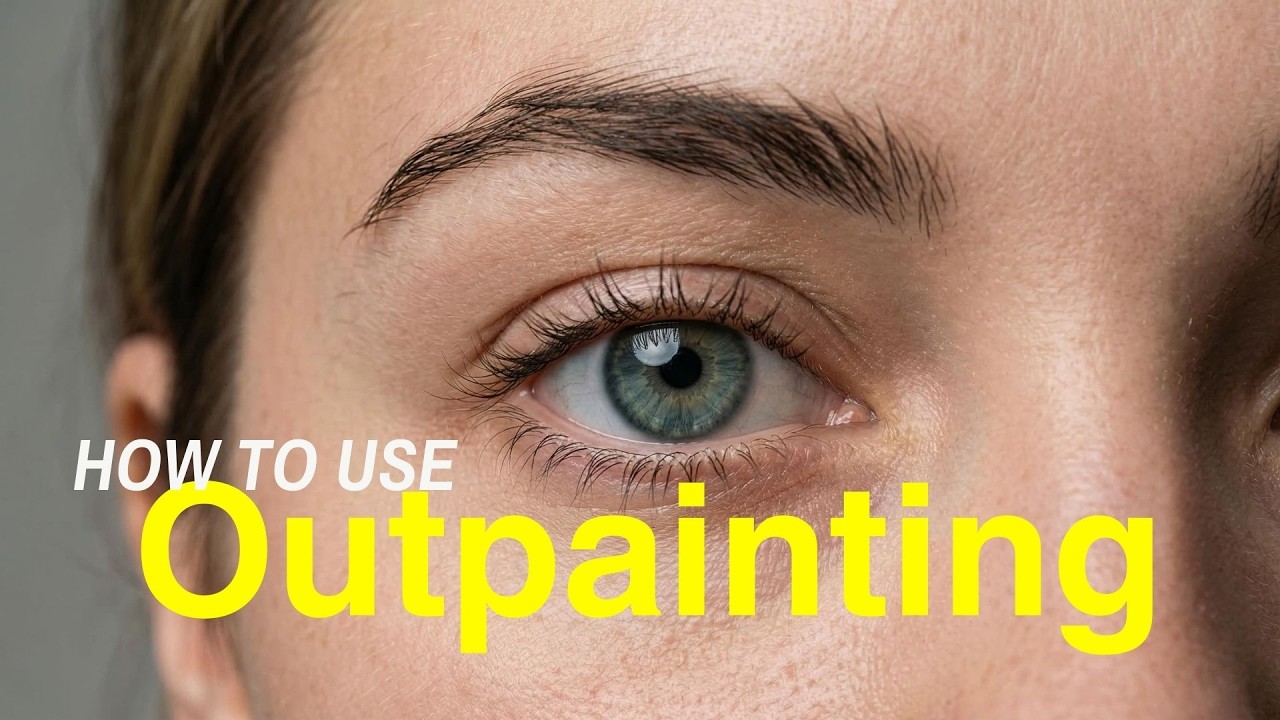
Stop being limited by the original frame. With our new Outpainting tool, you can grow your images naturally.
How it works: Simply resize the image to create empty space, use ALT + Drag to reposition, and prompt the AI to fill in the rest. It's perfect for turning a portrait into a landscape or adding more environment to your shot.
4. 👫 Double the Character, Zero the Struggle
Maintaining consistency for two people in one frame used to be a challenge — until Nano Banana 2. Now you can generate stable female and male characters and place them together in a single, cohesive editorial shot without losing their unique identities.

Get started today and show us what you've built!
Stay creative,
The Astria Team

|

|

|