
New: Grok Imagine 2 is available now β€” generate and edit at 1K–2K with up to 5 reference images.Try Grok Imagine 2
New: Nano Banana 2.1 is available now β€” generate and edit at 1K–4K with up to 14 reference images.Try Nano Banana 2.1

Subject: Seedream 5.0 Pro just landed in your Photoshop plugin 🎨

Your Photoshop plugin just got Seedream 5.0 Pro 🎨

Seedream 5.0 Pro is now live inside the Astria plugin for Photoshop. It changes exactly what you point at and leaves the rest of the frame untouched, all from a single prompt while the subject's identity and lighting stay intact. Here are three things it does, in three short demos.

πŸ’„ Beauty and restyle

Change makeup from natural to full glam, add freckles that read as real skin texture, restyle or recolor hair while preserving the hairline, and replace the background with matched lighting. Facial structure stays exactly as shot.
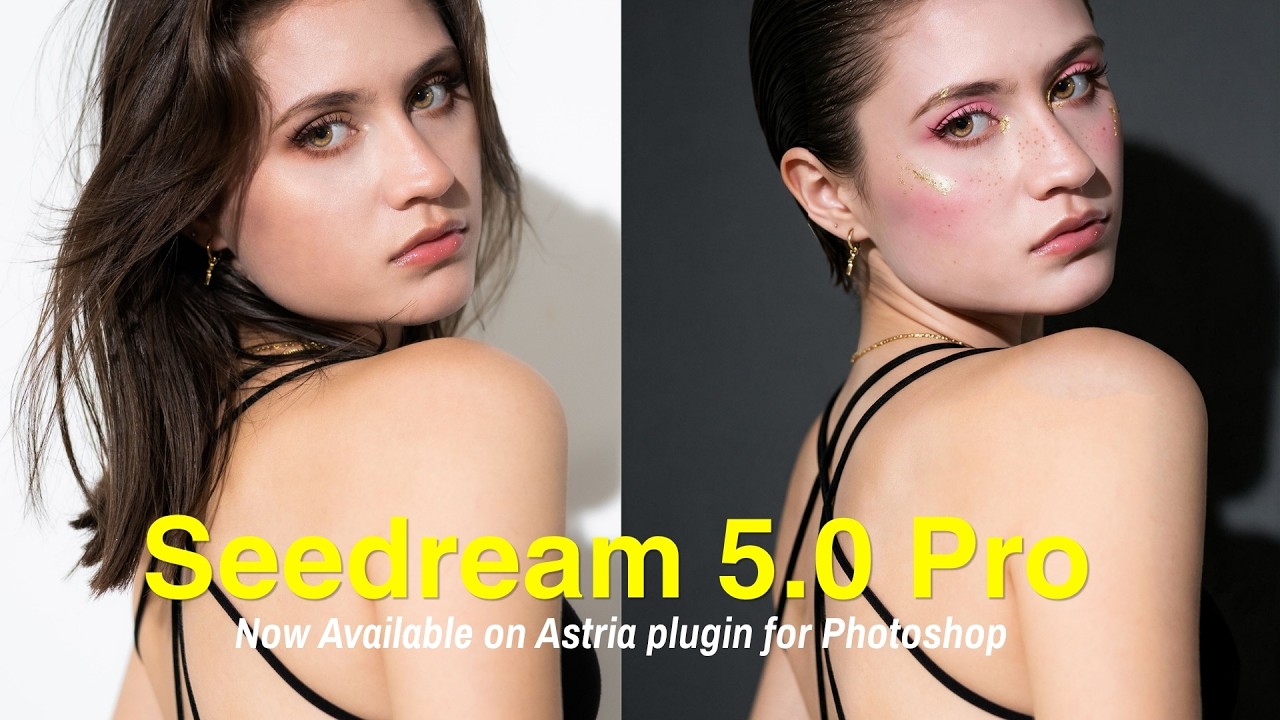
Seedream 5.0 Pro: makeup, freckles, hairstyle, and background edits

πŸ‘— Retouch and wardrobe

Fix teeth and eyebrows, remove stray flyaway hairs, and clear glasses glare in one pass. Recolor hair with natural highlights intact, swap a garment from a reference image, and change its color and texture directly on the subject.
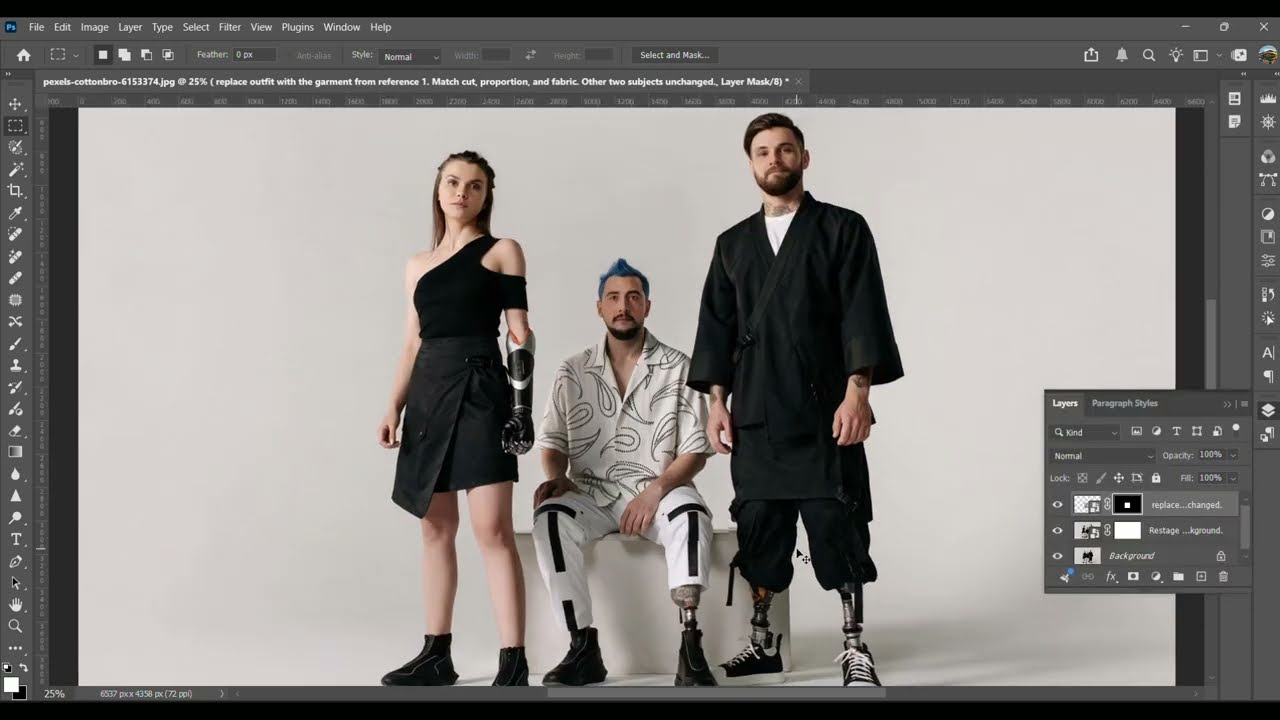
Seedream 5.0 Pro: teeth, eyebrows, flyaways, glasses glare, hair color, and wardrobe edits

🌏 Text, materials, and color

Rewrite on-image text from English to Korean to Japanese, rendered cleanly in place. Swap or remove elements, change an object's material such as steel to gold on a watch, and shift colors to match a reference image.
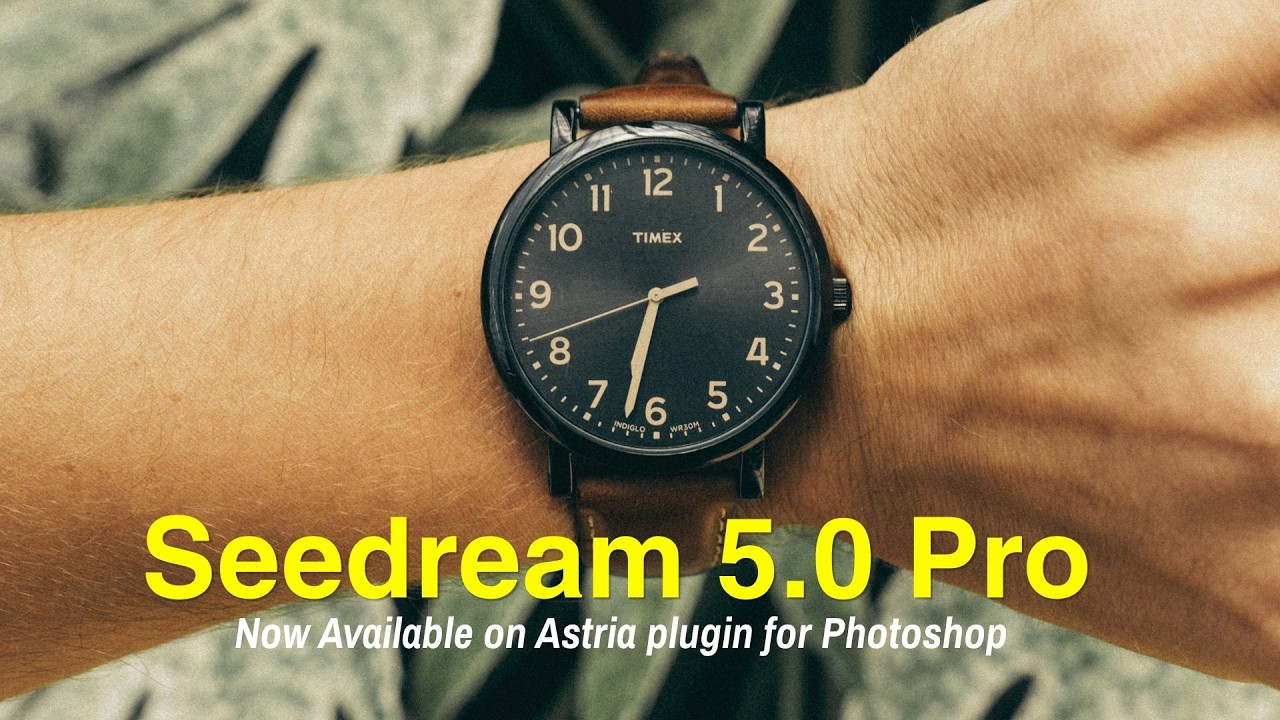
Seedream 5.0 Pro: multilingual text, element swaps, material changes, and reference color matching

Seedream 5.0 Pro is available now inside the Astria plugin for Photoshop. Recommended for editorial retouching, e-commerce model and product photography, and localized campaigns that ship across multiple markets and languages.

Follow Astria

LinkedIn YouTube Instagram X

Keyboard map

Shortcuts

Press keys together unless alternatives are separated by β€œor”.

The map is always one shortcut away

Press it again to return to your work.

Everywhere

Move between Astria's main spaces.

Open or close this shortcut map
Alt+H
Go to Generate
Alt+G
Go to Board
Alt+B
Open or close Agent
Alt+A
Switch workspace
Alt+W
Close the active overlay or menu
Esc

Composer

Choose a tool and generate without leaving the keyboard.

Open the image composer
Alt+I
Open the video composer
Alt+V
Choose a composer tool by position
Alt+1–5
Generate
⌘+Enter
Add a reference
@
Create a text reference from selected text
⌘+Shift+T

Generation gallery

Hover a generation or output first, then press a key.

Select or deselect an output
S
Like or unlike
L
Mention in Agent
Mor@
Rerun the prompt
R
Open its template
T
Archive or unarchive the prompt
A
Download the prompt images
D

Media viewer

Shortcuts available while viewing an image or video.

Previous or next result
←orβ†’
Zoom out, return to result, or close
Esc
Open Mockup Lab for an image
M
Temporarily show the original in Darkroom
Hold \
Cycle through layers
C
Choose a layer directly
1–9

Contextual shortcuts only act when their surface is visible or selected.