Photoshop7 min read
Fashion Campaign Variations in Photoshop With AI
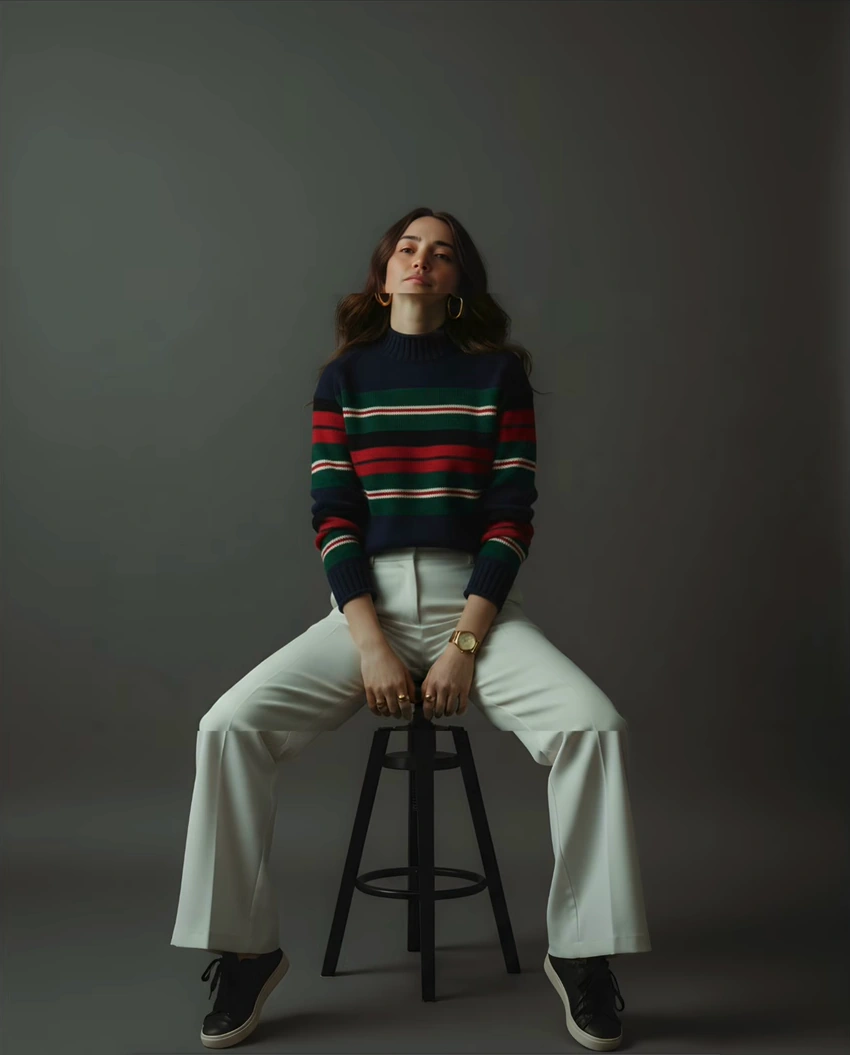
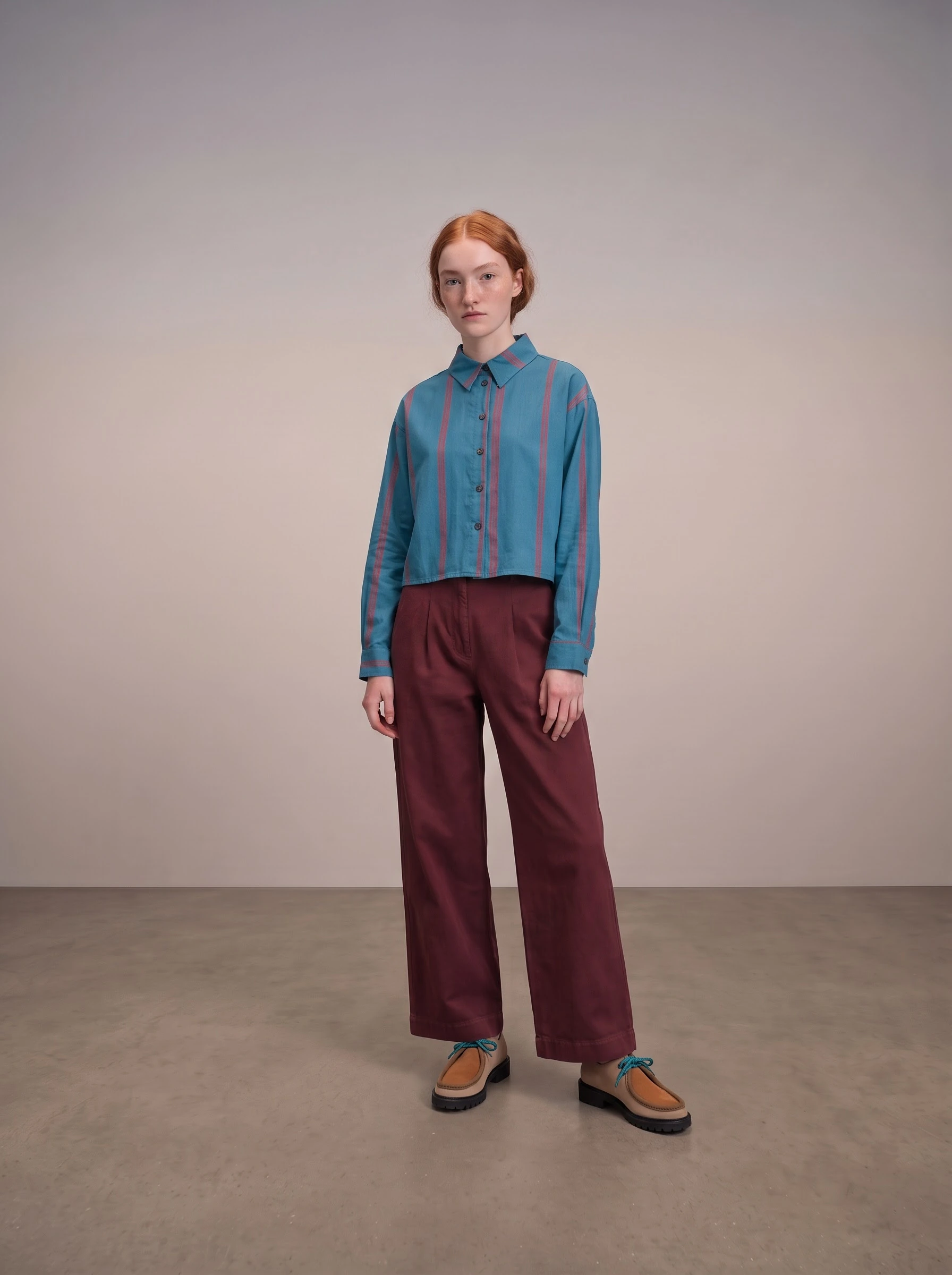
Explore fashion settings, lighting, framing and poses in Photoshop with the Astria plugin. Prepare clear campaign options for creative and marketing…

The Astria blog
Comparisons, techniques, and field notes for teams producing on-brand fashion imagery with AI.
Explore fashion settings, lighting, framing and poses in Photoshop with the Astria plugin. Prepare clear campaign options for creative and marketing…
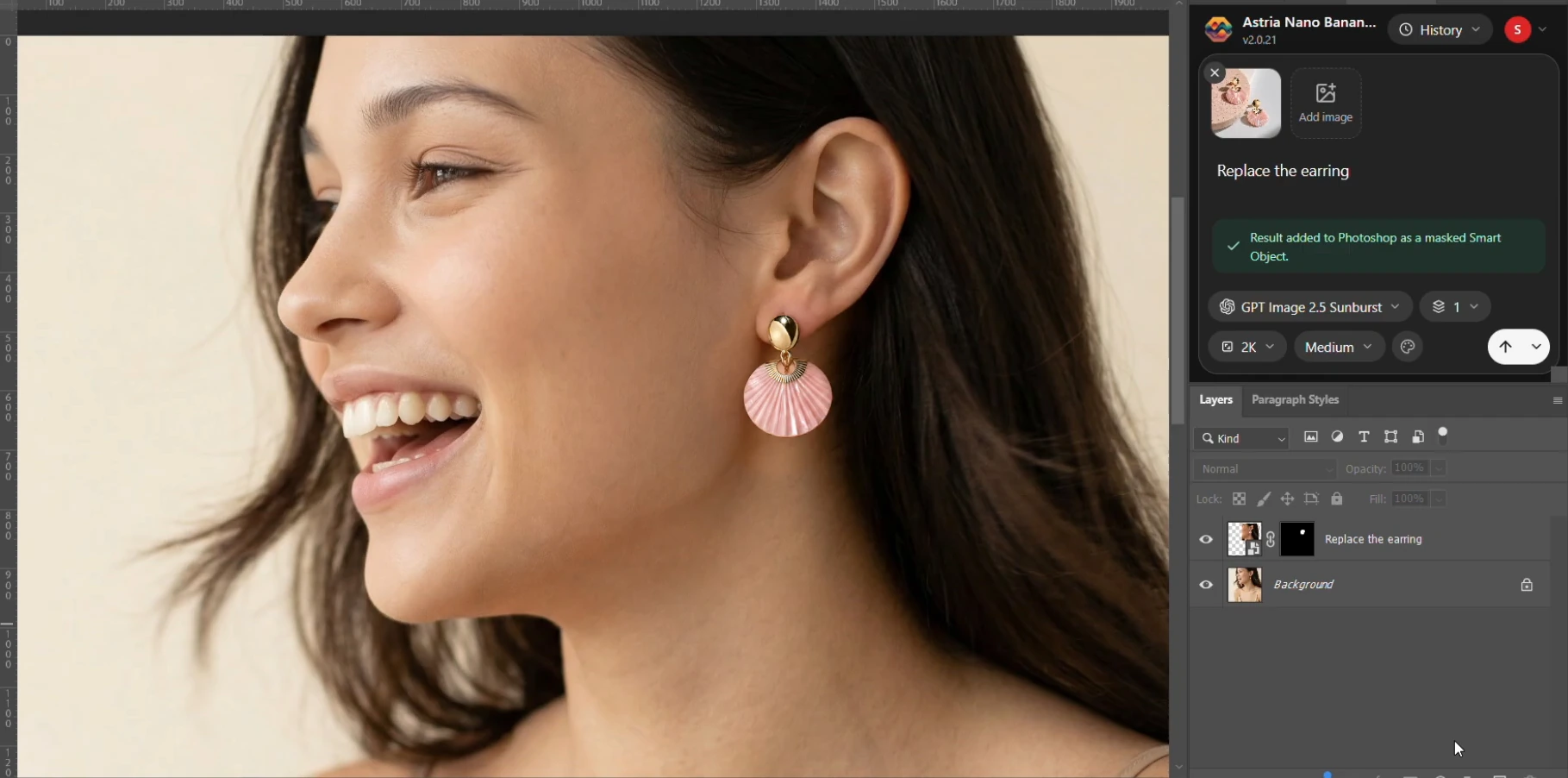
Use the Astria Nano Banana Photoshop plugin to explore garment, shoe and jewelry changes with reference images and a practical fashion approval…
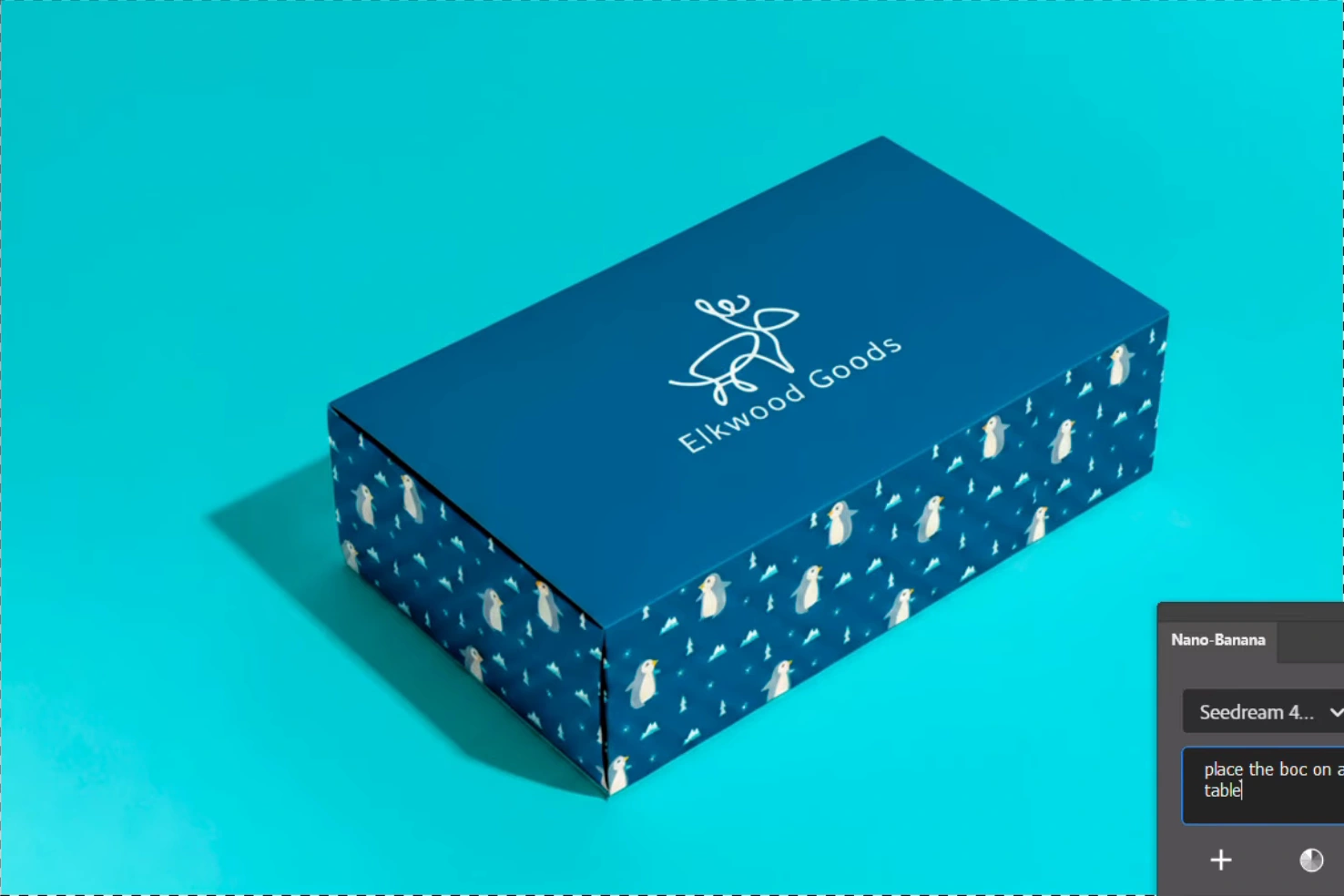
Preview packaging patterns, logos, colors and product scenes in Photoshop. Use video examples and a practical workflow for design, brand and…
Adapt portrait backgrounds, wardrobe and styling with the Astria Nano Banana Photoshop plugin. A layered workflow for retouchers and in-house brand…
Clean up property photos, explore staging and create twilight concepts in Photoshop. Practical Nano Banana workflows for photographers and property…
Explore the rebuilt Nano Banana Photoshop plugin: drag-and-drop references, async generation, more consistent edits, agent automation, layer…
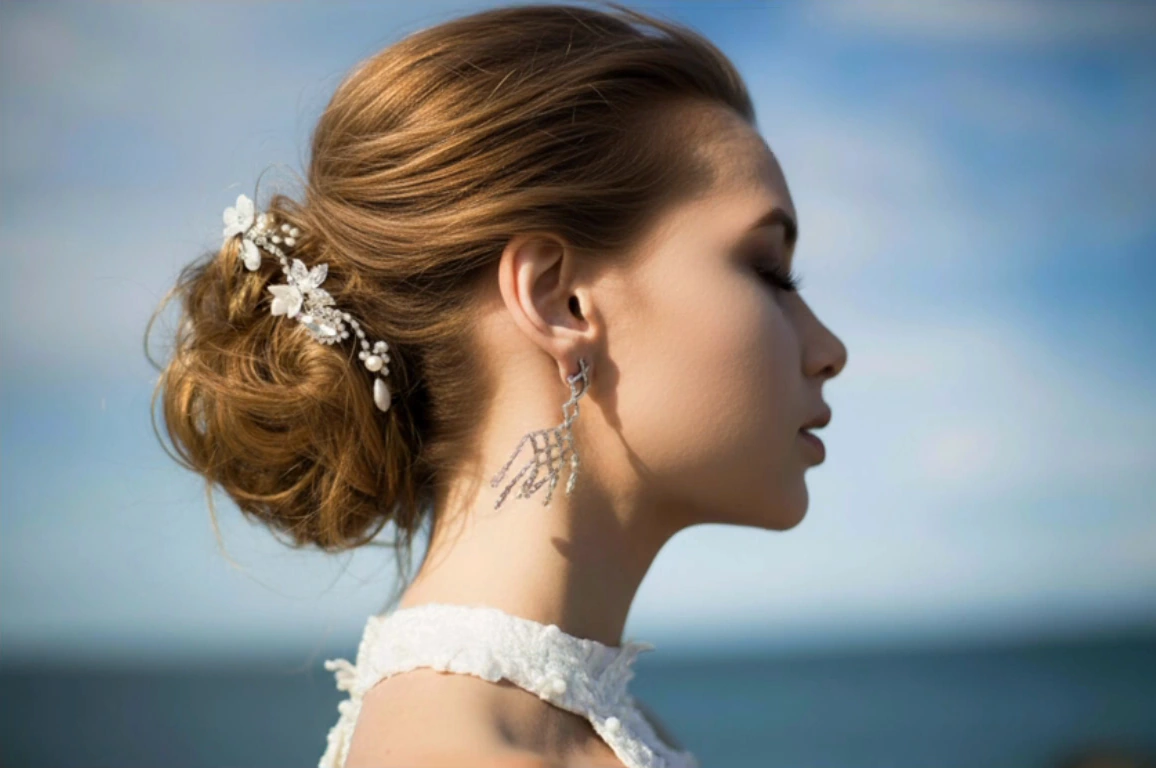
Remove distractions and refine bridal photographs in Photoshop with Nano Banana. A workflow for wedding photographers, retouchers and album designers.
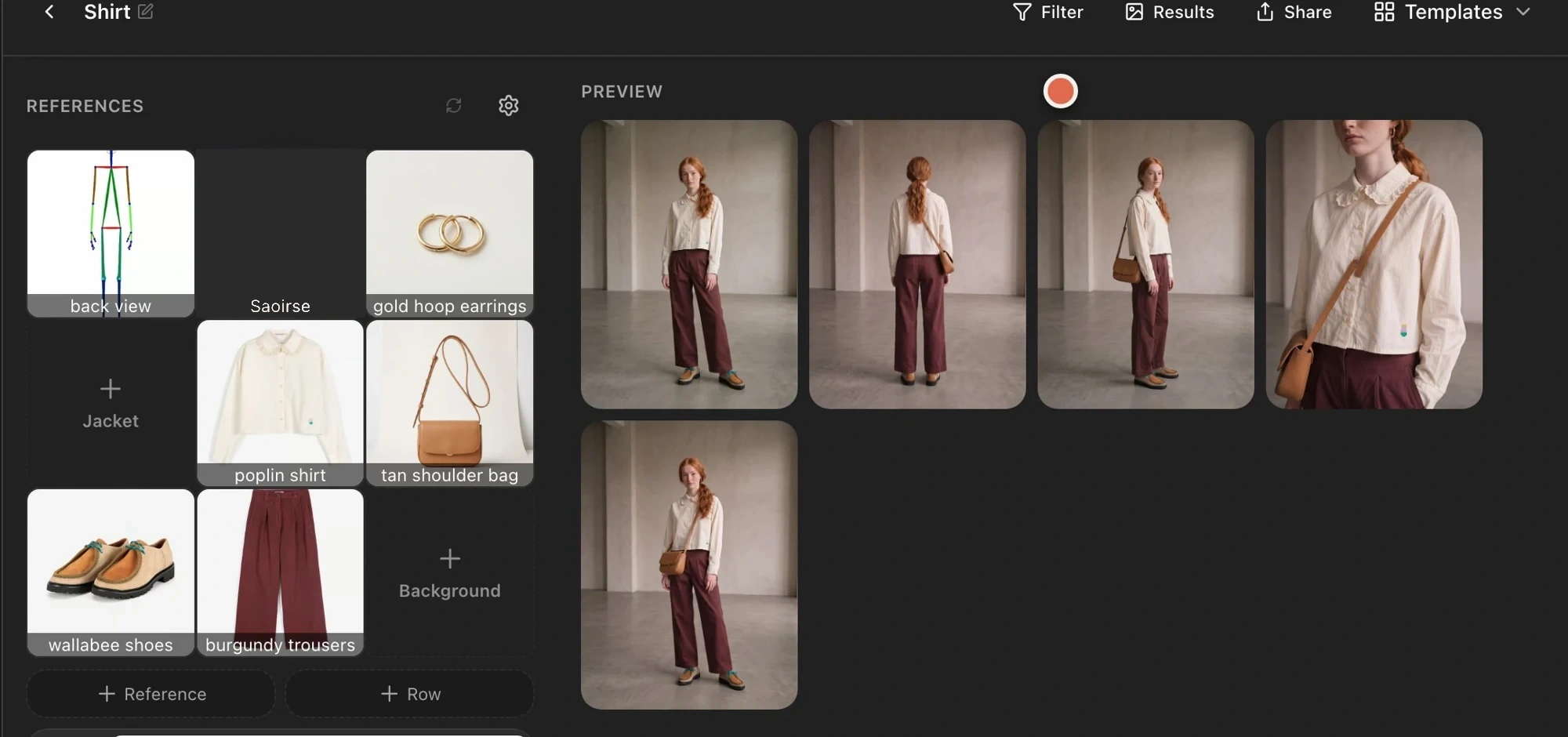
Use Astria lookbook templates to reuse your brand's shot choices, replace product references and generate separately styled outfits together.
Review your Astria template workflow: save prompts, replace product references, adjust one run, style multiple rows, and check garment accuracy.
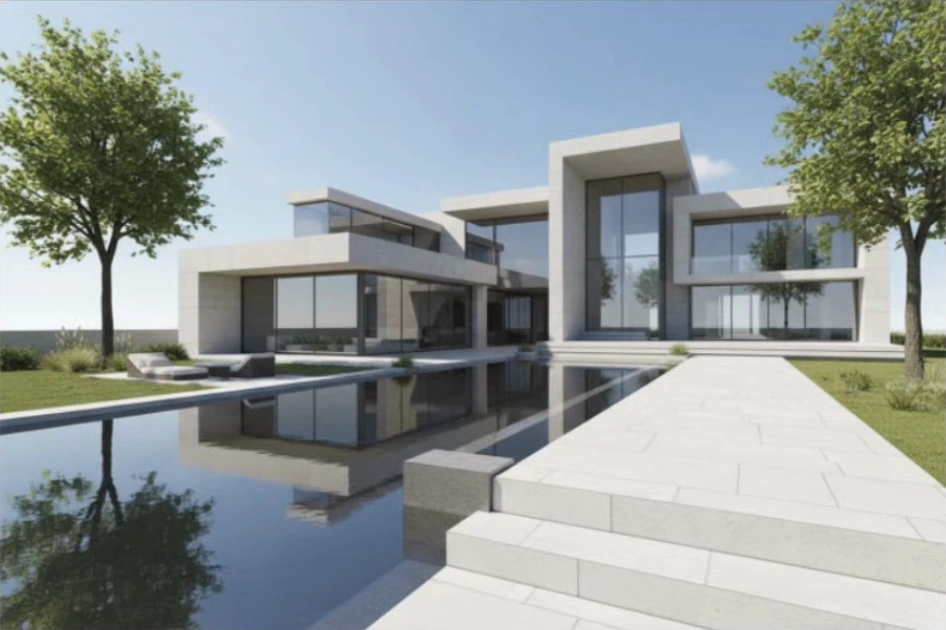
Turn sketches and exported model views into architectural concepts in Photoshop. Compare materials, interiors, lighting and development scenarios.