New: Astria Course Series 1+2 — E-commerce & Fashion with AI.Explore the course

Astria 课程第 1、2 部分 - 现已上线!

15 节短课:从第一套造型图到可重复使用的模板。
ASTRIA Academy / 第 1+2 系列
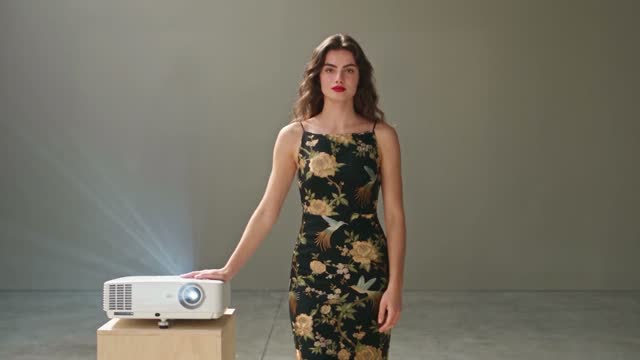
1.4 · 第一套 AI Lookbook

用 AI 创作电商与时尚影像

打造 Lookbook,让风格延续。

Astria Academy 全新课程将带你从品牌视觉方向出发,完成一整套 AI Lookbook,再学习如何将这些创作应用到更多产品。15 节短课,总时长约 24 分钟。

课程 / 两个系列

从第一张图到可重复使用的工作流程。

系列 1 · 制作第一套 Lookbook

研究真实品牌,建立共享工作区,挑选 AI 模特,并生成第一批图片。调整背景、灯光、造型与构图,审核整组作品后再扩大制作规模。

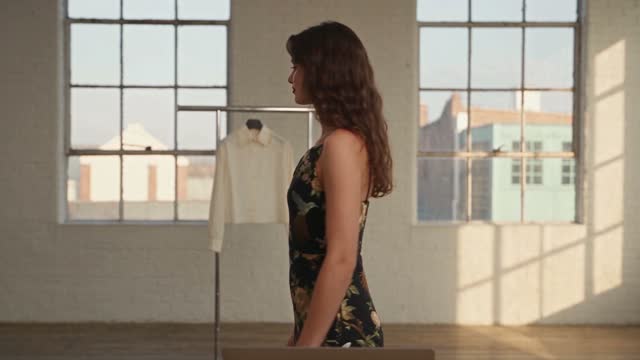
1.5 · 背景与灯光

1.5 · 背景与灯光

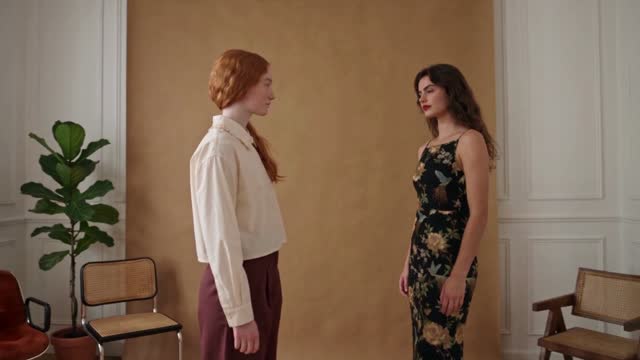
1.7 · 姿势与构图

1.7 · 姿势与构图

系列 2 · 将风格保存为模板

保存所选图片背后的提示词,将模板用于另一件产品,并同时准备多套造型。按服装类别整理模板,让拍摄视角适合每件产品。

2.2 · 创建模板

2.2 · 创建模板

15 节课 / 约 24 分钟

创建一次,学会重复使用。

先通过系列 1 建立视觉风格,再继续系列 2,将其应用于接下来的产品。

查看课程 →

课程视频提供英语和希伯来语版本。点击缩略图即可直接观看对应课程。

Keyboard map

Shortcuts

Press keys together unless alternatives are separated by “or”.

The map is always one shortcut away

Press it again to return to your work.

Everywhere

Move between Astria's main spaces.

Open or close this shortcut map
Alt+H
Go to Generate, or focus its prompt there
Alt+G
Go to Board
Alt+B
Open or close Agent
Alt+A
Switch workspace
Alt+W
Close the active overlay or menu
Esc

Composer

Choose a tool and generate without leaving the keyboard.

Open the image composer
Alt+I
Open the video composer
Alt+V
Choose a composer tool by position
Alt+1–5
Generate
⌘+Enter
Add a reference
@
Create a text reference from selected text
⌘+Shift+T

Generation gallery

Hover a generation or output first, then press a key.

Select or deselect an output
S
Like or unlike
L
Mention in Agent
Mor@
Rerun the prompt
R
Open its template
T
Archive or unarchive the prompt
Shift+A
Download the prompt images
D

Media viewer

Shortcuts available while viewing an image or video.

Previous or next result
←or→
Zoom out, return to result, or close
Esc
Open Mockup Lab for an image
M
Temporarily show the original in Darkroom
Hold \
Cycle through layers
C
Choose a layer directly
1–9

Contextual shortcuts only act when their surface is visible or selected.