New: Astria Course Series 1+2 — E-commerce & Fashion with AI.Explore the course

קורס Astria חלק 1 ו־2 - זמין עכשיו!

15 שיעורים קצרים: מהלוקבוק הראשון לתבניות לשימוש חוזר.
ASTRIA אקדמיה / סדרות 1+2
1.4 · לוקבוק AI ראשון

מסחר מקוון ואופנה עם AI

יוצרים לוקבוק. הופכים אותו לתהליך חוזר.

הקורס החדש של Astria Academy מלווה אתכם מהשפה החזותית של המותג ועד ללוקבוק AI מלא, ואז מלמד איך להשתמש בעבודה הזו למוצרים נוספים. 15 שיעורים קצרים, בכ־24 דקות.

הקורס / שתי סדרות

מהתמונה הראשונה לתהליך שאפשר לשחזר.

סדרה 1 · יוצרים את הלוקבוק הראשון

לומדים מותג אמיתי, מארגנים סביבת עבודה משותפת, בוחרים דמות AI ויוצרים תמונות ראשונות. מדייקים רקע, תאורה, סטיילינג ופריימינג, ובוחנים את התוצאה לפני שמרחיבים את הייצור.
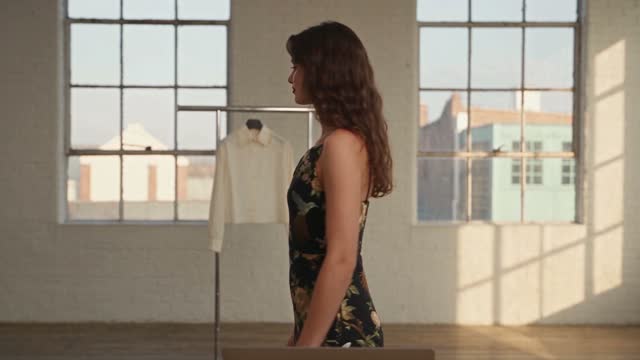
1.5 · רקע ותאורה

1.5 · רקע ותאורה

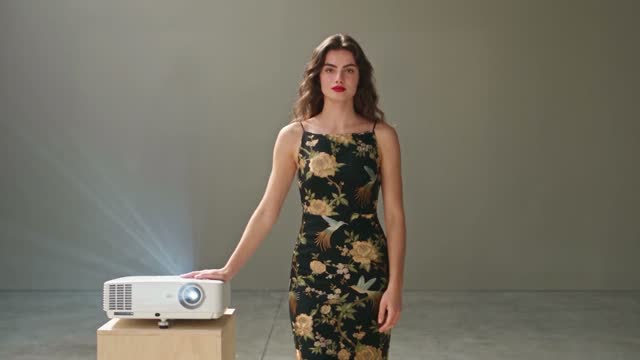
1.7 · פוזות ופריימינג

1.7 · פוזות ופריימינג

סדרה 2 · הופכים את הלוק לתבנית

שומרים את הפרומפטים שמאחורי התמונות שבחרתם, מריצים את התבנית על מוצר אחר ומכינים כמה לוקים יחד. מארגנים תבניות לפי סוג הבגד כדי להתאים את זוויות הצילום לכל מוצר.
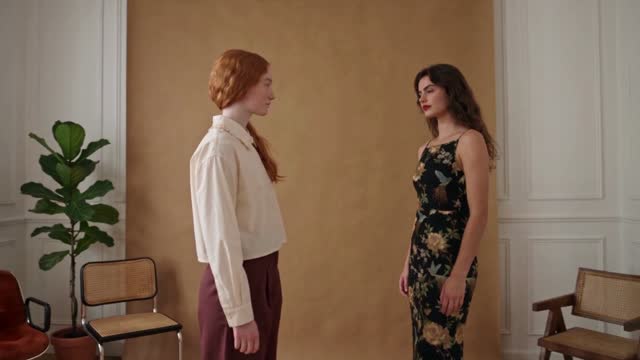
2.2 · יצירת תבנית

2.2 · יצירת תבנית

15 שיעורים / כ־24 דקות

יוצרים פעם אחת. לומדים להשתמש שוב.

התחילו בסדרה 1 כדי לבנות את הלוק, והמשיכו לסדרה 2 כדי להשתמש בו למוצרים הבאים.

לצפייה בקורס ←

סרטוני הקורס זמינים בעברית ובאנגלית. לחצו על תמונה ממוזערת כדי לצפות ישירות בשיעור.

Keyboard map

Shortcuts

Press keys together unless alternatives are separated by “or”.

The map is always one shortcut away

Press it again to return to your work.

Everywhere

Move between Astria's main spaces.

Open or close this shortcut map
Alt+H
Go to Generate, or focus its prompt there
Alt+G
Go to Board
Alt+B
Open or close Agent
Alt+A
Switch workspace
Alt+W
Close the active overlay or menu
Esc

Composer

Choose a tool and generate without leaving the keyboard.

Open the image composer
Alt+I
Open the video composer
Alt+V
Choose a composer tool by position
Alt+1–5
Generate
⌘+Enter
Add a reference
@
Create a text reference from selected text
⌘+Shift+T

Generation gallery

Hover a generation or output first, then press a key.

Select or deselect an output
S
Like or unlike
L
Mention in Agent
Mor@
Rerun the prompt
R
Open its template
T
Archive or unarchive the prompt
Shift+A
Download the prompt images
D

Media viewer

Shortcuts available while viewing an image or video.

Previous or next result
←or→
Zoom out, return to result, or close
Esc
Open Mockup Lab for an image
M
Temporarily show the original in Darkroom
Hold \
Cycle through layers
C
Choose a layer directly
1–9

Contextual shortcuts only act when their surface is visible or selected.