AI Team Photos: Consistent Headshots for Remote Teams
AI team photos can mean a grid of individual headshots or one group image assembled from separate portraits. Decide which you need first. For a company team page, matching individual headshots are easier to review, replace, and extend when someone joins. A group composite needs a separate layout and a check that every person still looks like themselves.
The short version: individual quality is table stakes now. Consistency across people is the part that is difficult, and it comes from fixing the treatment once rather than from everyone using the same tool.
AI team photo generator or individual headshots?
| What you need | Production approach | Approval check |
|---|---|---|
| Company website or staff directory | Generate one portrait per employee with the same treatment | Compare the complete grid, then let each person approve their likeness |
| Remote team group photo | Compose approved portraits into one designed group image | Check head count, relative scale, lighting, edges, and every face |
| Photo of a real company event | Use a photograph from that event | Confirm it represents the people and occasion shown |
For a group composite, approve people separately before arranging them together. Leave enough space around shoulders for the layout, match camera height, and use the same background and light direction. Keep the original portraits so a staffing change does not mean rebuilding every face. Describe the result as a composite where viewers might otherwise mistake it for a shared shoot or event.
A matching portrait grid is usually the practical first deliverable. It works on a small screen and lets you update one employee at a time.
Why team headshots break where individual ones don't
Put forty independently-generated headshots on one page and the failures are immediate, even to people who cannot name them:
- Light comes from the left on some faces and the right on others.
- Backgrounds are eleven different greys.
- Some portraits are cropped at the collarbone, others mid-chest.
- Colour grade drifts — warm here, neutral there.
- Depth of field varies, so some faces sit flat against the background and others float.
Each image is fine. The grid is not. And a visitor reads that grid in about two seconds, well before they read anyone's job title.
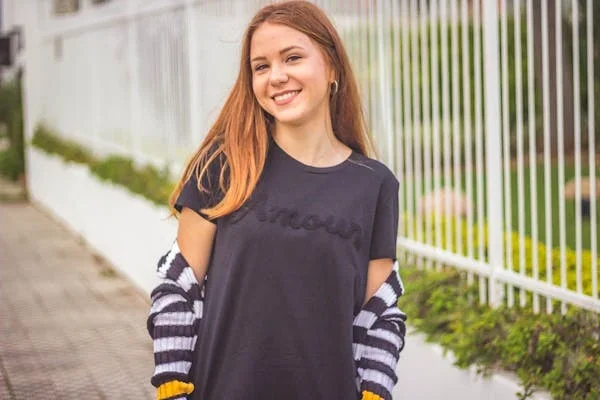
This is precisely what a photographer's day gives you almost for free: one room, one light setup, one lens, one afternoon. Consistency is a by-product of the constraint. Remove the constraint — everyone generating their own portraits, whenever, wherever — and consistency has to be engineered back in deliberately.
The treatment is the deliverable
The useful mental shift is that the reusable asset is not the images. It is the specification that produced them:
- Lighting — key direction, softness, fill ratio, whether there is a rim
- Background — an exact colour or an exact environment, not "a neutral studio"
- Crop and headroom — where the frame cuts, consistently
- Grade — warmth, contrast, saturation
- Wardrobe register — how formal, and how tightly enforced
- Expression and posture — the register of the whole set
Approve that once, with whoever owns the brand. Then every person runs through it. The first portrait establishes the direction; the fortieth still needs a likeness and quality check. And when someone joins in March, they run through the same specification and match the set — which is the failure mode of the photographer's day, where the new hire is visibly the person photographed against a different wall.
What each person needs to submit
Set the photo count from your chosen workflow before sending the brief. For a multi-photo submission, ask for:
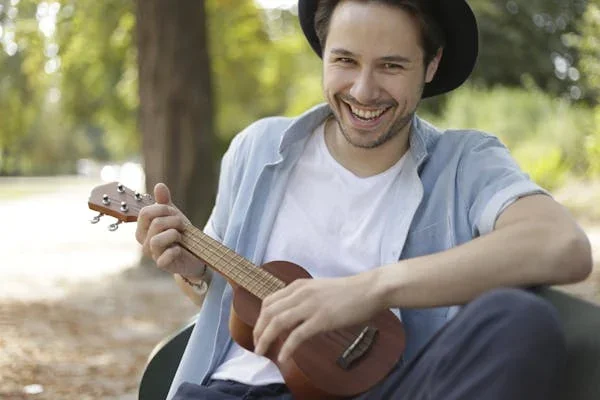
- Varied angles — front, three-quarter both ways, slight up and down
- Varied lighting — indoor, outdoor, window light; not all from one room
- Varied expressions — neutral, slight smile, full smile
- Face unobstructed — no sunglasses, no hands, no heavy shadow across the face
- Recent — matching current hair and any glasses they actually wear
What degrades results: sixteen frames from one burst, heavy filters, group photos cropped down to one face, low resolution, and photos that are all from the same three-month period five years ago.
Astria's headshot input guidance also emphasises varied poses, backgrounds, and lighting, with no other people mixed into the reference set.
Send the whole team this list once. The submission quality drives everything downstream, and it is the cheapest place to intervene.
Where these images do and don't work
Worth being straightforward, because overreach is what makes people distrust the whole category.
Works well: team and about pages, LinkedIn and internal directories, conference speaker bios, sales collateral, email signatures, press kits where a consistent set is expected.
Works with care: anything a journalist may republish as documentary. Some publications have policies about synthetic imagery. Ask before supplying.
Doesn't work: identity documents, anything requiring a verified likeness, and any context where the image asserts that a specific moment happened. That last one is not a technical limit — it is a straightforward honesty limit.
Handle consent properly
People are giving you photographs of their faces. That deserves more care than a calendar invite:
- Tell them what is being produced and where it will be published.
- Say how the source photos are stored and when they are deleted.
- Give a real opt-out that does not require an explanation, with a fallback that does not look like a punishment on the grid.
- Let each person approve their own final portrait. A likeness someone dislikes is worse than no portrait at all, so make personal approval part of delivery.
Distributed teams get the biggest practical win here — a photographer's day requires everyone in one city on one date, which for a remote company is either impossible or an expensive offsite. But the consent conversation gets more important when there is no shoot day, because there is no moment where someone can simply decline to stand in front of the camera.
A team photo brief you can reuse
Use this as a starting specification, then test it on the pilot:
- Destination: company team page, square display crop, with an uncropped master retained.
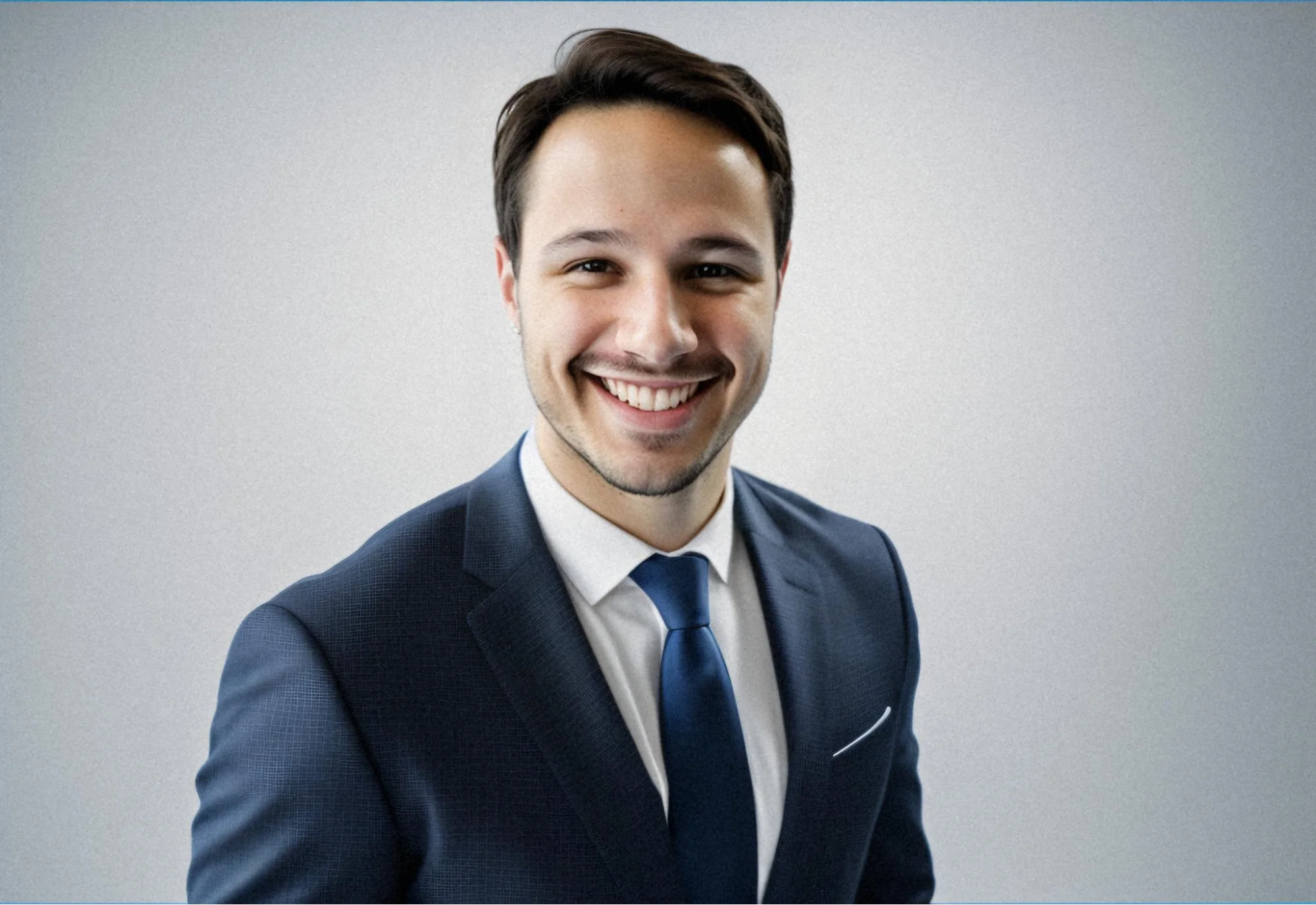
- Frame: head and shoulders, eyes at the same height, space above the hair and beside both shoulders.
- Treatment: plain light-grey background, soft light from camera left, neutral colour grade.
- Wardrobe and expression: agreed level of formality, natural expression, current hairstyle and usual glasses.
- Approval: one production owner checks the grid; each employee checks their own likeness before publication.
- Delivery record: employee name, approved file, treatment version, approval status, and planned usage.
Do not use the prompt as the identity reference. The employee's submitted photos supply the likeness; the brief supplies the photographic treatment. The distinction is explained in AI headshots and portraits without training a model.
Keep the written treatment and approved examples for new hires, and check the provider's retention settings separately. Saving a brief does not mean an uploaded face model remains available indefinitely. Astria's storage FAQ describes its default fine-tune retention and extension option.
A sensible sequence
- Decide the treatment with whoever owns the brand — lighting, background, crop, grade, wardrobe register. Approve it on two or three people first.
- Send one submission brief to everyone, with the photo guidance above and the consent details.
- Run a pilot of five, deliberately varied — different skin tones, hair, glasses, ages. Fix the treatment against the hardest cases, not the easiest.
- Run the team, then let each person approve their own.
- Keep the treatment for new hires. This is the part that pays back, and the part most companies forget to ask about.
The same logic — approve a treatment once, run many subjects through it, keep it for later — is what the AI fashion photoshoot guide applies to products instead of people. It is the same idea with a different variable.
Frequently asked questions
Can AI make a group team photo from separate portraits?
A group composite can be assembled from separately approved portraits. Match camera height, lighting, crop, and relative scale, then check every person's likeness in the finished layout. Keep the individual files so the team image can be updated later.
Can AI headshots look consistent across a whole team?
Yes, but only if consistency is designed in. Consistency comes from fixing lighting, background, crop, and grade as a single approved treatment and running every person through it — not from everyone using the same app.
How many photos does each person need to submit?
Follow the input requirements of the workflow you choose. For a set of reference photos, use recent, unfiltered images with varied angles, lighting, and expressions. Each should show one person clearly; do not submit the whole team as one training subject.
What does a team headshot session cost compared to a photographer?
Traditional corporate headshot sessions are commonly quoted per person or per day plus retouching, and require scheduling everyone into one location. AI portraits can be produced from separate submissions, reducing the need to bring a distributed team together. Include coordination, revisions, and approval time in the comparison.
How do you handle new hires after the initial batch?
This is the main advantage of storing the treatment rather than booking a session. A new hire runs through the same approved setup months later and matches the existing set, instead of being visibly the person photographed on a different day.
Should employees be told their headshots are AI-generated?
Yes. People are submitting photos of their own faces, and they should know what is being produced, where it will appear, how the source images are handled, and that they can opt out. Treat participation as consented rather than assumed.
For current Astria rates and billing terms, see Astria pricing.