 Astria
Formatos automatizados - Skills de Claude
Automatiza Day in a Life, Match Cut, Song y Music Duo con Astria en Claude. Mismo formato, nuevas referencias, tu próxima película. ASTRIA ASTRIA × CLAUDE...
Novedades de Astria
Anuncios de productos, flujos de trabajo creativos e ideas del equipo de Astria.
Automatiza Day in a Life, Match Cut, Song y Music Duo con Astria en Claude. Mismo formato, nuevas referencias, tu próxima película. ASTRIA ASTRIA × CLAUDE...
Define el estilo una vez. Deja que Claude prepare los siguientes productos con Astria. ASTRIA CLAUDE CODE × ASTRIA TU PRÓXIMO FLUJO DE PRODUCCIÓN GPT Image...
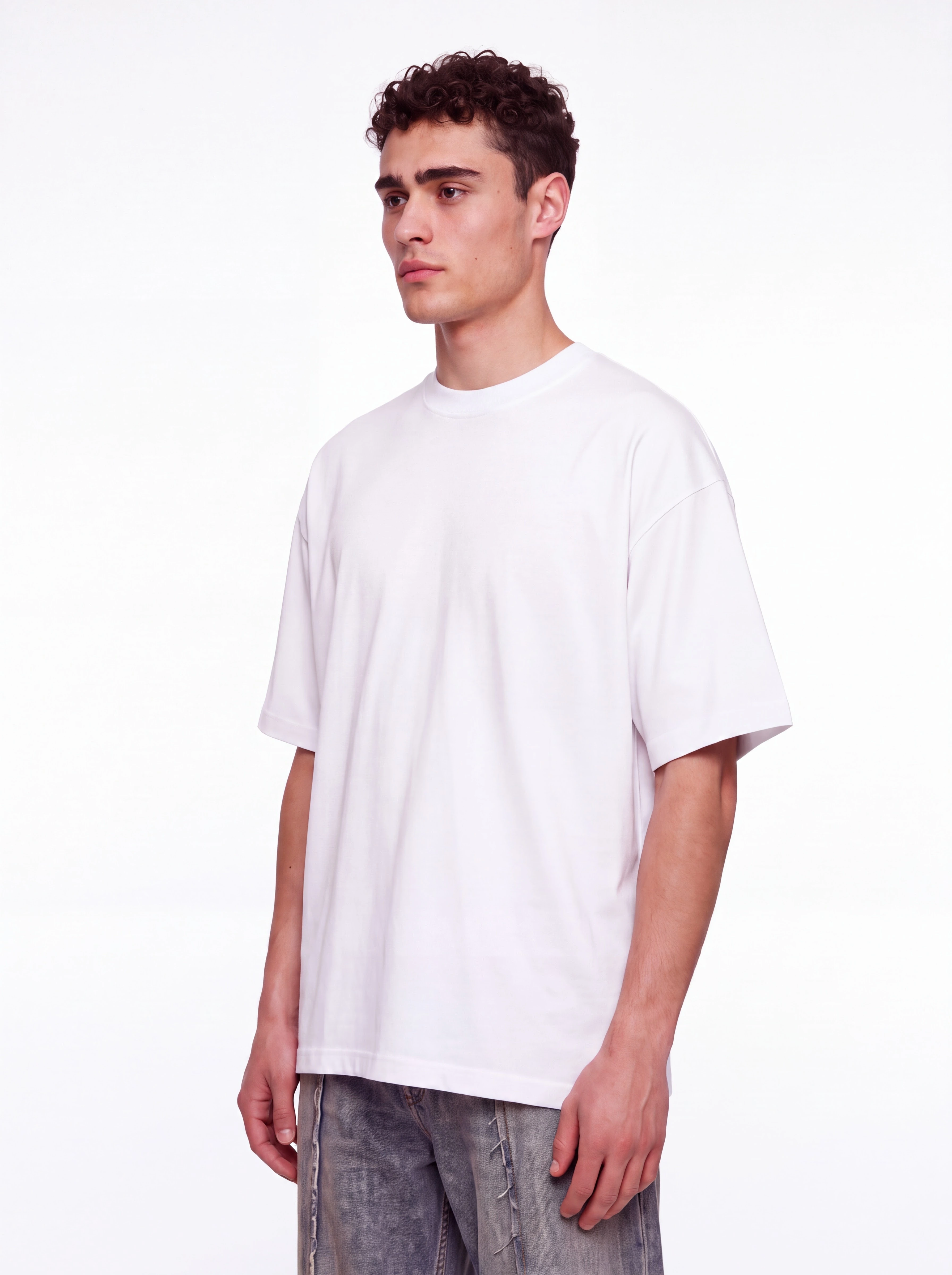
Un estampado FIELD STUDIES y un juego de cama a juego: de la superficie lisa al montaje estampado. ASTRIA COMERCIO ONLINE / MOCKUP LAB MODA Y TEXTILES PARA...
Activa Lynx en el engranaje. Los detalles del producto se afinan automáticamente al generar. ASTRIA Te presentamos Lynx Actívalo antes de generar Engranaje →...
Identity para rostros, ediciones dibujadas precisas, música original y grano de película en movimiento. ASTRIA NOVEDADES · 21 OCT 2026 DE LA PERSONA A LA...

15 lecciones breves: del primer lookbook a plantillas reutilizables. ASTRIA Academy / Series 1+2 Comercio electrónico y moda con IA Crea el lookbook....
Nuevas herramientas de Darkroom, revisión colaborativa, mejores exportaciones y Astria en tu asistente de IA. ASTRIA NOVEDADES · 11 OCT 2026 DE LA REFERENCIA...
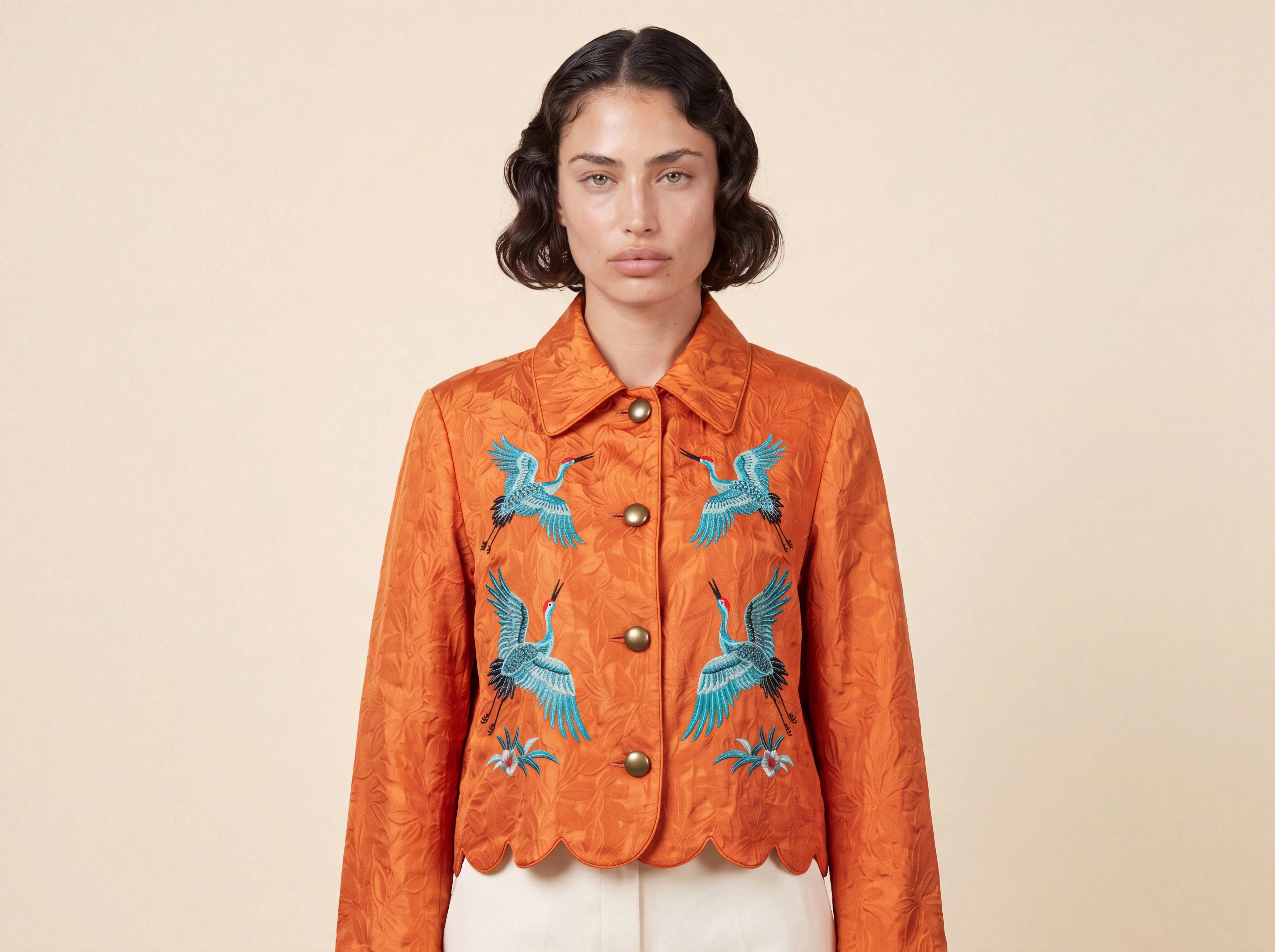
Prueba tu próximo retrato, escena de producto o concepto de marketing con referencias. ASTRIA NUEVO MODELO · OCTUBRE 2026 YA DISPONIBLE Descubre Nano Banana...
FLUX 3 IMAGE / YA EN ASTRIA No rehagas la imagen por un cambio tardío de dirección creativa. FLUX 3 ya está disponible en Astria. Combina hasta diez...
Tu última solicitud desde Photoshop usó una versión anterior a v2. Actualiza a la versión estable actual. ASTRIA Hola, Detectamos que tu solicitud más...
Paga con stablecoins en Stripe Checkout, además de WooCommerce, mejores mockups, iluminación, chats privados, Compare y Photoshop v2. ASTRIA RESUMEN SEMANAL...
Añade un patrón, haz clic en la superficie y exporta un PNG adaptado sin salir de la imagen. ASTRIA NOVEDAD · MOCKUP LAB YA EN ASTRIA Tu diseño, sobre...
Un panel nuevo, colocación más estable, color más fiel, mejores referencias y separación en capas editables. ASTRIA PLUGIN DE PHOTOSHOP / VERSIÓN 2...
Importación y exportación de Shopify, comparación de imágenes, selección de rangos, chats multiusuario, cursores en directo y chat de voz. ASTRIA Septiembre...

Elige Sunburst para precisión o Flare para velocidad. Ambos generan y editan hasta 4K con un máximo de 16 referencias. ASTRIA Lanzamiento de modelos / 09.26...

Muse aporta generación y edición de imágenes con razonamiento; MAI Flash ofrece menor latencia para una producción rápida. Ambos ya están disponibles. ASTRIA...

Generate, plantillas y espacios de trabajo en una sola página. Importación desde Google Drive. Chats del Agente para todo el equipo. Anuncios...